When was the last time you upgraded the major OS version of a business system running on EC2?
Ask this question, and the response from many teams is: "It's working, so we haven't touched it." That is a valid assessment in itself; a functioning system should not be touched without reason. The problem is that the decision not to touch it is only valid until the support deadline, and that deadline arrives regardless of your company's schedule.
In September 2026, AWS released a public preview of Amazon Linux 2027, the first major version upgrade for Amazon Linux in four years. Because it is in preview, this is not yet about production use. However, this release marks the starting point for counting down deadlines for environments running on AL2023.
Distinguish between the 2027 standard support end and the 2029 final deadline
Support for Amazon Linux 2023 runs until June 30, 2029, but this timeframe is divided into two distinct periods.
| Stage | End date | Provided scope |
|---|---|---|
| Standard support | June 30, 2027 | Quarterly minor version updates |
| Maintenance support | June 30, 2029 | Security patches and critical bug fixes only |
Past June 2027, new packages and feature updates will no longer arrive. Security fixes will continue, so it will not become dangerous overnight, but if new capabilities are required, alternative installation methods or migrating the OS may become necessary.
If you plan around 2029 as the deadline, your flexibility will actually become constrained starting in mid-2027. Manage 2027 as an evaluation milestone and 2029 as OS end-of-support separately. This does not mean every environment must migrate by 2027. Also check deadlines for individual packages using dnf supportinfo --show installed.
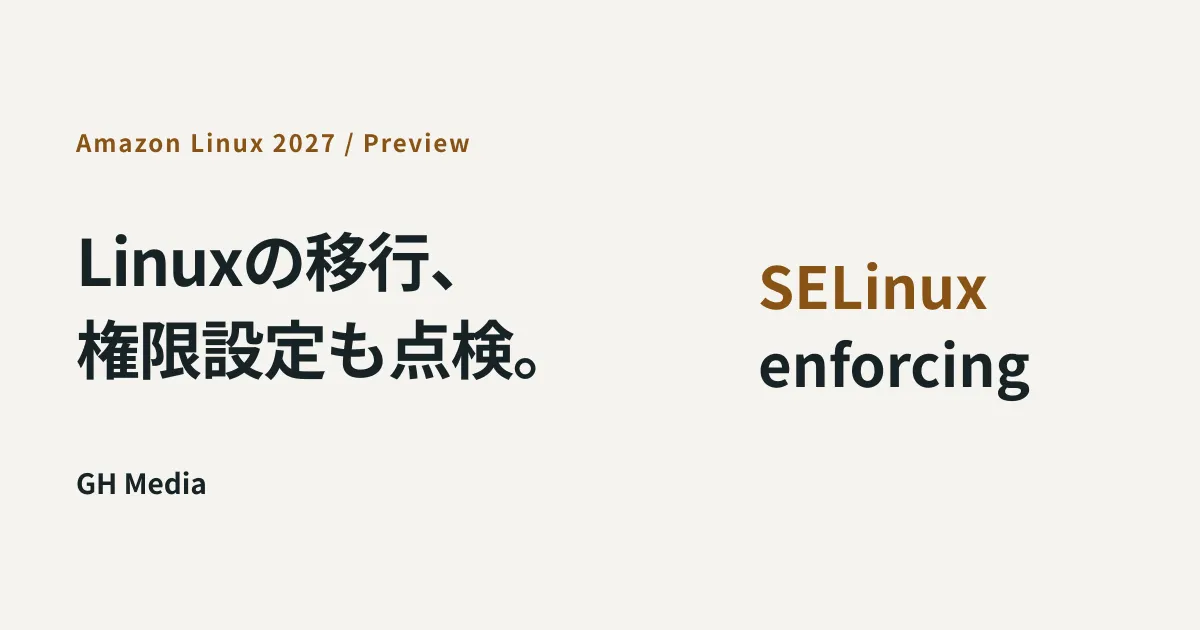
SELinux defaults to enforcing mode
Among the behavioral changes in AL2027, this is the one that most impacts existing applications.
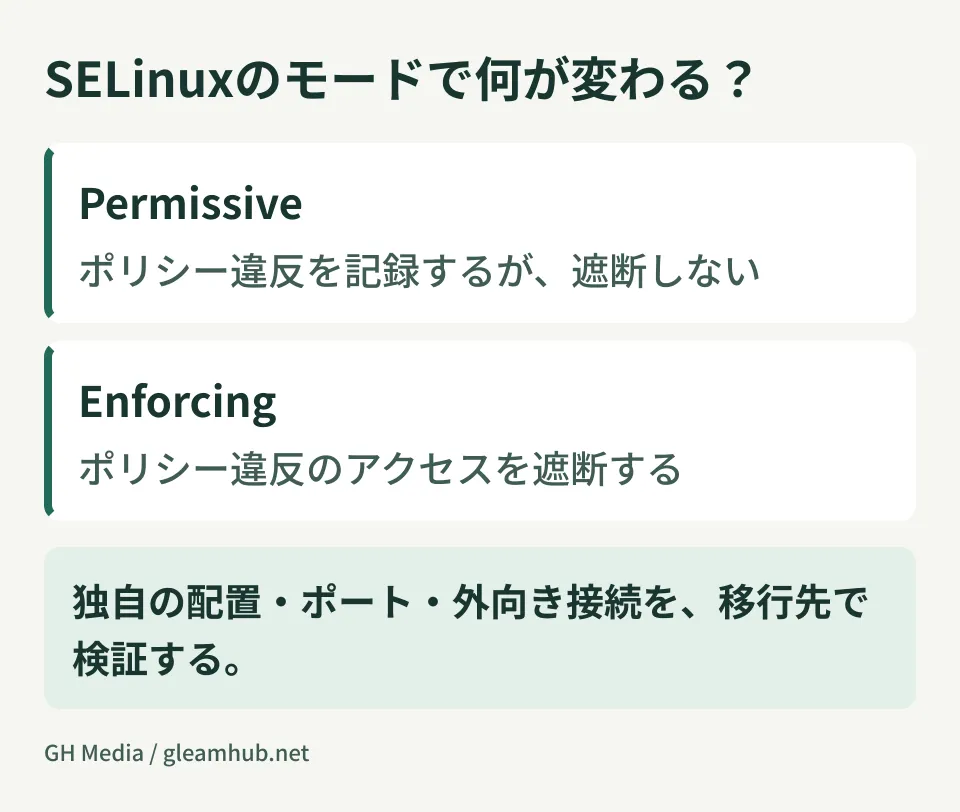
In AL2023, SELinux was in permissive mode by default. It detected actions violating policy, but did not actually block them. In AL2027, this switches to enforcing mode, and actions that violate policy are actively blocked.
Applications that operated on the assumption of permissive mode may require policy adjustments during migration. To avoid stopping business operations during adjustments, you can temporarily revert to permissive, but that leaves the migration incomplete.
Where things tend to break
What gets flagged by SELinux are parts that deviate from standard configurations. In practice, the following cases frequently cause issues:
Applications writing files to custom directories. Writing outside /var/www or /var/log, such as to /opt/自社アプリ/data, may be denied depending on the combination of the file's SELinux label and the process's domain. Being a custom path does not guarantee a denial, however.
Services listening on non-standard ports. You cannot judge this by how well-known a port number is. Check whether the service's domain is permitted to bind to the type assigned to that port.
Integrations that directly read or write files belonging to another process. Architectures that cross process boundaries—such as batch jobs directly accessing files generated by web applications—are particularly prone to being affected.
All of these are areas that were previously judged as "fine because they work." What breaks during migration is rarely the newly built components, but rather the parts that have run quietly for years.
Changes beyond SELinux
There are other changes you should keep in mind when estimating the scope of migration testing.
- Kernel upgrades to the 7.1 series. Monitoring agents and drivers dependent on older kernel modules will need verification to ensure compatible versions are available
- Package management switches to DNF5. Automated provisioning scripts may fail due to differences in option syntax
- Cryptographic processing centers on AWS-LC, with post-quantum cryptography support introduced. Applications dependent on custom-built OpenSSL should be checked
- Built assuming x86-64-v3. If your workload was intended to run on older instance type generations, instance generations will need to be upgraded as well
When maintenance is outsourced, whether these items fall within the scope of your contract varies. Now is the time to confirm what is covered in your maintenance agreement, working backwards from the deadline.
Order of verification
What you should do during the preview stage is not the migration itself, but gauging how much effort the migration will require.
- List active OS versions and their standard support end dates. AL2 and AL2023 often coexist, so an inventory is needed first
- Enable SELinux in permissive mode and collect warnings on AL2023. The logs generated here represent candidates that would be blocked on AL2027. You can gather them in your current environment before migrating
- Categorize flagged areas by whether they can be resolved via configuration changes or require application fixes. The outcome of this triage directly becomes your migration workload
- Spin up just one server with the highest warning count in a preview environment. Validating every machine is not yet necessary
Step two is crucial. Audit logs on AL2023 can be used for an early inventory. However, because the OS and policies differ, this does not replace testing on AL2027. Collecting a few weeks of denial logs in audit logs (/var/log/audit/audit.log) allows you to organize denial candidates in your current setup.
Common pitfalls
A whole year can pass while thinking, "It's just a preview, we'll think about it next year." Because standard support ends in June 2027, considering the time needed for testing and remediation, 2026 is the benchmark for getting started. Just like migrating languages or runtimes, your options shrink as the deadline nears.
Do not work around issues by disabling SELinux. When rushing a migration, teams often decide to pass checks with SELINUX=disabled, but doing so discards one of the primary reasons to choose AL2027. Introduce an interim phase where you run in permissive mode while tuning policies.
Eliminate configuration discrepancies between staging and production environments first. It is common to find that SELinux was disabled only on staging instances. In that state, even if tests pass, the system will break in production.
What to do next
List the OS versions of running EC2 instances alongside their standard support end dates. Any row dated earlier than June 2027 should be included in your plan for this fiscal period.
Next, verify whether denial logs are appearing on servers where SELinux is active. Areas already producing log entries serve as priority candidates for migration verification.
At GleamHub, we provide consultations on development, AI, and automation to assist with assessing the impact of OS migrations on existing systems, organizing SELinux policies, and designing maintenance workflows that incorporate lifecycle management. Because the approach depends on your configuration and operational structure, scope is estimated individually. Please reach out via Contact Us.