
Google Workspace253 articles
Deployment, sharing, permissions, and daily operations. A collection of articles related to Workspace.
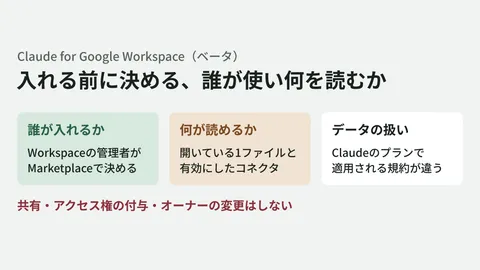
Claude for Google Workspace: what admins should decide before rollout
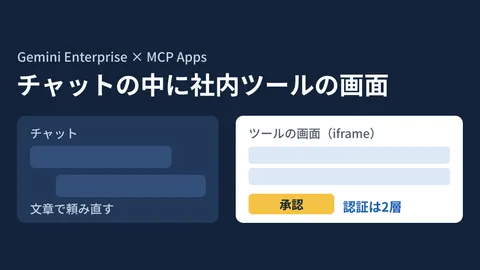
MCP Apps in Gemini Enterprise: what to decide before connecting internal tool screens

Chat API replaceCards: update cards on posts after the fact (Developer Preview)

Posting Markdown as-is with the Chat API: less format conversion for notification bots
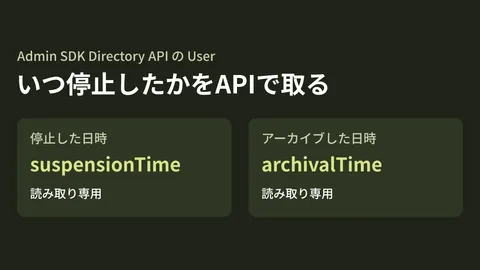
Getting departed employees' account suspension dates via API: a new Admin SDK field
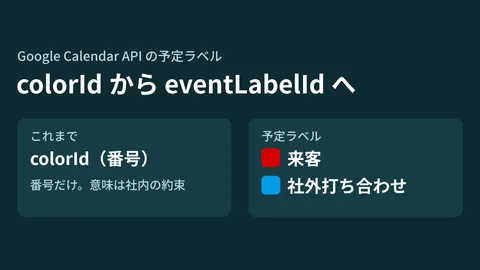
Calendar API event labels: what to check before moving off colorId
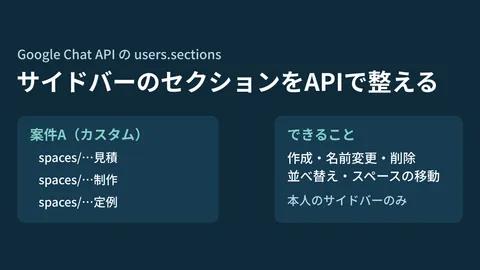
Creating sidebar sections with the Chat API: specs and limits

Switching presence automatically with the Chat API: conditions for muting notifications
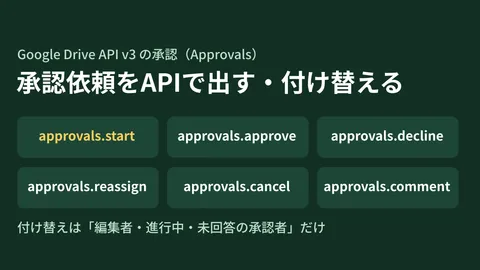
Automating approval requests with the Drive API: conditions for starting and reassigning
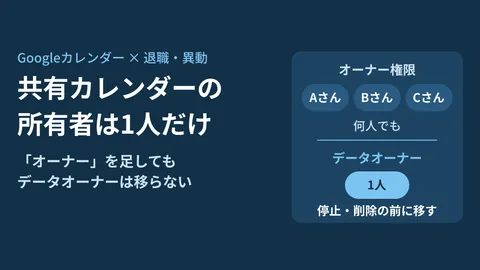
Conditions for transferring Google Calendar ownership before an employee leaves
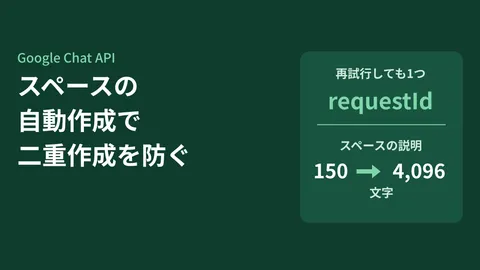
Creating spaces automatically with the Chat API: using requestId to prevent duplicates

Dedicated Workspace accounts for AI: what admins should decide first

Taking inventory of shadow AI with the Chrome Management API

Google Groups: checking who can add external members via the API

Message search and pinning in the Chat API: conditions for using them in internal tools

Chat API can now return sender email addresses: conditions and caveats
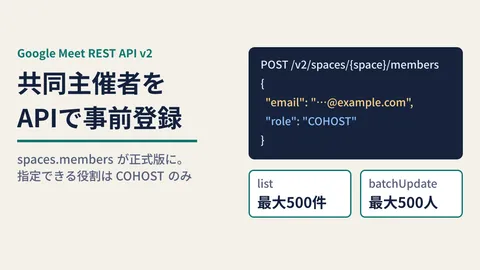
Pre-registering co-hosts with the Meet API: caveats for the v2 GA release
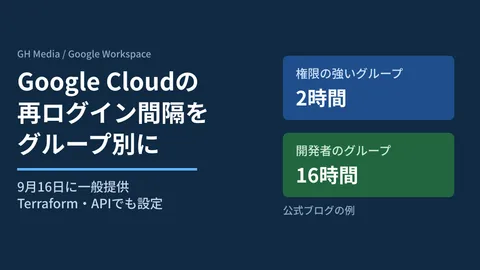
Setting Google Cloud reauthentication intervals by group
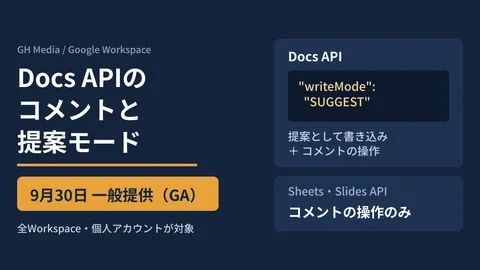
Docs API comments and suggestion mode reach GA: what to check before automating
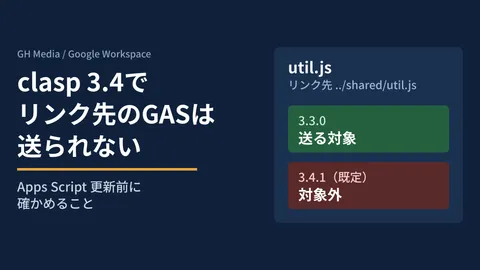
clasp 3.4 no longer pushes symlinked GAS files — what to check before updating

Claude's Gmail and Drive connectors: approving sends and shares
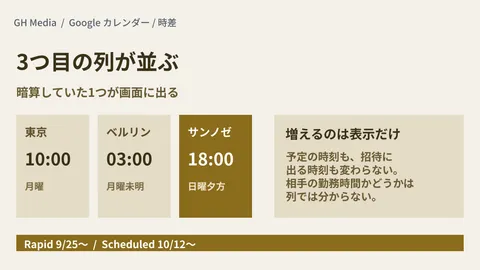
Google Calendar gets a third time zone — one less mental conversion
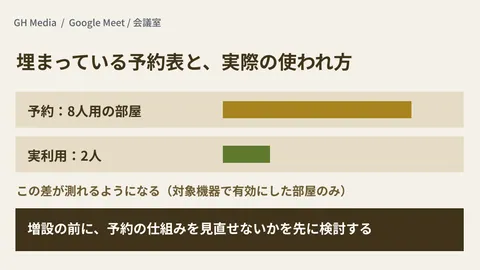
Measuring "we don't have enough meeting rooms" — occupancy counting comes to Android Logitech devices too
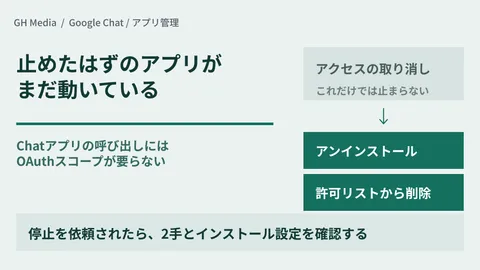
"Revoke access" doesn't stop Chat apps — the two steps you need

Importing PowerPoint while keeping it encrypted — conversion to Slides is now in beta
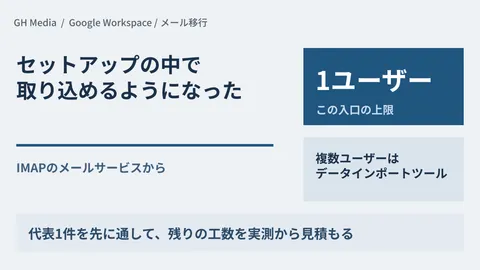
IMAP email import is now part of setup — limited to one user
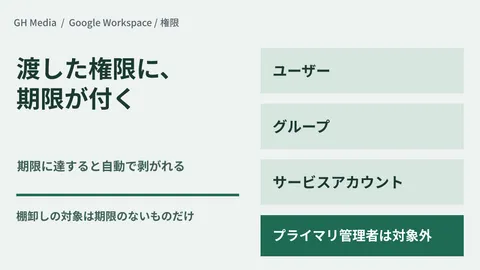
The admin privileges you lent out don't come back — temporary roles are the answer
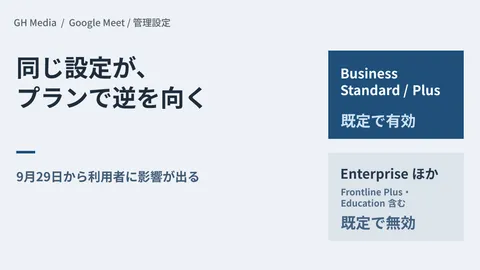
Google Meet's automatic notes: the default changes on September 29

Conversations at client sites turn straight into material for internal notebooks
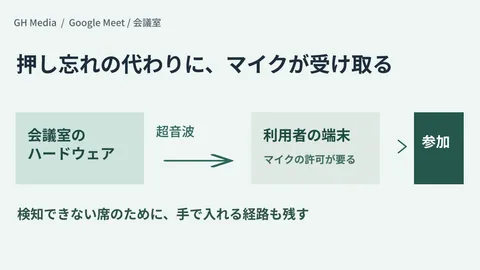
Automatic room check-in runs on ultrasound: what to decide before using the microphone
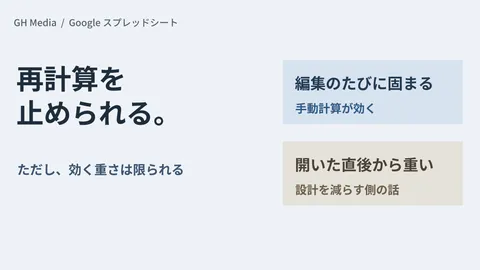
Recalculation in Google Sheets can be paused: pin down what is making the sheet slow
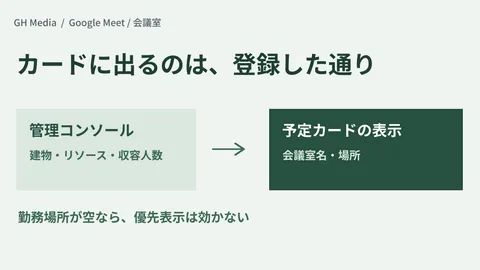
Meeting rooms now show on the Meet homepage — the Admin console decides what appears
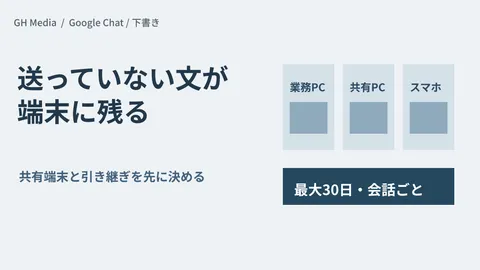
Google Chat drafts remain on every device — what to check for shared devices
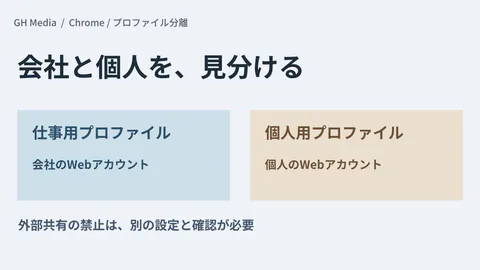
Separating Work and Personal Profiles in Chrome — Reducing Operational Mistakes Through Profile Separation

Adding Purchased Books to Gemini Notebook — Checkpoints Before Sharing Internally
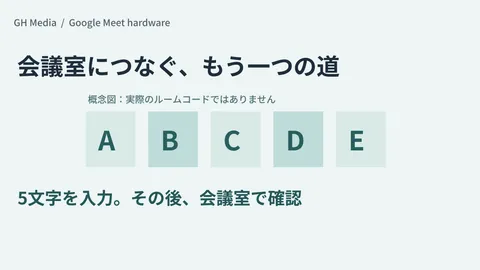
When a Google Meet Room Cannot Be Found — Connecting via a 5-Character Room Code

When AI Summaries Don't Appear in Gmail Search — Checking Language, Subscription, and Admin Settings
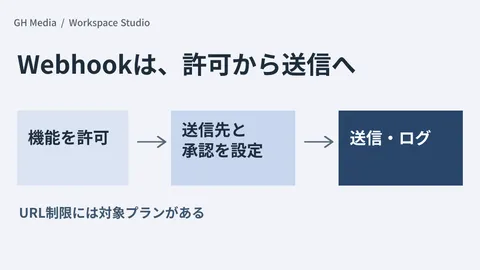
Before Permitting Workspace Studio Webhooks — Determining Destinations, Approvals, and Logs

Gemini Third-Party Connectors Enabled by Default — Reviewing Usage Permissions and Connection Authorizations Separately
Showing 1–40 of 253 articles
Turning concepts into design.
Development Environment↔AI Models
Access Permissions · Data · Logs
Building an environment
to use AI internally
Internal data, development environments, and access permissions. Advancing adoption concepts into concrete technical reviews.
Compare approachesOrganize implementation requirementsTest on a small scale
Read feature 
Google Workspace
administration basics
Resolving administrator uncertainties from rollout to sharing and permissions.
Pricing & rolloutSharing rulesPermissions & security
Read feature 
Getting started with AI
at work
Selecting tasks to delegate, experimenting on a small scale, and operating safely.
How AI worksTesting in workflowsSafe usage
Read feature 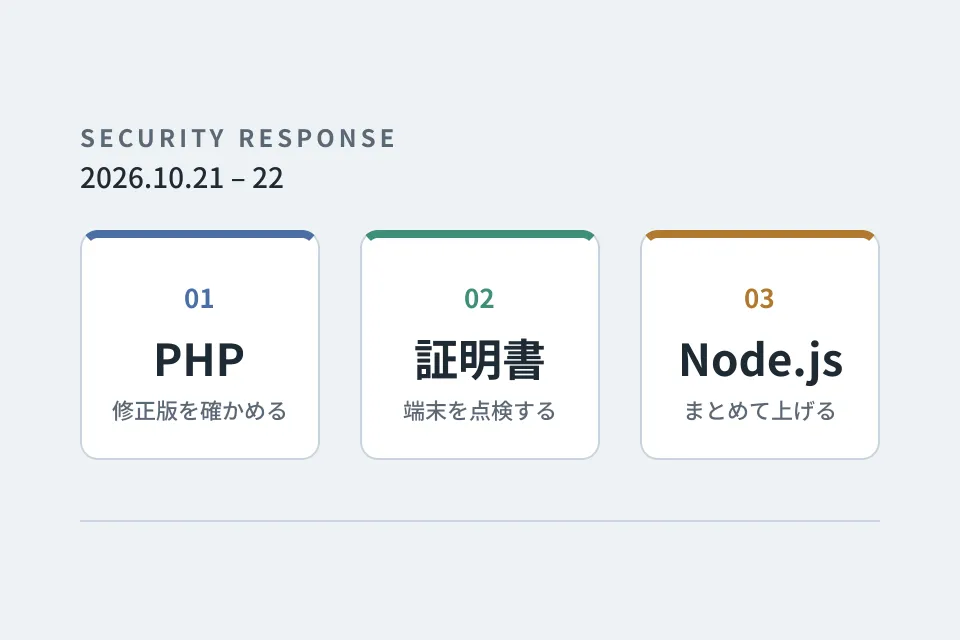
Looking back at
emergency vulnerability responses
PHP, certificates and Node.js. A record of the responses that overlapped on October 21–22, 2026, down to the steps we verified and the pitfalls we hit.
Checking providers' responsesInspecting certificates on devicesUpgrading multiple repositories at once
Read feature 
Improvement notebook for
growing your website
Forms, usability, and updates: tackling post-launch improvements one step at a time.
Form optimizationUI refinementsUpdates & operations
Read series