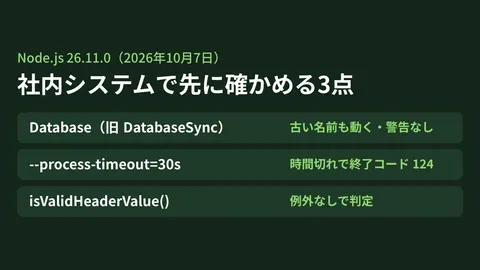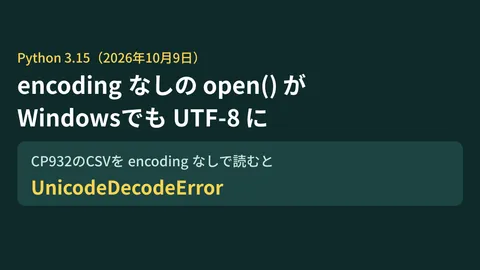
In core system maintenance, this type of issue is the slowest to be reported: Zero errors appear in application logs. Batch jobs run to completion. Yet the resulting numbers differ from last month.
Those who notice are rarely the developers; usually, it is accounting or sales personnel who review the numbers monthly. An investigation typically begins when someone asks, "Looking at last week's daily breakdown, why is Sunday showing as zero?" Tracing back the cause eventually points to a database version upgrade performed two months prior. By that time, multiple reports containing inaccurate figures have already been distributed externally.
The DATE type changes introduced in MySQL 9.7 fall squarely into this category of updates.
What changed
In MySQL 9.7, the internal handling of DATE values by the server was rebuilt. The architecture underwent a refactoring that replaced the shared datetime structure with a dedicated DATE representation. Along with this change, several adjustments were made around date functions such as TIMEDIFF(), FROM_DAYS(), DAYNAME(), and ADDDATE().
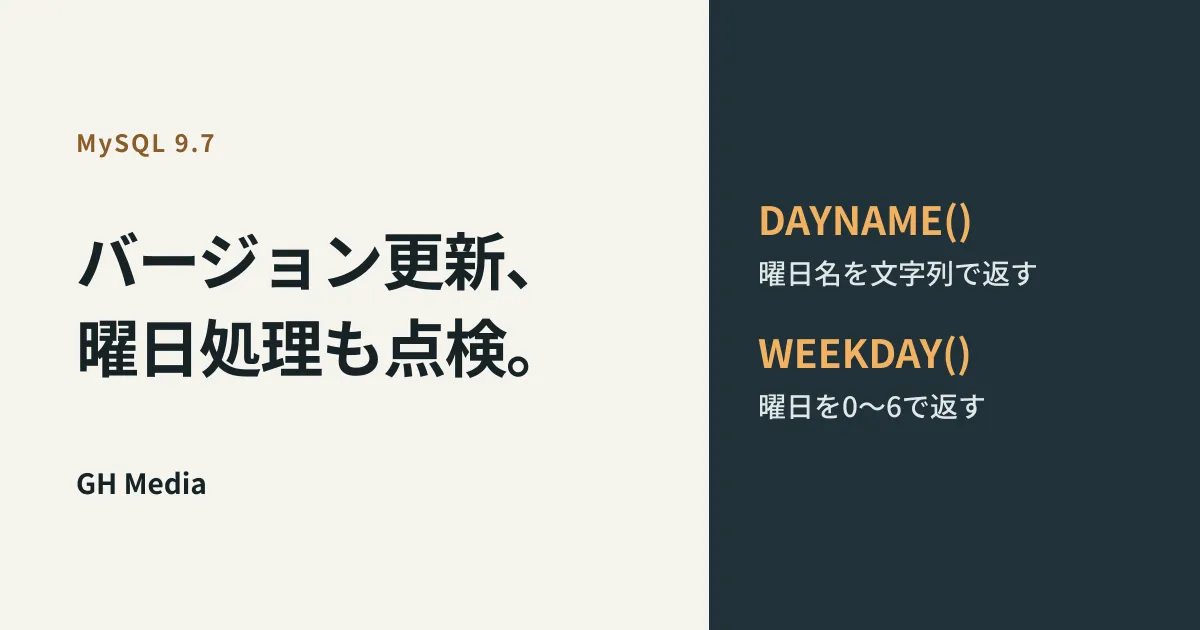
An analysis article on gihyo.jp cites the example of DAYNAME() to illustrate differences when comparing MySQL 8.4.11 and 9.7.2. While DAYNAME() is intended to return a weekday name string such as "Sunday", its behavior when evaluated in numeric contexts changed.
| Approach | MySQL 8.4.11 | MySQL 9.7.2 |
|---|---|---|
Treating DAYNAME(日付) as a number | Equivalent to WEEKDAY() (6 for Sunday) | 0 |
What could previously be used as a weekday index in 8.4 now evaluates to 0 in 9.7, reflecting the standard conversion of a non-numeric string to a number. In terms of correctness, 9.7's behavior is more consistent. If a weekday index is needed, explicitly use WEEKDAY() or DAYOFWEEK() rather than relying on implicit string-to-number casting of weekday names.
The issue is not that the behavior became cleaner. The issue is that in SELECT arithmetic, computations can yield altered results without interrupting execution. Queries succeed, row counts remain unchanged, and aggregate totals silently shift.
Why these issues slip past regression tests
Automated test suites at many organizations fail to catch this type of change, for three reasons:
Verification only checks for lack of failure. Tests that merely check whether batch jobs complete successfully or whether an API returns a 200 status code all pass.
Comparisons rely solely on record counts. Since "1,000 records processed" remains unchanged, shifts in the underlying values go unnoticed.
Test datasets lack depth. Small fixtures containing a few dozen rows without weekday distributions will never manifest symptoms where only Sundays behave unexpectedly.
The third point is especially prone to being overlooked. Date-related bugs typically surface at edge cases: month-ends, leap years, fiscal year boundaries, or public holidays. Even when test data is extracted from production, if the sampled timeframe lacks those boundary cases, the result is the same.
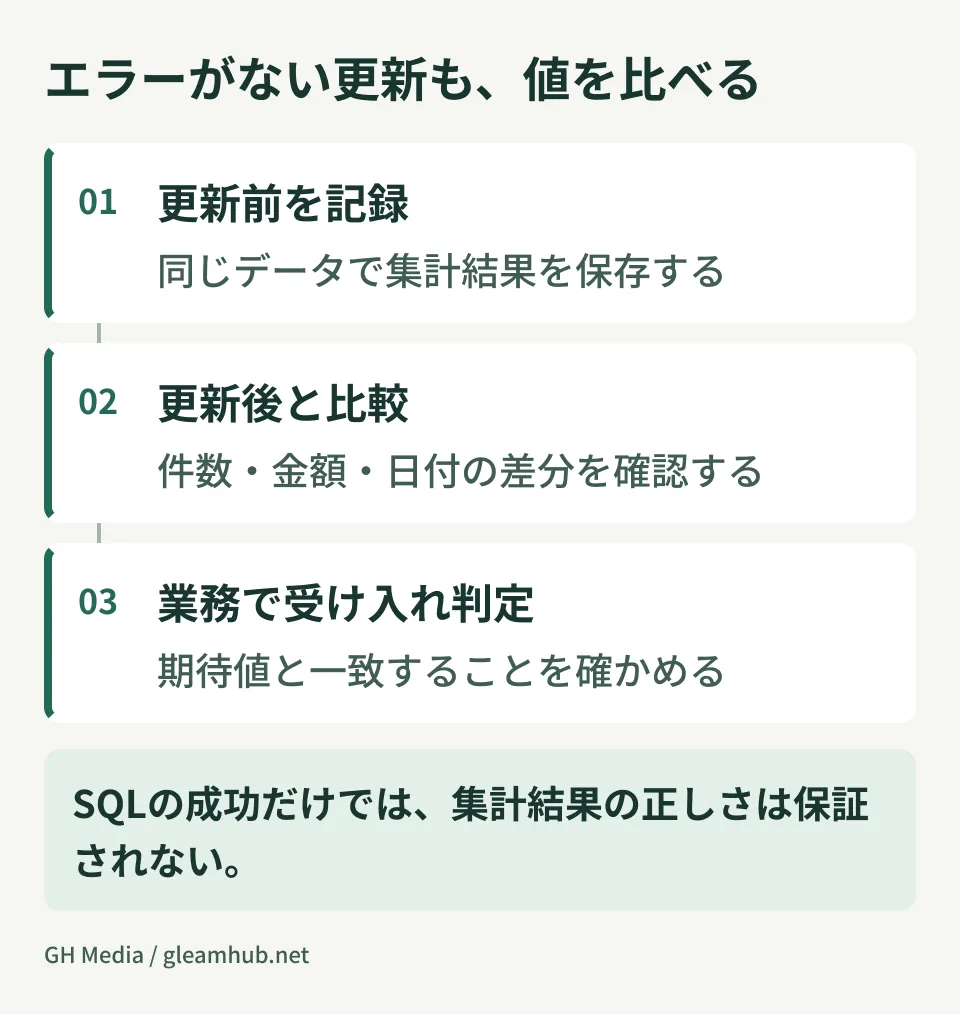
In short, tests well-suited for catching exceptions are virtually powerless against changes that alter calculated values. Failing to separate these two concerns in test design guarantees repeating the same blind spots with every version upgrade.
Acceptance checks to catch value changes
When upgrading major database versions, what should be added is not the quantity of test cases, but the dimensions of comparison.
1. Run old and new versions concurrently and reconcile outputs
Set up environments running both the old and new versions populated with production-equivalent data, execute key aggregation queries against identical inputs, and compare the entire result sets. Compare every column of values, not just row counts. Because human review is only required where diffs appear, the overall verification workload increases far less than one might expect.
2. Select comparison targets from metrics monitored by executive leadership
There is no need to compare every single query. Prioritize outputs where errors cause irreversible business damage, such as monthly external financial reports, billing figures, and inventory tallies. Because this selection cannot be made by the development team alone, it requires a step where the client provides a list of business-critical figures that must not fail.
3. Establish how to handle diffs beforehand
Discrepancies can arise not only from specification changes, but also from unspecified ordering or rounding methods. Unless you establish a workflow of logging every diff and evaluating each item individually rather than simply halting execution upon any difference, verification easily becomes a mere formality.
The methodology for including this process in project estimates was covered in our article on calculating testing effort using two multiplications. It can be estimated from the number of target queries and the verification time required per diff.
Where this is defined in maintenance agreements
Separate from technical concerns, contractual definitions also require verification: namely, whether major database upgrades fall within the scope of your maintenance agreement.
A common contractual split states that applying security patches falls under standard maintenance, while major version upgrades require a separate quote. In that scenario, performing the upgrade is billed as additional work. But who is responsible for verifying that output values have not changed after the upgrade? When this remains undefined and work proceeds regardless, issues are discovered months down the road, as described earlier.
As discussed in our article on defining SLAs and scope of work in maintenance agreements, it is safest to document upgrade execution and acceptance testing as distinct items. This takes the form of defining completion not merely as "the service started," but as "major system outputs were confirmed to have no unexpected discrepancies."
If modifications to existing schemas are involved, evaluating them alongside reassessing table designs directly prevents redundant rework.
Another decision to define in advance is the rollback criteria. If unexpected diffs are uncovered post-upgrade, do you roll back to the previous version, or accept the discrepancies and proceed forward? While the choice depends on context, you can decide ahead of time how many days the old environment must be maintained so both options remain viable. Deciding when to decommission the old environment on the day of maintenance almost always results in shutting it down prematurely.
What to do next
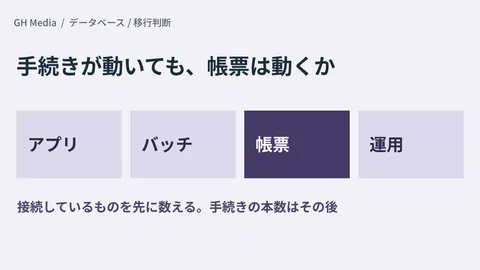
Identify all queries across your systems that calculate days of the week or date intervals from date fields. SQL statements that feed date function outputs directly into calculations or comparisons are primary candidates.
Once identified, verify where the outputs of those queries are delivered each month. Any query feeding figures into externally distributed reports serves as the primary candidate for acceptance verification. Determining this before an upgrade turns post-upgrade validation into a straightforward comparison.
GleamHub assists with impact assessments for database upgrades, acceptance test design for existing systems, and maintenance scope clarification through our development, AI, and automation consulting. Because approaches vary based on your active versions and processing architecture, please contact us individually via Contact Us.