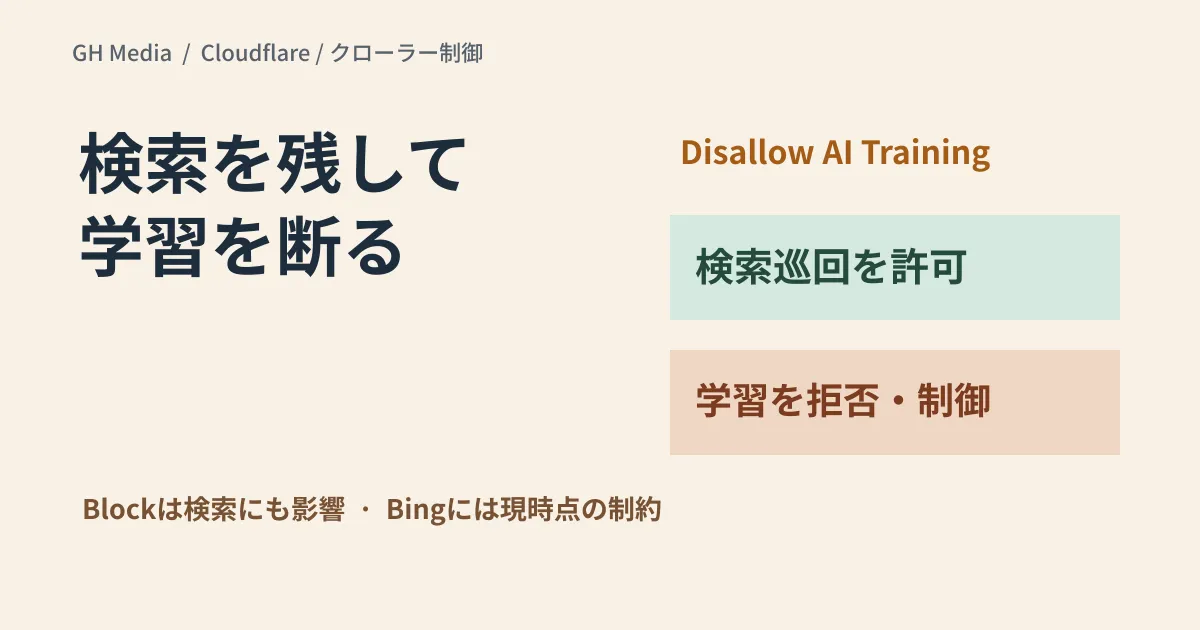
You want search engines to discover your articles, yet you want to decline use for AI model training. To separate these two objectives, Cloudflare provides Disallow AI Training.
What requires caution here is that simply choosing "Block" may not achieve your goal. In the official announcement on September 15, 2026, Cloudflare explained that Block and Block on pages with ads for Training also apply to dual-use crawlers that handle both search indexing and training. Blocking Googlebot, Bingbot, or Applebot will impact crawling for search indexing as well.
Evaluating options based on business objectives
| Configuration | Key criteria for decision-making |
|---|---|
| Allow | Allows crawling unless blocked by other rules |
| Disallow AI Training | Signals opt-out of training and permits search crawling for designated dual-use crawlers; blocks other training crawlers |
| Block on pages with ads | Dual-use crawlers are also blocked on pages where advertisements are detected |
| Block | Blocked, including dual-use crawlers |
Disallow AI Training combines signaling preferences via Bot Preference Sync with controls based on crawler classification. Specifying rules in robots.txt does not mean you can technically prevent all training, particularly by entities that disregard directives.
Bing support is incomplete at the time of announcement
According to the official announcement, Bing's support for opting out of training via robots.txt is targeted for early 2027. As of September 20, selecting Disallow AI Training is not stated to automatically convey training opt-outs to Bing via robots.txt. As a current alternative, the announcement references Microsoft guidance such as the NOARCHIVE tag.
Rather than assuming uniform effects across all major search engines, review the specific support and roadmaps for each crawler. Preserving search visibility also requires end-to-end verification, including other WAF rules, robots.txt, and on-page metadata.
Records to keep before making changes
We recommend the following sequence of checks when managing online media:
- Save current configurations. Record selections across Search, Training, and Agent, as well as Bot Preference Sync and custom WAF rules.
- Define what you are protecting. Differentiate among AI training usage, search indexing crawls, and AI browsing, and document your business objectives.
- Verify post-change published outputs. Check robots.txt HTTP responses and bot access logs. Do not evaluate rule efficacy purely by search ranking movements.
- Monitor traffic changes. Record change dates and continuously compare referral and search traffic against Search Console crawl and indexation metrics.
Existing configurations are subject to automated migration rules. Rather than guessing current behavior from outdated dashboard screenshots, inspect live values before modifying settings. For ad-supported media sites, verify that "Block on pages with ads" will also affect search visibility on those pages.
This is an exploratory article based on official documentation as of September 20, 2026. It does not report on configuration changes on our own properties or behavioral tests across individual web crawlers.
For site management strategies aligning search traffic with content usage policies, please contact GleamHub.