
"We want that effect where elements smoothly fade in as you scroll" is a classic request during corporate website redesigns. For developers, however, this has historically been a headache. Setting up an Intersection Observer to watch element visibility, toggling classes, and triggering CSS animations—while it worked, it meant pulling in another JavaScript library, executing code on every scroll event, and bogging down page performance. Many developers have wrestled with the trade-off between elaborate visual polish and rendering speed.
Standard CSS capabilities have radically shifted this paradigm. Alongside scroll-driven animations, where progress is tied directly to scroll distance, 2026 saw the arrival of scroll-triggered animations, which play once the moment an element enters the viewport. Though often conflated due to similar names, their underlying behavior is distinctly different, and each serves distinct use cases. This article clarifies the distinction and provides guidance on selecting the right tool in production, accompanied by practical code examples.
"Linked" vs. "Signaled" — Fundamentally Different Behaviors
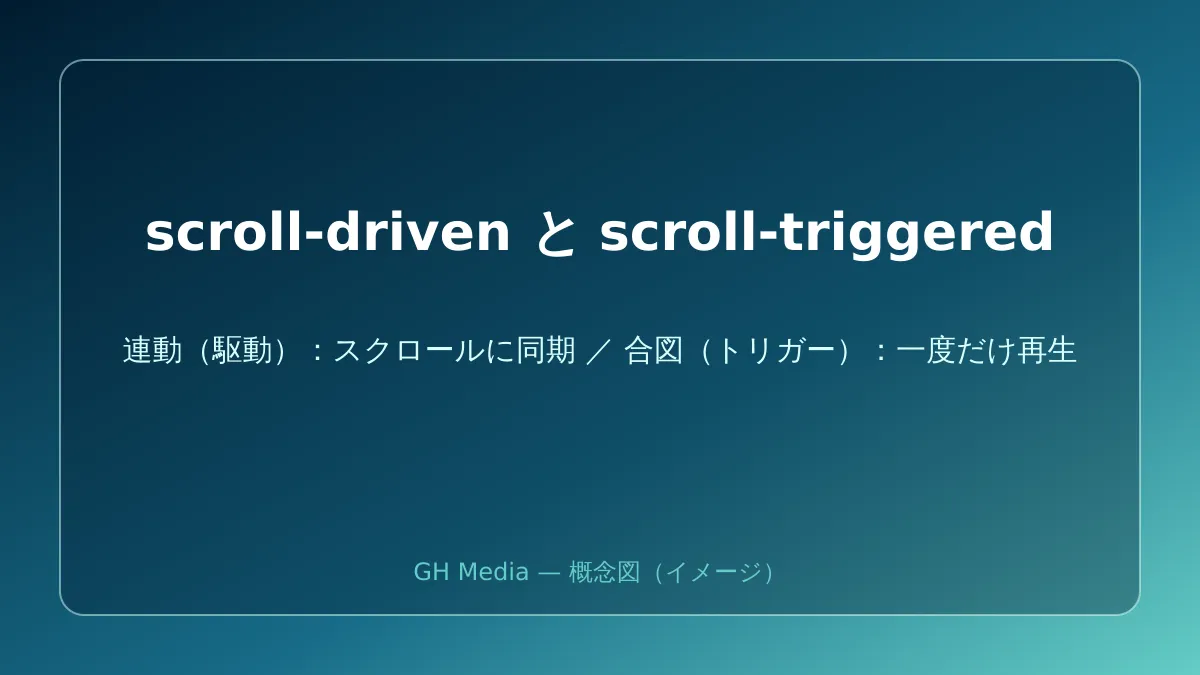
To begin with, these two techniques serve different objectives.
| scroll-driven | scroll-triggered | |
|---|---|---|
| Behavioral nature | Animation progress is tied directly to scroll distance | Plays for a set duration once a certain scroll threshold is passed |
| When scrolling back up | Plays in reverse | Remains unchanged (does not rewind) |
| Best suited for | Reading progress bars, parallax effects | Element entrance animations |
With scroll-driven animations, scrolling progress directly dictates animation progress. Scroll down and it advances; scroll up and it reverses; stop scrolling and it pauses. This is ideal for interactions that must remain continuously synchronized with the scroll position, such as progress bars or parallax effects.
On the other hand, scroll-triggered uses an element entering a specified range as a signal to play an animation to completion over a predefined duration. Scrolling back up does not rewind it. This natively achieves what once required Intersection Observer—a one-time fade-in upon entering the screen—without any JavaScript. Entrance animations are naturally suited to this model; forcing scroll-driven animations into this role causes awkward artifacts, such as elements starting to disappear if the user scrolls back up even slightly.
How to Write scroll-driven Animations — Simply Specify a Timeline
The core concept of scroll-driven animations is assigning a scroll-based progression (a timeline) instead of a time duration to an animation. A reading progress bar linked to the scroll depth of the entire page can be written as follows:
@keyframes grow-progress {
  from { transform: scaleX(0); }
  to   { transform: scaleX(1); }
}

.progress-bar {
  transform-origin: left;
  animation: grow-progress linear;
  animation-timeline: scroll(root block);
}
scroll(root block) specifies that the vertical scroll distance of the entire page serves as the animation timeline. The reason it animates without defining an animation-duration is that scrolling itself dictates the progress.
When you want the animation linked to an individual element entering or exiting the viewport, use view().
@keyframes reveal {
  from { opacity: 0; translate: 0 2rem; }
  to   { opacity: 1; translate: 0 0; }
}

.card {
  animation: reveal linear both;
  animation-timeline: view();
  animation-range: entry 0% entry 100%;
}
animation-range defines the segment of the timeline over which the animation plays. Setting it from entry 0% to entry 100% means "from when the element begins entering from the bottom until it is fully visible." Adjusting these values allows fine-grained control over where the effect starts and finishes.
scroll-triggered Is the Ideal Choice for Entrance Animations
While you can build a one-time entrance animation using scroll-driven with view(), scrolling backward reverses the animation as noted earlier, making the visual experience feel unstable. scroll-triggered was introduced specifically for this scenario: it triggers a standard animation to run to completion once an element reaches a specified threshold and never rewinds upon scrolling up—delivering the exact behavior developers need.
scroll-triggered is a relatively new feature pioneered by Chrome, and syntax details (such as defining trigger ranges and playback behaviors) continue to evolve as specifications are finalized. When implementing it, avoid relying on assumptions—always consult the latest documentation on MDN or Chrome for Developers for current syntax. This is a fast-moving area. For a broader perspective on adopting modern CSS capabilities in production websites, refer to our Modern Native CSS Feature Guide.
Handling Unsupported Browsers
When deploying to production websites, browser compatibility is an inevitable concern. scroll-driven is supported in recent versions of Chromium-based browsers (Chrome, Edge) and Safari, while Firefox currently limits support behind a feature flag. scroll-triggered is newer still, with broader browser support still underway.
The critical mindset here is implementing these scroll effects as progressive enhancements. In unsupported browsers, animations simply do not run, and elements display normally from the start—meaning content remains fully accessible without the visual flourish. By designing experiences that "fail gracefully," the animations will light up automatically as browser support expands. Conversely, making content visibility strictly dependent on animations will cause elements to vanish entirely in unsupported environments. Keep the foundational layout intact and layer animations on top. Adhering to this sequence is an absolute rule in professional web development.
Decide Between "Linked or Signaled" Before Writing Code
Scroll animations have entered an era where they can be written purely in CSS without JavaScript libraries. The starting point to avoid confusion during implementation is identifying upfront whether your desired effect should continuously link to scroll depth (scroll-driven) or fire once upon crossing a threshold (scroll-triggered). Reading progress bars and parallax belong to the former; element entrance effects belong to the latter. Keep this distinction clear, and your code will remain surprisingly concise.
On top of that, ensure your implementation fails gracefully in unsupported browsers. Keeping these two principles in mind allows you to deliver lightweight, maintainable scroll effects on production websites.
If you are looking to introduce performant scroll effects that won't bloat your corporate website, or want to refresh your visual presentation alongside a site renewal, please reach out via GleamHub's Website Production and Redesign Consultation. From designing performant animations to guiding effective website redesign processes, we offer tailored proposals for your web presence.


