You paste a screenshot of an admin screen straight into a bug report. Then you notice it shows a customer's name, email address or API key, and you hurriedly remove the image link from the text. You might think that settles it, but on GitHub the image itself may not be gone even after the link is removed.
On November 3, 2026, a section stating this explicitly was added to GitHub's documentation repository (github/docs). Based on the added text and the existing pages about attachments, this article covers who can see such files, what to decide before posting, and what to do if you post something by mistake.
The added text
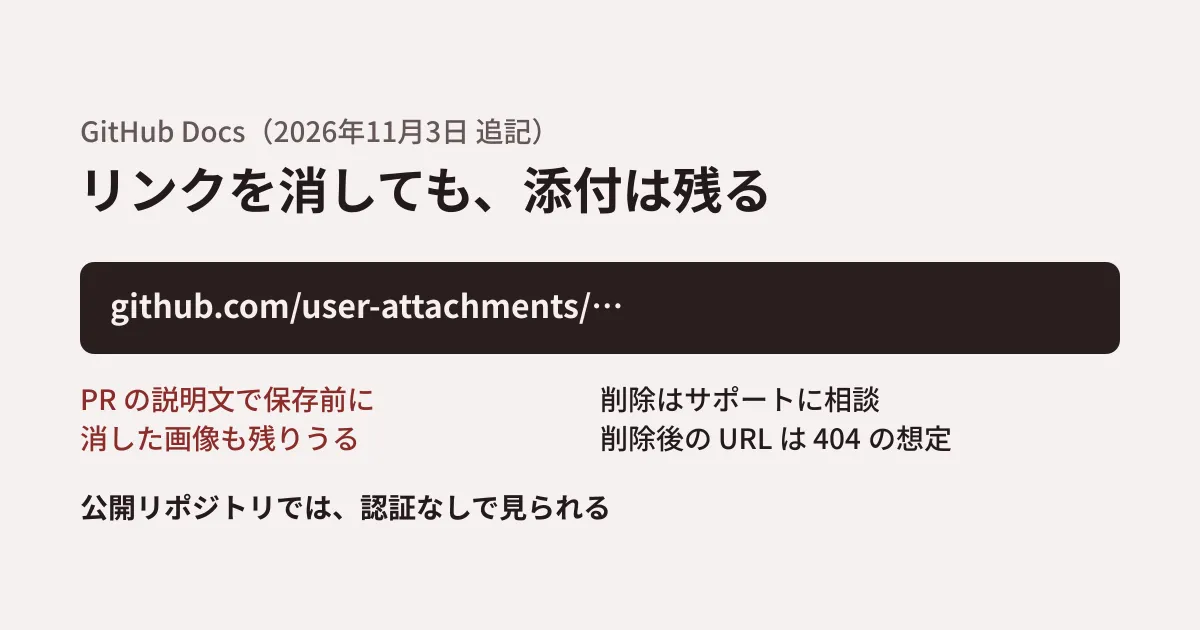
The addition is a section titled "Removing GitHub-hosted attachments" on the "About anonymized URLs" page. It makes the following four points.
- Files and images stored under
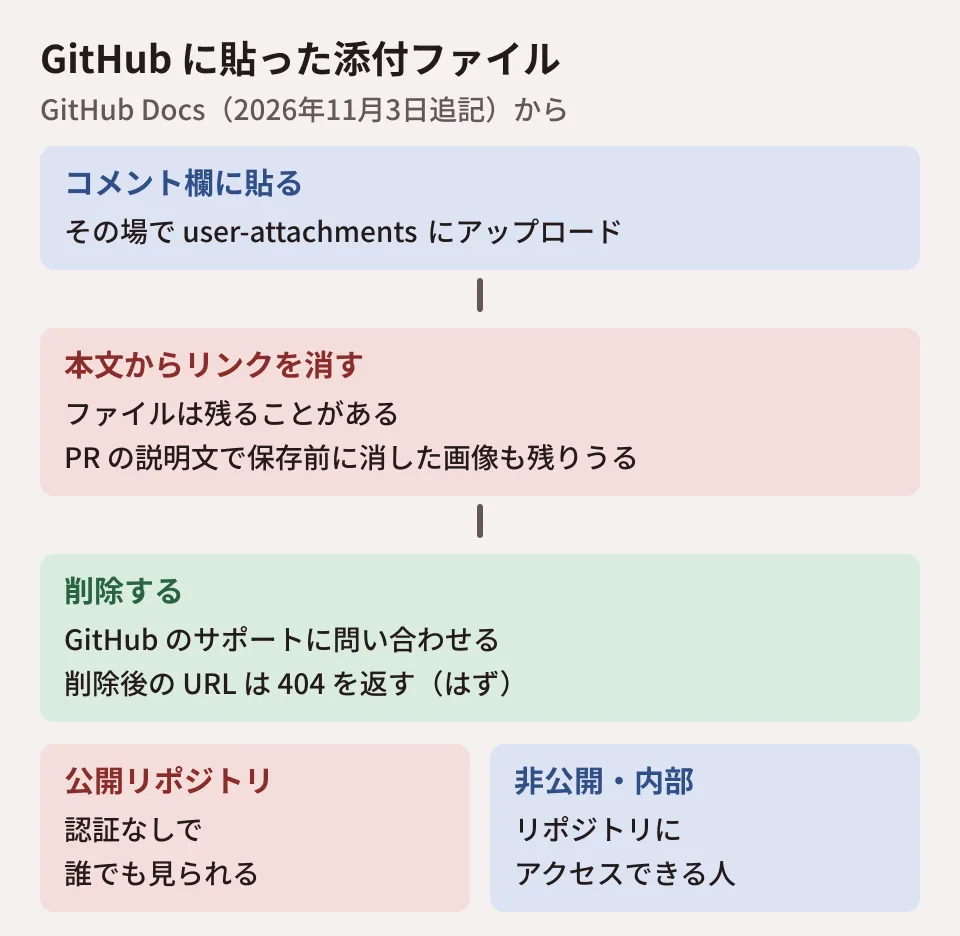
github.com/user-attachments/exist separately from the comments or pull request descriptions that reference them - Removing a link from an issue comment or pull request description does not necessarily delete the uploaded file. Images uploaded while editing a pull request description may remain even if removed before saving
- To delete attachments, contact GitHub Support. Support may be able to help with deletion even if you do not know the original URL. Once deleted, the URL should return a 404 error
- Deleting an attachment is separate from purging the cache of Camo, which proxies external images
The sentence about files remaining "even if removed before saving" is the key point. The example the original text gives is a pull request description, but the attachments page ("Attaching files") says that when you attach a file, it is uploaded to GitHub immediately and the input field is updated with an anonymized URL. This suggests that in issue comment fields, too, the upload is complete as soon as you paste. You need to consider that the file may remain even if you abandon the post.
Who can see them
At the top of the attachments page ("Attaching files") there is a note about who can see the files. The original reads: "For public repositories, uploaded files can be accessed without authentication. In the case of private and internal repositories, only people with access to the repository can view the uploaded files."
| Repository type | Who can see uploaded files |
|---|---|
| Public | Anyone, without authentication |
| Private and internal | Only people with access to the repository |
Combining this note with the previous section's point that removing a link does not necessarily delete the file, it appears that a file posted to a public repository may remain openable without authentication by anyone who knows the URL until it is deleted, even after the link is removed from the text (this is the editorial team's interpretation; we have not tested it). Even in private repositories, the audience is "people with access to that repository." In repositories where you have invited partner company staff or outside collaborators, that includes them as well.
The "About anonymized URLs" page also contains the sentence "Anyone who receives your anonymized URL, directly or indirectly, may view your image or video." The two pages are not consistent about whether people without access can open the URL of an attachment posted to a private repository. We have not tested this in this article and have not confirmed which applies. If the URL may have been shared outside, it is safer to assume it has been seen, even for a private repository.
Images are not the only files you can post. The attachments page says that PDFs, Office documents such as Word and Excel, CSV, logs, JSON and more can also be attached to issue, pull request and Discussions comments. Size limits include 10MB for images and GIFs and 25MB for other files. This also means that materials received from customers or production logs can be attached "just for now."
In addition, with GitHub CLI, adding --attach to commands such as gh issue comment or gh pr create lets you upload local images or videos and embed them in the text (push access to the repository is required). If you delegate work to an AI agent that runs commands, it is possible to build a flow that attaches screen captures automatically, so deciding what may be attached is no longer just a matter for people.
What to decide before posting
What follows are the editorial team's suggestions based on the sources above. We did not actually try attaching files or requesting deletion on GitHub.
Make it a rule not to post screens that show customer data. To reproduce a bug, use screens recaptured with a test account and dummy data. When a production screen is truly necessary, use an image saved after masking names, email addresses, IDs and so on. Note that if you paste the unmasked image even once, it gets uploaded.
Handle public and private repositories differently. Issues in repositories published as open source also receive reports from users. State "Do not post images showing personal information or keys" in the report template, and decide on the receiving side how to respond if such images are posted.
Keep materials somewhere you can manage permissions, not on GitHub. Store specifications received from customers and excerpts of production logs in places such as shared drives where access can be managed individually, and write only their location in the issue. That way, when the project ends, you can remove outside people's access all at once.
Apply the same rules to attachments by AI agents. If you let an agent use gh, decide which repositories it may use --attach in and which file types it may attach, and write this in the instruction file.
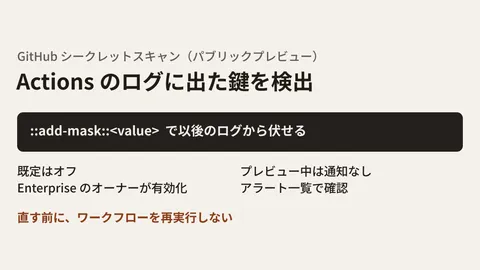
We covered how keys and credentials get into code and how to check for them in our article on auditing source code for secrets. For detecting keys that appear in CI logs, see our article on secret scanning in Actions logs.
What to do if you post something by mistake
The official documentation states two points: "contact GitHub Support about deletion (they may be able to help even if you do not know the original URL)" and "after deletion, the URL should return 404." Adding the checks the editorial team recommends gives the following order.
- Before removing the link from the text, note down the URL of the image or file (the one starting with
github.com/user-attachments/). The original says Support may be able to help even without the URL, but having it should make things faster - If what was shown is a key or password, revoke it with the issuer without waiting for deletion, because you cannot rule out that someone saw it before it was deleted
- Remove the link from the text or comment, and contact GitHub Support about deleting the attachment
- Once you learn it has been deleted, confirm that the URL you noted returns 404 (the original wording is "should return a 404 error")
- If personal information was shown, follow your internal procedures and record the scope of impact (public or private, who had access, and where the URL was shared)
Do not conclude that "removing the link makes it fine." That is the key takeaway from this addition.
Scope of verification
On November 9, 2026, we checked the diff of github/docs commit 398255c (November 3, 2026, "Document removal requests for GitHub-hosted attachments") and the source of "About anonymized URLs," "Attaching files" and "Attaching files with GitHub CLI" as of the time of checking (8cd1075, November 6, 2026) (desk research). On November 11, 2026, we opened the three published pages on docs.github.com and the latest source (7c3387d) and confirmed that the passages quoted in this article had not changed. On the same day we also looked at the GitHub Changelog (October 28 to November 11) and found no announcement about deleting attachments. We did not try attaching files, removing links or contacting Support on GitHub. The "About anonymized URLs" page applies to GitHub.com and GitHub Enterprise Cloud (not GitHub Enterprise Server).
GleamHub's development, AI and automation consultations cover how to handle information in development with partner companies and how to organize repository permissions. What to decide depends on your team structure and agreements with clients and partners, so please reach out via Contact.