Considering whether a core system's database could be moved to a different product often starts with a conversation about cost. Once the investigation begins, the first wall you hit is stored procedures. Will the procedural code accumulated over many years run on the new platform, and if it has to be rewritten, how many person-months will that take? This is where discussions tend to stall.
MariaDB Community Server 13.0 has reached general availability (GA), lowering part of this wall. We separate what now runs from what you should still check first.
The gaps that were filled: "cursors and types"
According to MariaDB's announcement and release notes, 13.0 fills several gaps that used to trip up the move of procedural logic from Oracle environments.
REF CURSOR types can now be declared in packages (the PACKAGE BODY and the routines in it), with both weak and strong typing. Together with the already supported SYS_REFCURSOR, this makes code that passes cursors around easier to port. The RECORD type can now also be used as a parameter of routines in a package and as the return value of package functions. However, as of 13.0, neither can yet be used as a parameter or return value of standalone stored routines that do not belong to a package.
Beyond procedural code, the RETURNING clause can now be used in single-table UPDATE statements (multi-table UPDATE is not supported). You can read back the contents of updated rows without issuing an additional SELECT. Combined with OLD_VALUE(), you can get both the pre-update and post-update values in a single round trip. On the operations side, InnoDB log archiving has been added for backups and point-in-time recovery, along with changes that make auditing and investigation easier: new columns in INFORMATION_SCHEMA, visibility of the init_rpl_role variable, and deprecation flags for system variables. The optimizer hint framework also now automatically names the query blocks of views, CTEs and derived tables, so deeply nested blocks can be targeted with QB_NAME.
Note that 13.0 is a rolling release, which comes out quarterly. As a rule, no fix releases are issued after GA; the assumption is that you upgrade to the next release. The current long-term support release is 12.3 (maintained until June 2029), and the next one is said to be 13.3. If you are weighing it as a migration target for a core system, also decide in advance which release series to run on.
"How much must be rewritten" is only part of the migration decision
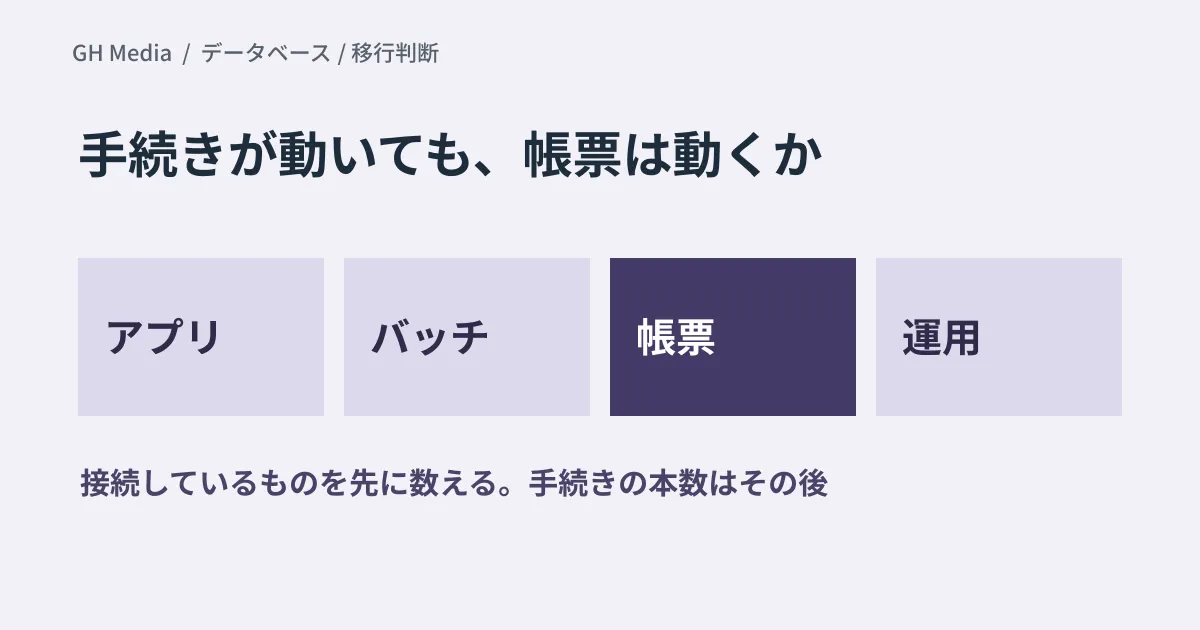
So far, this has been about the migration target. What tends to throw migration estimates off lies outside the database.
| What to check | Aspect |
|---|---|
| Applications | Connection drivers, SQL dialect, dependence on exception numbers |
| Batch jobs and integrations | Overnight processing, data exchange with other systems, character encoding |
| Reports and BI | Whether the connection target can be changed, license coverage |
| Operations | Monitoring, backups, recovery procedures and owners for incidents |
| Contract | Maintenance contact, support period, scope of internal approval |
Business forms and reports are especially easy to overlook. Even if you move the database, if your reporting tool only supports the old product, things stop there. Monitoring and backups are the same: when the product changes, the runbooks and the work of the people in charge change too. Rebuilding these surrounding pieces can sometimes cost more than migrating the database itself.
Don't reverse the order of investigation
When you start investigating, the first thing to look at is not the number of stored procedures. First, count everything that connects to the database: applications, batch jobs, reports, BI, internal tools and the aggregation scripts somebody wrote. Once you have counted them, look at how much each one depends on the SQL dialect.
In this order, you quickly reach conclusions such as "the procedural code can be moved, but the reporting tool does not support the new database, so it is not possible for now." If you start from the stored procedures instead, you may spend months finding out they can be rewritten, only to stall for another reason.
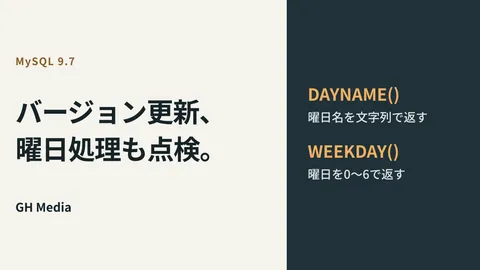
Once you reach the stage of comparing configurations for the migration target, also look at the option of running the existing product as it is in the cloud. We cover how to approach that comparison in options for running Oracle in the cloud. For decisions when building around a long-term support release in the MySQL family, see MySQL 9.7 LTS and modernization for small and medium-sized businesses; for identifying behavior that changes when you upgrade versions, see adding changes in date handling to acceptance checks.
What to do next
Before deciding whether to migrate, make a one-page list of everything that connects to the database. It can be made in-house without product knowledge, and it greatly affects the accuracy of estimates. With that list, the migration discussion shifts from "can we do it?" to "which part do we carve off first?"
On September 24, 2026, we rechecked MariaDB's 13.0 GA announcement, the release notes summarizing the changes in 13.0 and the description of the release model, using the excerpts of each page included in search results. We have not set up MariaDB 13.0, tested a migration from Oracle or measured performance. This article organizes the order of investigation and the items to check.
For investigating a database migration for a core system or mapping out the impact on surrounding systems, please consult GleamHub.