
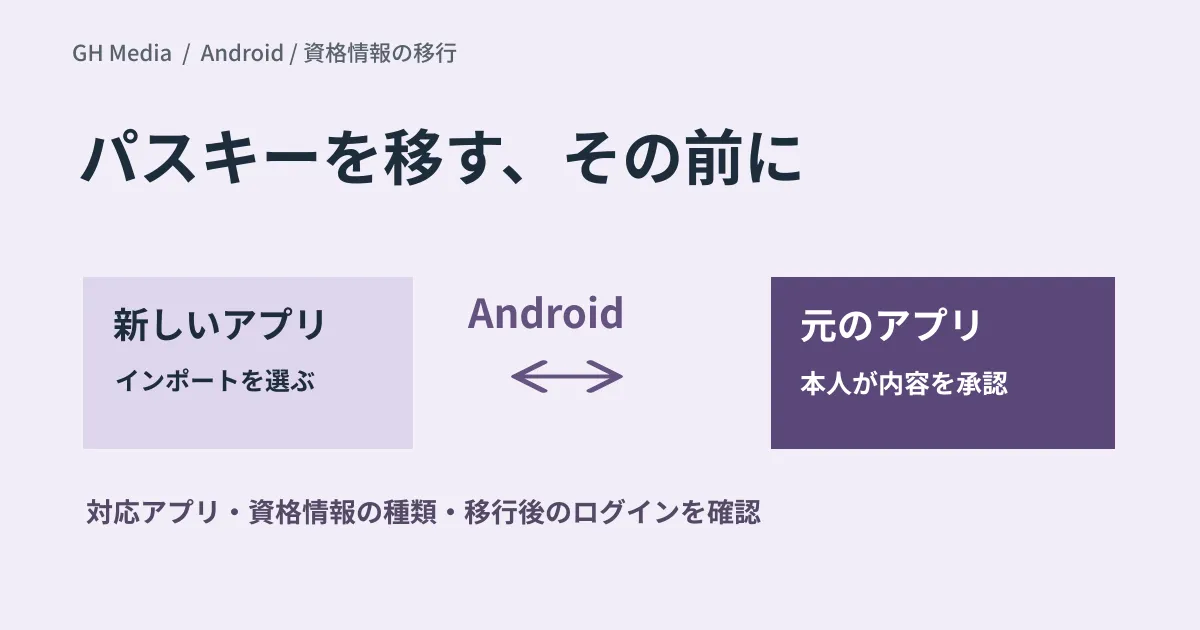
When migrating password managers, whether passkeys can be carried over is crucial. Verify whether supported transfer paths exist separately from whether all of your organization's credentials can actually be migrated.
In an announcement on September 10, 2026, Google introduced a mechanism on Android to transfer passwords, passkeys, and related credentials between compatible password management apps. Mentioned apps include Google Password Manager, 1Password, Bitwarden, and Dashlane. A notable feature is that it eliminates the need to export and handle plaintext files.
Initiating from the new app and confirming in the source app
According to official explanations, the user initiates import in the destination app, and Android presents eligible source apps. The user then reviews the data and approves the transfer inside the source application.
While the announcement mentions an Android 8+ requirement, minimum OS levels per app, app versions, and feature rollout status must be verified independently. Meeting Android baseline requirements alone does not guarantee every combination will work.
Not all passkeys "never leave the device"
Passkeys encompass both syncable passkeys and device-bound passkeys stored on hardware security keys. The FIDO Alliance clarifies this distinction. The arrival of transfer mechanisms does not imply that device-bound keys can be freely transferred.
Furthermore, framing phishing resistance solely as "the private key never leaves the device" fails to account for synced passkeys. The critical mechanism is that passkeys perform cryptographic authentication tied strictly to the destination domain. FIDO Alliance Overview
Testing with representative cases before expanding corporate migrations
We propose completing the following matrix using verification accounts first. Feasibility cannot be determined solely by multiplied man-hour estimates based on employee headcounts.
| Checkpoint item | Item to record |
|---|---|
| Operating environment | Device, Android version, and versions of source and destination apps |
| Target data | Categorization into passwords, synced passkeys, or device-bound passkeys |
| Migration results | Counts, excluded items, duplicates, and failures |
| Login | Successful authentication across primary services |
| Recovery | Recovery procedures if the new device or app becomes unavailable |
| Organizational controls | Restrictions imposed by management policies and enterprise vaults |
Delete credentials from the legacy app only after verifying authentication and recovery methods in the destination environment. For unsupported credentials, plan individualized fallback paths, such as enrolling alternative authentication factors on the service side.
To prevent mixing personal and business accounts, organizing practices alongside Chrome profile separation helps clarify which credentials need to be migrated.
Official documentation was reviewed on September 20, 2026. Transfer and login tests on Android devices were not conducted. Confirm current compatibility via the latest notices from your respective app providers.
Please consult GleamHub regarding authentication method migration and verification planning.


