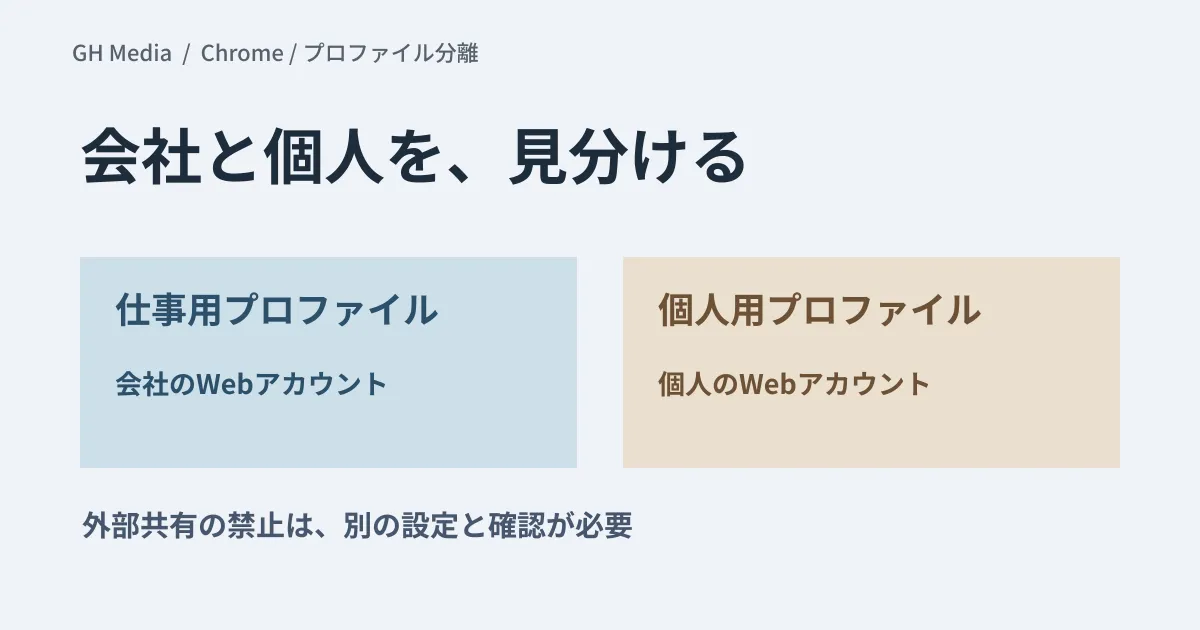
Accidentally creating documents with a personal Google account, or mixing up work and personal browser screens: Chrome profile separation is one way to reduce such operational mistakes.
However, separating profiles is different from prohibiting sharing with personal accounts. Be sure to also check Google Drive sharing settings and data protection controls as needed.
Viewing Chrome profiles and web-based accounts separately
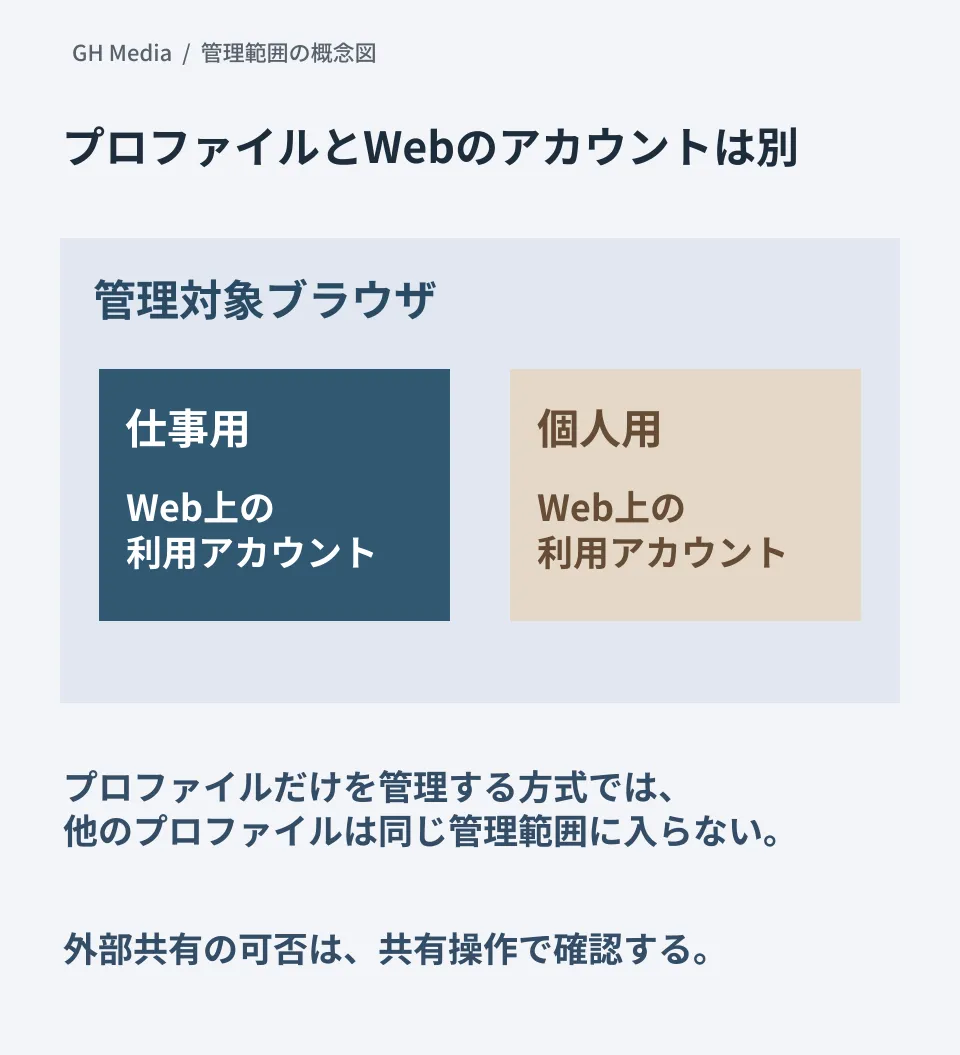
Chrome separates history, bookmarks, extensions, and more on a per-profile basis. Meanwhile, on Google web interfaces, users may switch between multiple accounts within the very same profile.
Judging that accounts are "mixed" simply because two Chrome profiles exist is incorrect. They may already be successfully separated into work and personal profiles. When investigating, check which profile is signed in to which web account.
Differences between managed profiles and managed browsers
Google's administrator help distinguishes between managed profiles and managed browsers.
| Management method | Scope to verify |
|---|---|
| Managed profile | A work profile signed in with a company account. Other profiles, such as personal ones, fall outside this management scope |
| Managed browser | Management applied to the enrolled browser itself. Allows considering broader policy enforcement, including when users are not signed in |
On personal PCs (BYOD), managing the work profile becomes an option. The choice of method is not determined automatically by device ownership alone. Decide after accounting for explanations to the user, the scope of management, data collected, and contractual terms.
Pre-implementation checklist for separation
Refer to the Chrome profile separation guide and choose settings suited to the target OS and management approach. The following are verification items for a small pilot group.
- Whether the user is guided to the intended profile upon signing in with a company account.
- How existing bookmarks and history will be handled, and whether migration options can be provided.
- Whether required extensions and internal company services function properly.
- Whether personal web accounts can still be added within the work profile.
- Whether intended policies are properly applied in both the admin console and on client devices.
Do not assume that configuring browser sign-in restrictions alone restricts all additional accounts within web services. Verify the operations targeted by each setting.
For external sharing, test the sharing operation itself
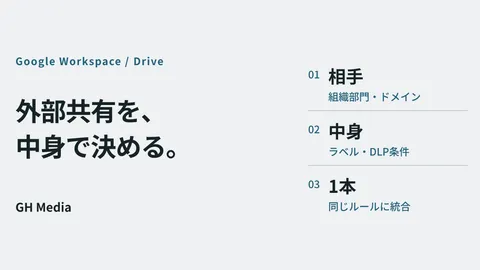
Separating profiles does not automatically eliminate actions like sharing files with permitted external accounts or exfiltrating copied information.
If the goal is to "prohibit sharing to personal Gmail accounts," prepare test files and verify whether that sharing attempt is blocked in accordance with your sharing settings and data protection policies. It is vital to set distinct acceptance criteria for measures that make operations easier to distinguish versus measures that actively prohibit them.
Official documentation verified on September 20, 2026. Device management enrollment, mandatory profile separation, and external sharing block tests have not been executed.
If you need to organize management boundaries across Workspace and browsers, please contact GleamHub.