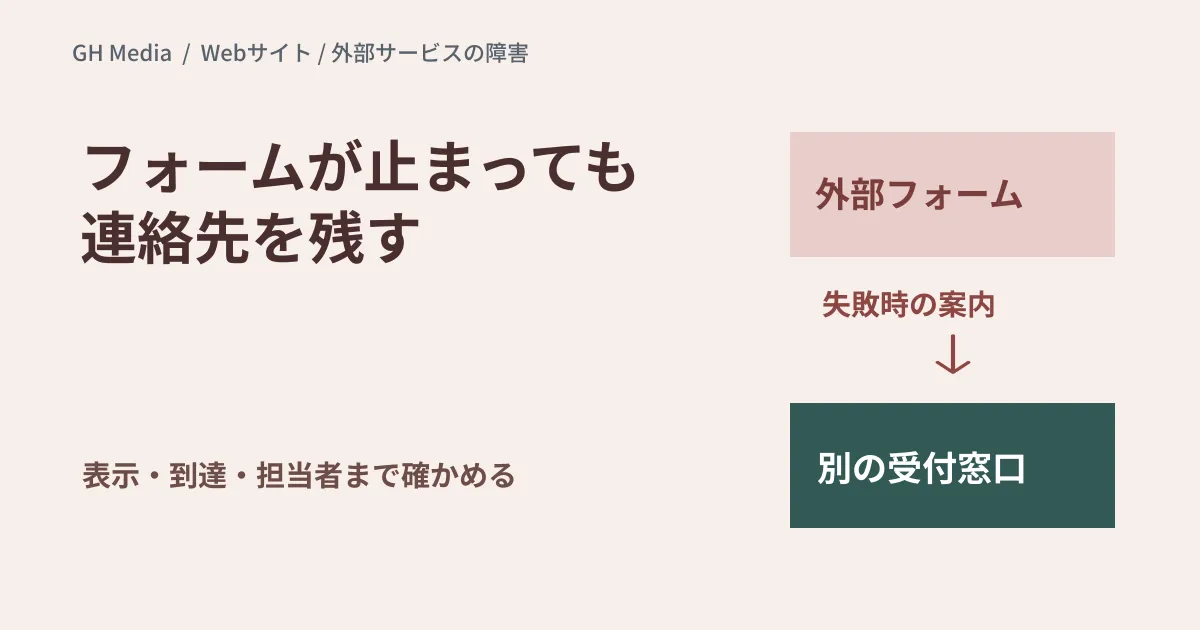
Even if a website returns an HTTP 200 status, that does not guarantee it can receive inquiries. If forms, bookings, chats, and other components depend on third-party SaaS, parts of those services can fail independently.
Rather than reproducing an outage at a specific company, this article outlines what to verify on your own site and where to position fallback options.
Tracing dependencies from site features
Relying solely on a list of services registered in an admin dashboard makes it difficult to assess impact on users. First, map user interactions on the page to their dependencies.
| User action | Example dependencies | What should remain available during failures |
|---|---|---|
| Submitting an inquiry | External forms, submission APIs, CRM | Alternative contact methods, guidance on intake status |
| Booking a schedule | Scheduling services, calendar integrations | Alternative channel to discuss scheduling |
| Learning about products | Videos, reviews, maps | Text-based explanations, location details, and basic information |
| Reading a page | External scripts, web fonts | Legible body text |
Which features are critical depends on the purpose of the site. Avoid making blanket assumptions like claiming tracking tag outages do not impact business negotiations; check dependencies with consent management and other processing as well. Missing analytics data cannot always be restored retroactively.
Do not assume async and defer alone solve the problem
As described in MDN documentation on the script element, standard scripts differ from async and defer in loading and execution timing. Even when fetching asynchronously, execution overhead and dependency relationships do not vanish.
Separate rendering responsibilities so that body text and contact information remain visible even if external embeds fail. For loading indicators that keep waiting, provide failure notifications or alternative contact methods. For form completions and CRM entries, also decide what level of verification constitutes an accepted submission.
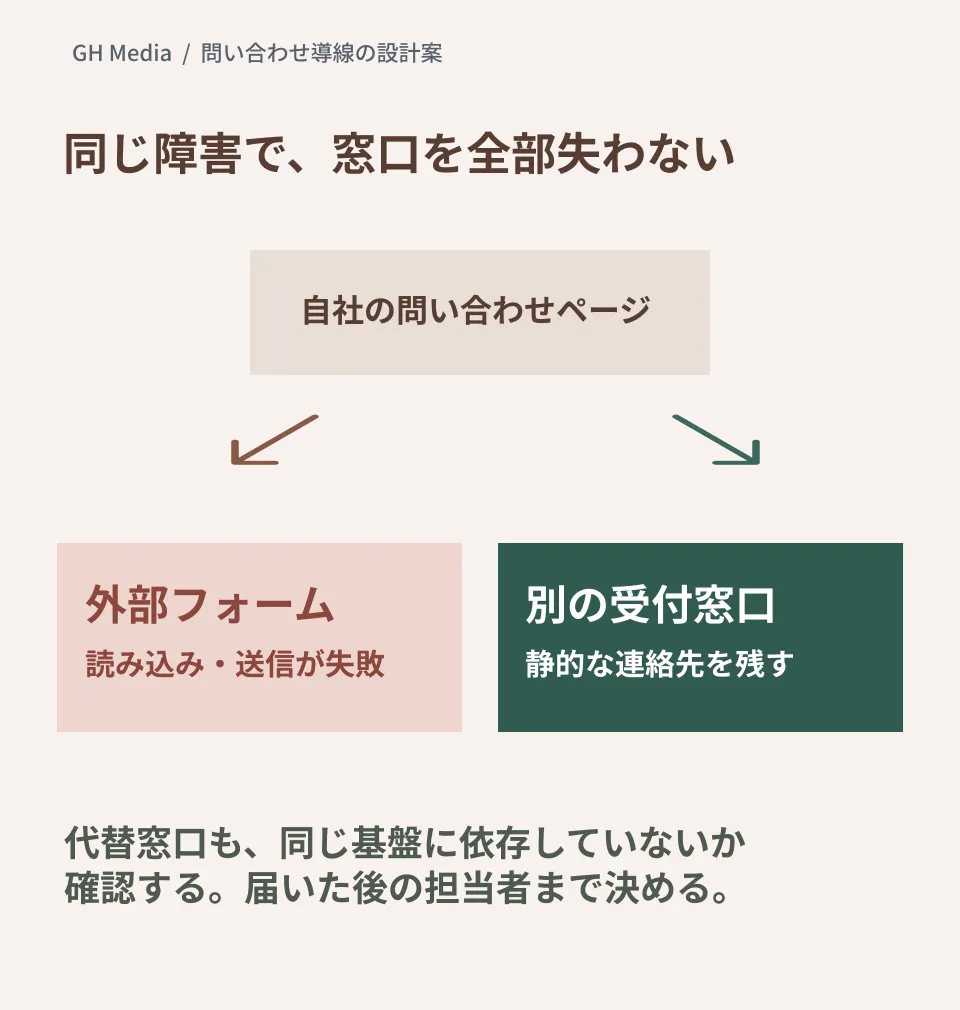
Verify whether alternative contact channels could be caught in the same outage
Statically placing an email address or telephone number below a form allows you to show contact details even when embeds fail to load. However, if email relies on the same underlying infrastructure, both channels might become unavailable simultaneously.
Verify fallback plans across three criteria: "Does it appear on screen?", "Does it actually reach recipients?", and "Who handles it?" Merely listing an email address does not mean an intake mechanism is established.
Proposed failure tests to conduct in staging environments
There is no need to shut down external production services. By simulating failures or delays for targeted requests on a test page, verify the following outcomes:
- Body text and alternative contact channels remain legible.
- Form failures are not displayed as successes.
- Retrying a submission does not create duplicate inquiries.
- Alternative methods can be selected using a keyboard or mobile phone.
- Staff can identify which channel an inquiry was received through.
Combine simple page liveness checks with end-to-end operational checks using dedicated test endpoints. Inflow drops cannot be distinguished from outages by zero inquiry counts alone. Design synthetic monitoring so it does not send large volumes of test inquiries to live customer-facing sales channels without authorization.
Reviewed web standards documentation and organized architectural proposals on September 20, 2026. Fault injection or recovery testing on individual live sites was not conducted in this article.
To review dependencies in inquiry flows or verify behavior during failures, please contact GleamHub.