
ChatGPT for Word allows users to request drafting and document summaries directly within Word. Prior to rollout, beyond checking whether the feature exists, you should verify whose account is used, which documents are handled, and under what contractual terms.
OpenAI's official help documentation states that all tiers, including Free, are eligible and the integration will be enabled by default starting October 1, 2026. However, this does not mean the add-in will be automatically installed across all company Word instances or that documents will be transmitted automatically. Check add-in installation, sign-in, and organizational permissions separately.
Cross-checking two administrative surfaces
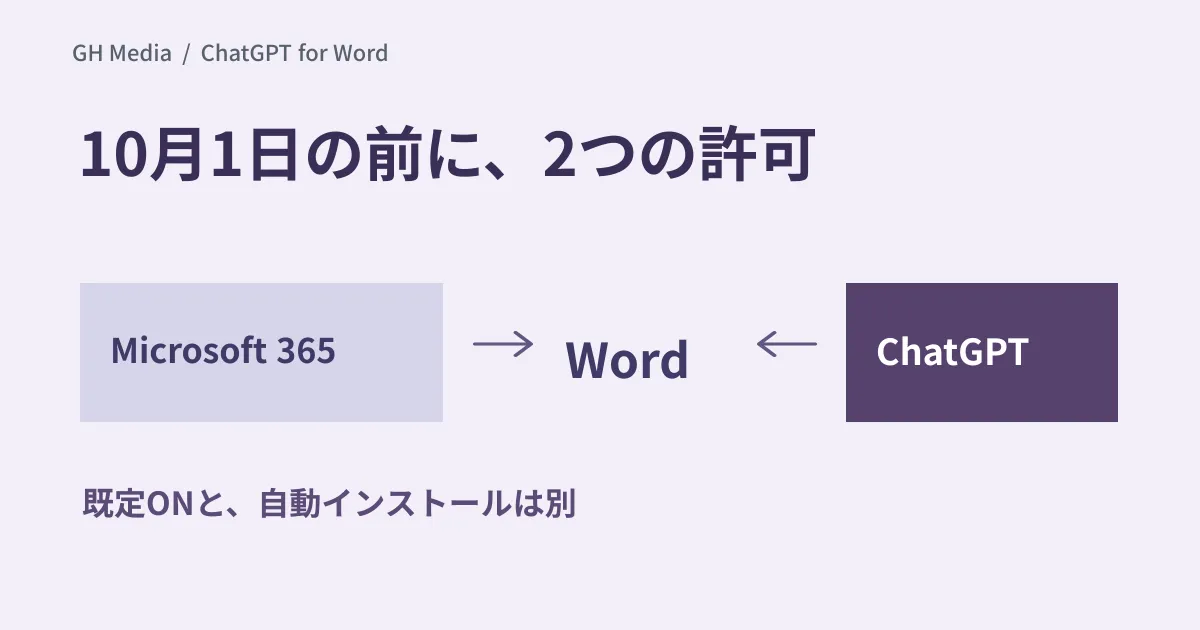
The official documentation explains that Microsoft 365 administrators must permit the add-in, and ChatGPT workspace administrators can toggle the feature on or off.
| Administrative surface | What to verify |
|---|---|
| Microsoft 365 | Eligible users who can install and use the add-in; deployment and restriction states |
| ChatGPT | Feature settings in the corporate workspace, user eligibility, and active workspace selection |
Prohibiting the feature in an organization's ChatGPT workspace does not necessarily govern policies for personal account usage with the same controls. Verify which access vectors can actually be restricted across M365, device, and account management scopes. It is crucial not to assume that turning it off on one side makes it unusable across the entire company.
Open documents differ from other local files
Under official documentation, users can ask questions or make edits using open documents. However, this is distinct from functionality that directly accesses other files on a PC.
Provide users with specific guidance regarding document classifications permitted for transmission and which corporate workspace to select. For example, specify using fictitious proposals during evaluation while excluding client names, contract values, and HR data. This is a proposal for conducting rollout evaluations, not an implementation already executed by our company.
Data usage follows ChatGPT plans and data controls. The documentation explains that inputs and outputs in Business, Enterprise, and Edu workspaces are not used for model training by default. Avoid confusing these with personal tiers or personal settings, and verify the contractual terms actually applied.
Inclusion in free plans does not mean unlimited usage
Documentation verified on September 20 outlines token-based usage volume according to the model used, along with tier-specific caps. On eligible plans, usage quotas are reportedly shared with other capabilities such as Codex.
During rollout evaluation, check contractual terms and usage dashboards, and record user counts, document sizes, and processing frequencies. Avoid projecting long-term costs as zero solely based on media reports of free previews.
Checklist to prepare during September
- Administrators in charge and current permission statuses across M365 and ChatGPT.
- Evaluation participants, accounts used, and permitted document classifications.
- Procedures for human review of modifications to figures, citations, and tables.
- Methods to preserve originals and revert unintended revisions.
- Personnel monitoring usage quotas and the decision date for full-scale rollout.
Even if document proofreading appears natural, that does not guarantee critical terms or numerical values were not modified. Conduct initial evaluations on documents where differences from the original can be verified by a person.
OpenAI official documentation verified on September 20, 2026. Practical evaluation of add-in installation, administrative configuration, and document editing on live devices was not conducted.
To organize generative AI usage boundaries and administrative settings, please contact GleamHub.


