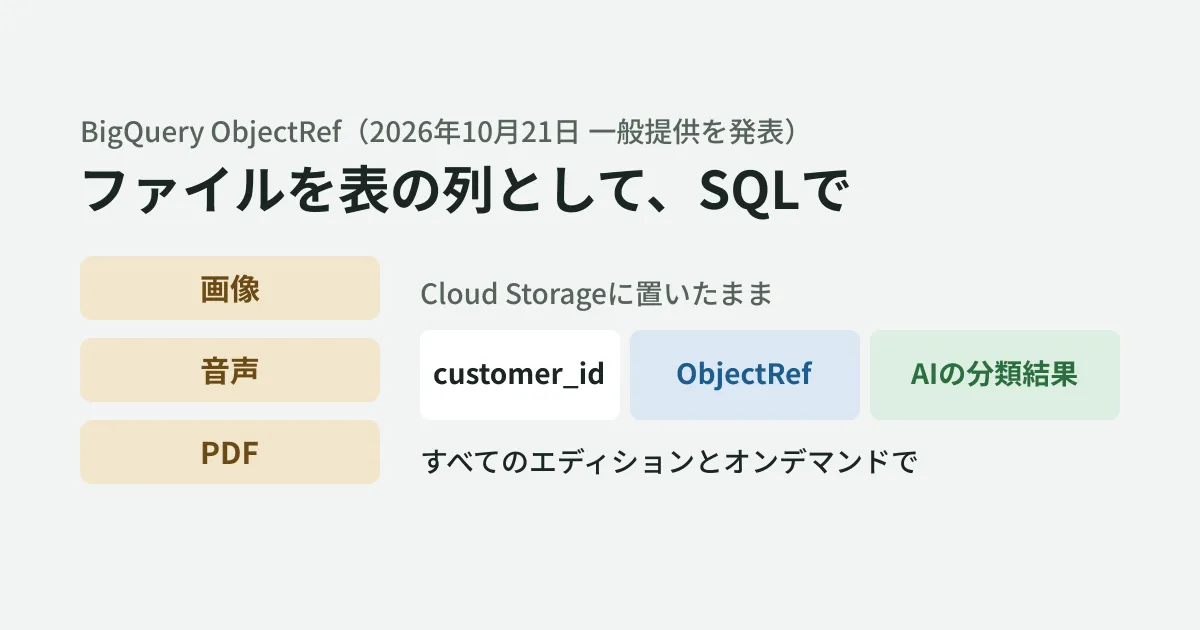
Invoice PDFs, product photos, recordings of support calls. Files like these keep piling up in Cloud Storage, while sales and customer figures live in BigQuery. To analyze the two together, you had to build a separate process to read the files and then load the results back into BigQuery.
On October 21, 2026, Google Cloud announced that BigQuery's "ObjectRef" and multimodal analytics features had become generally available (GA). It lets ordinary tables have columns that point to files in Cloud Storage and lets you call Gemini from SQL to classify or extract information. This article summarizes what the official blog and the BigQuery documentation say and outlines what to decide before using it on an internal data platform.
Note that the BigQuery release notes contain no ObjectRef entry dated October 21. According to the release notes, the ability to run ObjectRef functions with your own permissions or through a connection became generally available on March 31, the ability for AI functions to accept ObjectRef directly on June 12, and OBJ.LIST, which creates ObjectRefs from a list of files, on September 30. The editorial team interprets the blog post as a combined announcement of features that have become generally available in stages.
What ObjectRef is
The blog describes ObjectRef as follows.
ObjectRef is a built-in, predefined STRUCT data type that points to objects outside of BigQuery.
ObjectRef is a predefined struct type that points to a file outside BigQuery. It contains the file's location (uri), access authorization (authorizer), version (version), and Cloud Storage metadata (details). The file itself stays in Cloud Storage and is not copied.
The blog says that even if a file is later overwritten, the reference can keep pointing to the version that existed when the row was written.
If the underlying GCS file changes, your query can still reference the exact version of the file that existed when the row was written.
This means that even if you run the same query later, you can redo the processing against the same file.
What you can do with SQL
The blog gives the following three use cases as examples.
- Classifying call recordings: create ObjectRefs from audio file URIs with
OBJ.MAKE_REF(), classify them by inquiry type withAI.CLASSIFY(), and save the results to the table as ordinary columns - Filtering by image: use
AI.IF()in theWHEREclause to filter rows by conditions such as "whether the image shows a product that violates the rules" - Comparing multiple files: pass an array of ObjectRefs to a single Gemini call and compare images of a legitimate login screen and a suspicious screen to determine whether it is phishing
AI functions consume Gemini tokens. According to the blog, "Optimized Mode" is used by default to reduce token consumption.
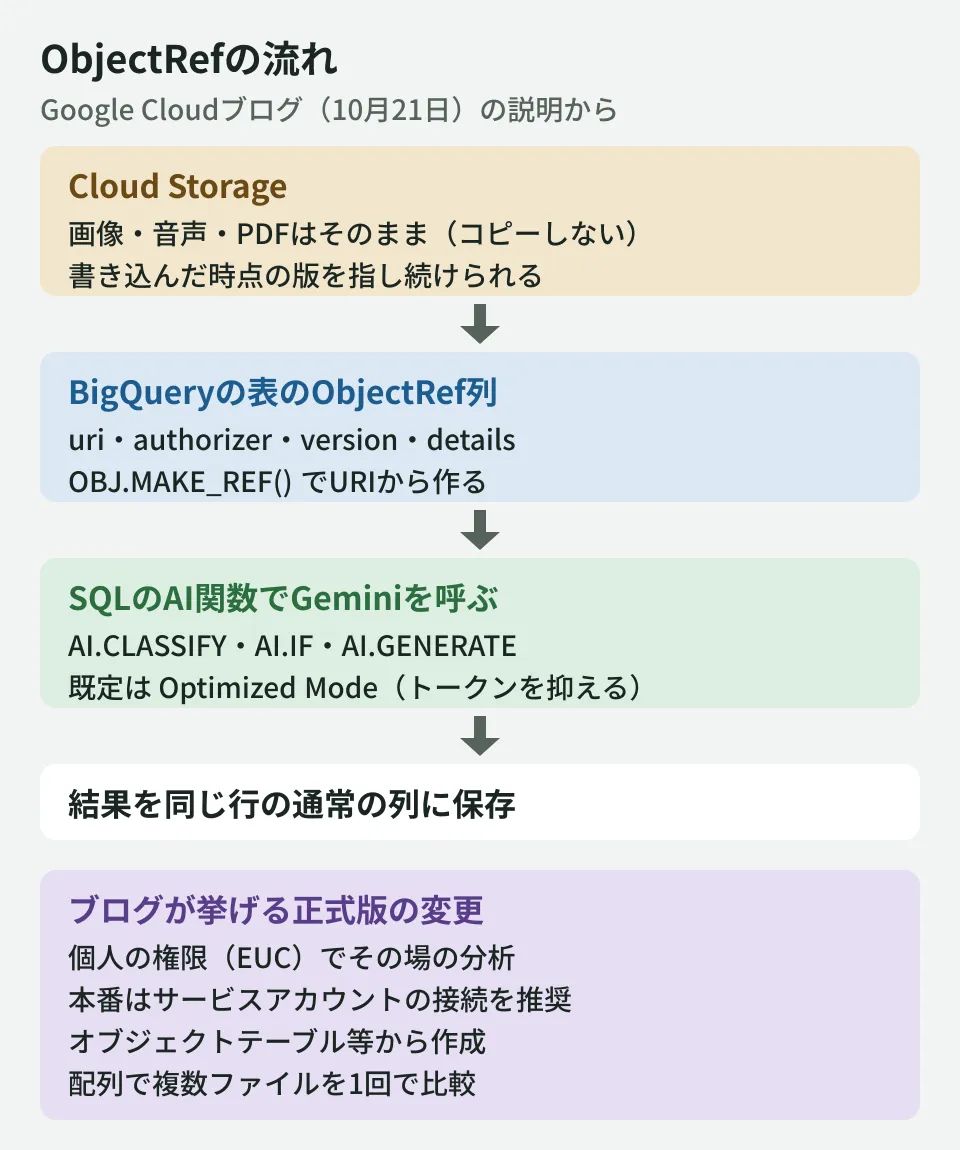
Changes in the GA release listed in the blog
The blog lists the following three changes in the GA release.
| Change | Blog description |
|---|---|
| Queries with individual permissions | End User Credentials (EUC) allow ad hoc analysis using your own IAM permissions |
| Metadata sources | Can be created from object tables, Cloud Storage Storage Insights datasets, and URI strings in ordinary tables |
| Array support | Handles arrays of ObjectRefs, so multiple documents or images can be compared at once |
Queries with individual permissions are called "direct access" in the documentation. If you leave the ObjectRef's authorizer empty (NULL), the file is read with the permissions of the person running the query. According to the release notes, this feature became generally available on March 31. According to the documentation, direct access can only read buckets in the same project as the project running the query, and using AI functions without a connection also requires additional permissions.
The blog says that BigQuery connections, which were required during the preview, can still be used, and recommends them for production workloads run by service accounts. The documentation calls the connection-based method "delegated access."
While these connections remain fully supported and are the recommended best practice for robust, service-account-driven production pipelines, we recognize they require additional setup.
It is available in "all BigQuery editions and the on-demand pricing model."
What to decide before using it
From here on is the editorial team's own summary. When using ObjectRef on an internal data platform, deciding the following points up front reduces rework when moving from trials to production.
- Use different permission setups for trials and production: ad hoc analysis can start with individual permissions (EUC), but processes that run on a schedule should run with a connection and a service account, as the blog recommends. If files are stored in a different project from the one used for analysis, direct access cannot read them, so use a connection from the start. Organize in IAM whose permissions can read files in which buckets
- Design for keeping file versions: to verify results later, save the ObjectRef column in the same row as the results. Also check whether Cloud Storage is configured to keep older versions of files
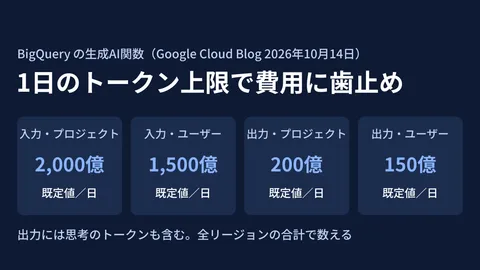
- Set token limits first: running AI functions on tens of thousands of files at once can drive up Gemini usage costs. Set a daily limit for BigQuery AI functions before going to production
- Check accuracy with a small table: classification accuracy varies with the file type and with Japanese-language content. Compare results against human judgment on a few dozen items before expanding the scope
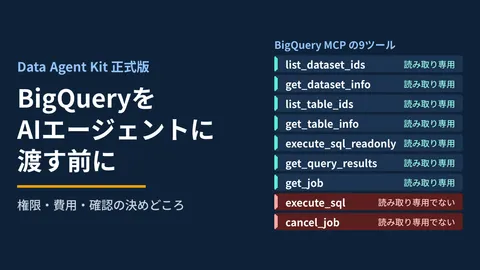
Setting usage limits for AI functions is covered in Daily token limits for BigQuery AI functions. If you use BigQuery from AI agents, see Data Agent Kit GA: before handing BigQuery to AI, and for how far to delegate extracting amounts from documents such as invoices to AI, see Where to draw the line in delegating invoice data entry to AI.
Scope of verification
On October 24, 2026, we checked the official Google Cloud blog post "BigQuery ObjectRef now GA: Build multimodal data platforms for conversational analytics entirely in SQL" (published October 21, 2026; the page shows October 22) by opening it directly on cloud.google.com (document research). On October 27, before publication, we reopened and rechecked the same blog post, the BigQuery release notes, and the documents "Analyze multimodal data" and "Work with ObjectRef values." We have not checked the exact function arguments or pricing details. The editorial team has not run any queries using ObjectRef and has not checked accuracy on Japanese-language documents, processing time, or costs.
For building internal data platforms or designing systems that analyze files with AI, please contact us through consultation on development, AI, and automation.