In a GitHub organization, "security configurations", which set repository security features in bulk, let you apply the same settings to dozens of repositories at once. The flip side is that a misconfiguration can enable paid features across many repositories at once. For private repositories, costs are incurred according to the number of people committing to repositories where the features are enabled.
On October 30, 2026, a warning was added to the steps for keeping the paid "GitHub Code Security" disabled in GitHub's documentation repository (github/docs). On November 3, an incorrect statement about the default state in public repositories was corrected. In this article, based on the source we reviewed on November 7, 2026, and the live pages we checked against it on November 11, we explain what the two updates mean and the order of checks when creating a configuration.
Which features are paid
According to the documentation, GitHub Advanced Security licenses are split into two products (SKUs): "GitHub Secret Protection", which handles secret detection, and "GitHub Code Security", which handles code vulnerability detection (code scanning) and more.
According to the documentation's billing description, payment is required to use these features in private repositories on GitHub.com and in all repositories on GHE.com and GitHub Enterprise Server. Licenses are counted as one per person (active committer) who has pushed commits within the past 90 days to a repository with the features enabled. GitHub App bots are not counted. In public repositories on GitHub.com, code scanning, secret scanning and dependency review are free to use.
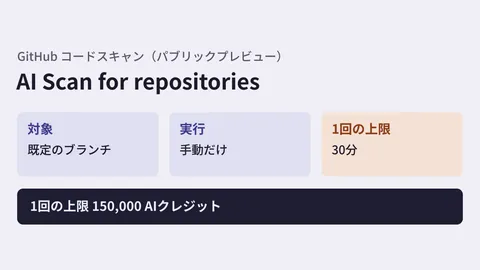
GitHub's product page (checked on November 11, 2026) lists Secret Protection at US$19 per active committer per month, and Code Security at US$30 per active committer per month. The billing documentation also states that AI Scan and agent-driven automatic fixes (agentic autofix) consume "Code Security AI credits" separately from this license, and that this applies to public repositories as well.
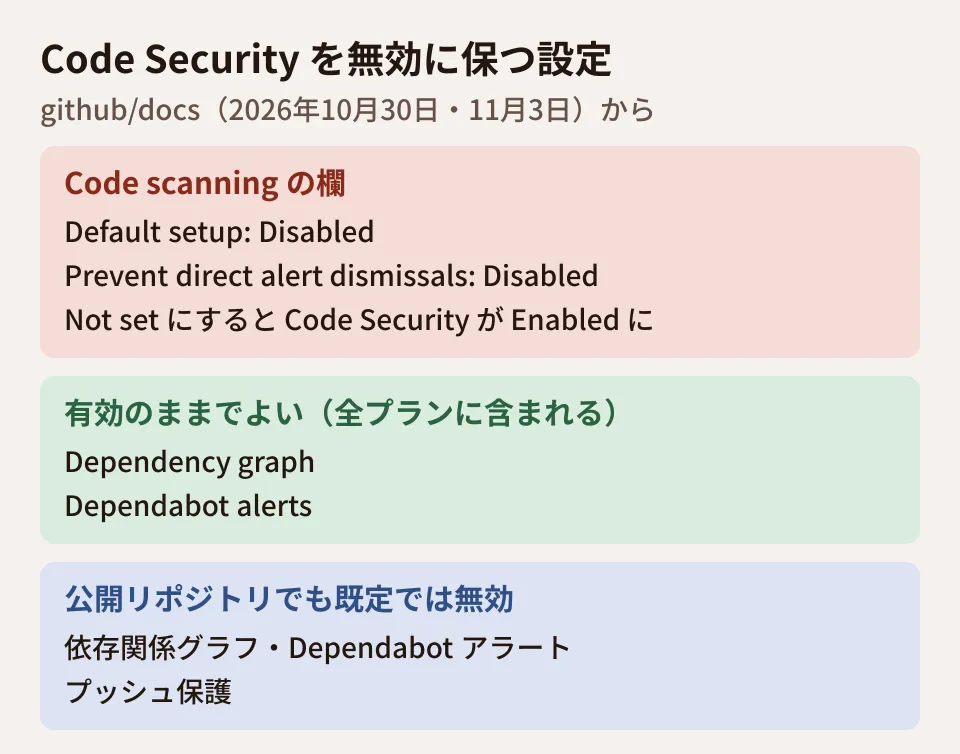
Meanwhile, the documentation states that the dependency graph and Dependabot alerts are "included in all plans."
"Not set" switches it to enabled
For repositories where you want to turn off paid features, the documentation recommends creating and applying a security configuration with the product's top-level setting disabled. The October 30 update rewrote that procedure as follows.
To keep Code Security disabled, set "Default setup" and "Prevent direct alert dismissals" under "Code scanning" to Disabled. "Dependency graph" and "Dependabot alerts" are included in all plans, so they can stay enabled.
On top of that, a warning was added.
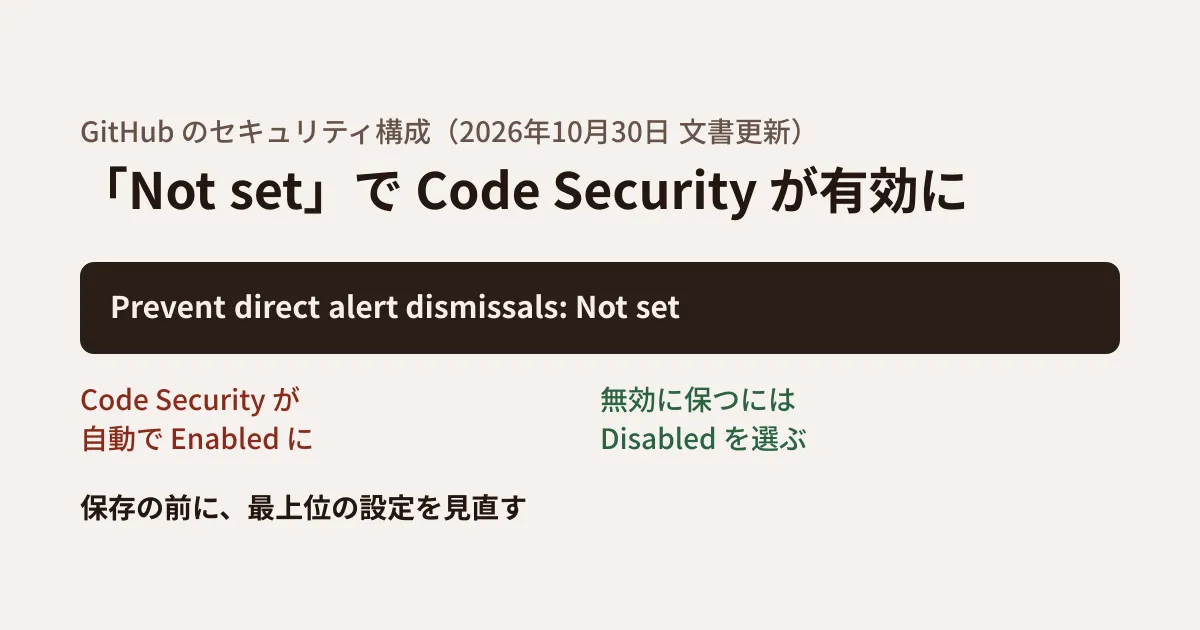
If you change "Prevent direct alert dismissals" under "Code scanning" to Not set, Code Security automatically switches to Enabled. To avoid enabling paid features unintentionally, organization administrators need to keep "Default setup" and "Prevent direct alert dismissals" in this section set to Disabled, and check the top-level Code Security setting again before saving and applying the configuration.
Literally, "Not set" means "this configuration does not decide." The point of the warning is that this choice changes the product's top-level setting to "enabled." If you do not review it right before saving, a configuration you meant to keep within the free tier becomes one that enables Code Security.
For configuration names, the documentation also advises using names that make it clear at a glance what is excluded, such as "No Code Security" or "Secret Protection and Supply chain only."
Not enabled by default, even in public repositories
The November 3 update corrected a different error. The repository security settings page previously said that "the dependency graph is always enabled for public repositories." It has been corrected as follows.
The dependency graph, Dependabot alerts, and push protection are not enabled by default, even for public repositories.
The opening of the dependency graph description has also changed to "Not enabled by default," and the note "Public repositories (enabled by default)" has been removed from the list of applicable repositories. The repository security settings page also states that you must enable the dependency graph first to use Dependabot alerts. The GitHub Enterprise Server documentation has been corrected to say that, for public repositories, enabling the dependency graph automatically enables Dependabot alerts.
If you have not configured anything on the assumption that public repositories are monitored from the start, you may not be receiving notifications about vulnerable dependencies.
In addition, the GitHub Changelog on November 10, 2026 announced that, starting December 8, Dependabot alerts will be paused for repositories with no activity in the past year (existing alerts are archived, not deleted). They resume automatically when there is a push. Repositories with an enforced security configuration that enables Dependabot alerts are excluded from the pause. This applies to all plans on github.com, and GitHub Enterprise Server is not affected.
Order of checks when creating a configuration (editorial suggestion)
From here on is the editorial team's suggestion based on the two updates. We did not create configurations in an actual organization to verify the automatic switching behavior or billing.
- Check current usage. The documentation says the current license usage is shown on the "Repositories" tab of "Security configurations" in the organization settings. First get a picture of which repositories have paid features enabled.
- Create a configuration within the free tier. Disable the top-level settings for Secret Protection and Code Security, set "Default setup" and "Prevent direct alert dismissals" to Disabled, and enable the dependency graph and Dependabot alerts.
- Review the top-level setting right before saving. After changing individual items, confirm that the top-level Code Security setting is still Disabled before saving. Give it a name that shows what it excludes, such as "No Code Security."
- Decide whether to make it the default for new repositories. Under "Use as default for newly created repositories" in the configuration's "Policy," you can make it the default for public, private and internal, or all repositories. Because the dependency graph is not enabled by default even for public repositories, enabling it in the default configuration helps reduce gaps. If you do not want it to be paused, you can also enforce the configuration with "Enforce configuration." According to the documentation, only features set to enabled or disabled are enforced; features set to Not set are not enforced.
- Check usage again after applying. On the same screen as in step 1, confirm that the number of paid licenses has not increased.
The documentation for GitHub Enterprise Cloud and GitHub Enterprise Server also describes asking enterprise administrators to set a policy that blocks the use of Advanced Security and a policy that prevents repository administrators from toggling features, to prevent future enablement. Note that the "Not set" warning appears on the page describing the procedure for organization security configurations, and we could not find the same statement for configurations created at the enterprise level.
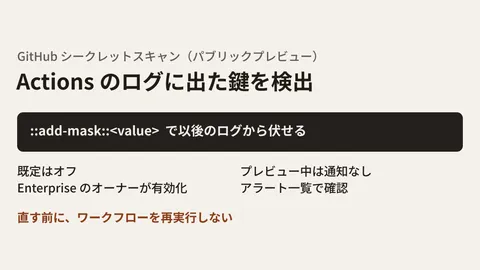
We covered the free vulnerability assessment in our article on the Code Security Risk Assessment. For new detection targets in Secret Protection, see our article on secret scanning in Actions logs.
Scope of verification
On November 7, 2026, we reviewed the diffs of commits 234a5ac (October 30, 2026, "Warn about automatic Code Security enablement in security configurations") and 5d9f6a9 (November 3, 2026, "Fix docs stating dependency graph and Dependabot alerts are on by default for public repos") in GitHub's documentation repository (github/docs), along with the source text on main for "Managing your paid use of GitHub Advanced Security," "Creating a custom security configuration," and "GitHub Advanced Security license billing" (document research). On November 11, 2026, we confirmed that the live pages on docs.github.com match the source text, and checked the pricing on GitHub's product page (github.com/enterprise/advanced-security) and the GitHub Changelog of November 10, 2026. We have not tried creating configurations, the automatic switching behavior, or billing.
GleamHub accepts consultations on development, AI, and automation, including designing GitHub permissions and security features to fit your development setup. Since the approach depends on the number of repositories and their visibility, please reach out via our contact form.
References
- GitHub Docs — Managing your paid use of Advanced Security
- GitHub Docs — Creating a custom security configuration
- GitHub Docs — GitHub Advanced Security license billing
- GitHub Docs — Managing security and analysis settings for your repository
- GitHub — Advanced Security (pricing)
- GitHub Changelog — Dependabot alerts will pause on inactive repositories (November 10, 2026)
- github/docs — commit 234a5ac
- github/docs — commit 5d9f6a9