
"Which form was that application again?" "Does anyone remember how we handled last year's year-end tax adjustment?" In a company of about twenty employees, these inquiries constantly pile up on seasoned staff, and whenever that person steps away, operations grind to a halt. This is the most common issue we hear from small and medium-sized businesses that come to us for advice. Even though manuals and policies nominally exist, only one specific person knows which folder, which PDF, and which page contains the answer. When that happens, company knowledge ceases to be a corporate asset and becomes trapped in individual memory.
Google's announcement on July 16, 2026, rebranding NotebookLM to Gemini Notebook, is a pivotal development for SMBs looking to cut down on time spent searching for and answering questions. While it might look like a simple name change, it actually represents a move to let employees query an AI that answers based on internal company materials right from the access points they already use every day. In this article, after organizing what changed and how with this rebranding, we cover concrete steps for loading your company's regulations and manuals into a knowledge base.
More Than Just a Name Change — What Has Expanded
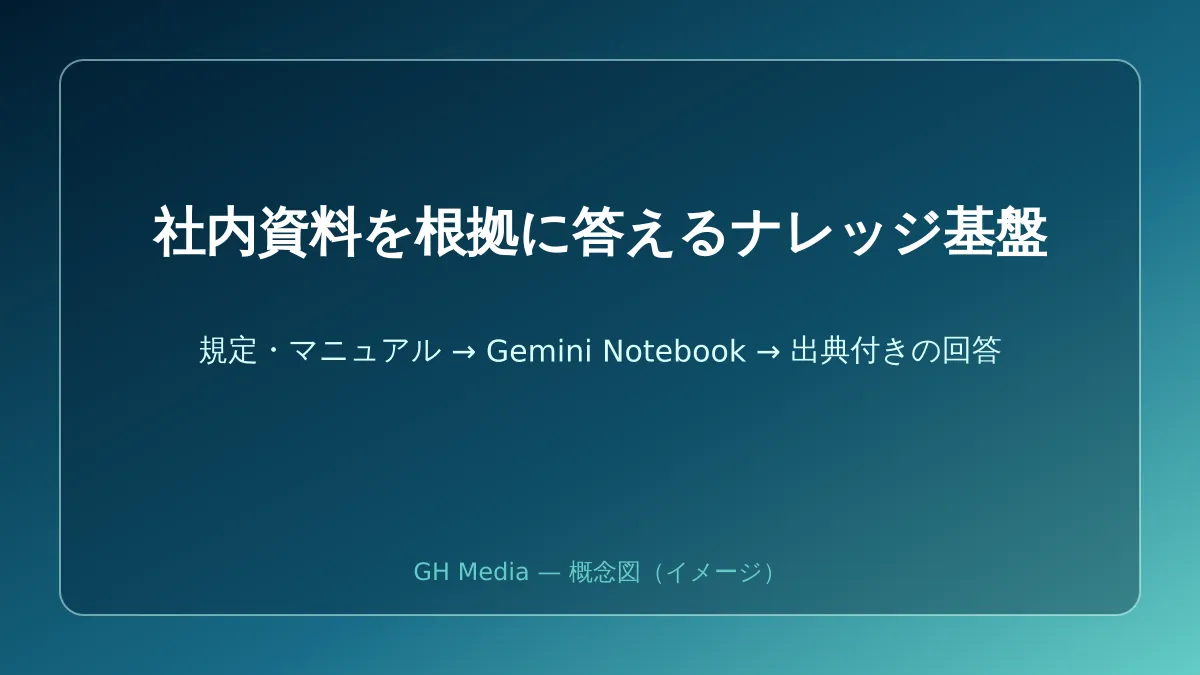
First, it is important to understand that the core of Gemini Notebook remains unchanged. Providing answers grounded strictly in the materials you upload (PDFs, documents, slides, audio files, etc.) and citing source links—this principle of answering solely within your own materials—remains fully intact after the rebranding. When dealing with internal regulations and past meeting minutes, preserving this boundary is vital. If answers were mixed with general information from the web, they would be useless for clarifying company policies.
What has changed is that its touchpoints have expanded across Google services. Previously a standalone tool accessed via a dedicated screen, notebooks can now be created and referenced directly from the Gemini app, with contents synchronized between the two. Furthermore, Google has indicated plans to make notebooks accessible from Google Search's AI Mode. In other words, the workflow of checking internal materials while researching something is being integrated into everyday entry points. Additionally, each notebook now includes a secure cloud execution environment, and features enabling on-the-spot data analysis based on uploaded materials are beginning to roll out.
We covered the foundational features and Audio Overview usage from the former NotebookLM era in our NotebookLM update overview, and its role in Workspace knowledge utilization in our guide on architecting internal knowledge for AI retrieval. Reading these together will help you understand where this rebranding fits in the broader evolution.
What SMBs Should Add First: Questions Asked Every Week
When faced with a new tool, it is tempting to think, "Let's upload all company materials at once." However, that approach is unsustainable. What you should upload first is the intersection of two criteria: inquiries that come up frequently every week, and topics where the answers are already clearly defined in writing.
Specifically, the following are well suited: expense reimbursement and internal application rules, employment regulations and leave request procedures, operational procedures for frequent business partners, and product or service FAQs. These are all classic examples where the answers are already established, yet staff are asked repeatedly. Conversely, inquiries requiring on-the-spot discretion or tacit knowledge that has not yet been documented should be left out at this stage. Without source documentation, Gemini Notebook cannot answer accurately, and forcing it to answer creates a breeding ground for plausible-sounding but groundless responses.
The secret to smooth operations is organizing notebooks by use case, such as "Expenses and Applications," "Employment Rules," and "Product FAQs." Dumping everything into a single massive notebook degrades answer accuracy and makes it harder to trace sources. Dividing by theme into smaller notebooks and limiting access to the employees who actually need them is all it takes to start shifting the vast majority of everyday casual questions toward self-service resolution.
Three Things to Decide Before You Start Using It
Establishing operational ground rules before diving into technical setup is the best way to prevent failure. If you skip this step, instead of making work more efficient, you will merely increase the number of AIs within your company serving outdated information.
| Decision Item | Why It Is Necessary | Minimum Viable Approach |
|---|---|---|
| Who updates the materials | Preventing the AI from continually answering with outdated rules | Designating one person responsible for updates per notebook |
| What to include and what to exclude | Avoiding the over-inclusion of sensitive information | Drawing clear advance boundaries for performance evaluations and personal data |
| How far to trust the answers | Preventing the external use of answers without verifying sources | Always opening and reviewing the source link for critical decisions |
The first point—assigning someone to manage updates—is especially critical. If internal regulations are revised but the old PDF remains uploaded, the AI will confidently serve outdated rules. When humans answered, someone might notice and say, "That was only true up until last year," but the AI only reasons within the scope of the materials provided to it. The unglamorous step of deciding who replaces the documentation has the biggest impact on accuracy.
Do Not Misunderstand Plan and Pricing Assumptions
Before adoption, you should confirm what features are available under which plan. While Gemini Notebook itself is widely available, certain new capabilities—such as data analysis via the cloud execution environment—are being rolled out progressively starting with plans that have higher-tier AI access, with availability expanding over several weeks.
What matters here is checking what is currently available under your company's existing Google Workspace plan directly via the admin console and official release status, rather than making assumptions. Differences in Gemini-related features across plans evolve rapidly; relying solely on articles or word of mouth can lead to discrepancies with reality. An overview of how to utilize Gemini features across Workspace is summarized in our Google Workspace Gemini adoption guide, which you can cross-reference against your company's plan support status.
Furthermore, adopting AI for internal knowledge is not a "set it and forget it" project; it entails ongoing organization and updating of uploaded documentation. Determining which plan fits your company and which materials to start with to maximize effectiveness depends on your specific requirements.
Start with Just One Weekly Question
The rebranding to Gemini Notebook brings AI grounded in internal materials closer to employees' day-to-day tools. Even so, there is no need to aim for a company-wide rollout right from the start. The best first step is to pick the single most frequently asked topic—in most companies, that means expense reimbursements or internal application procedures—load those regulations into a single notebook, and assign one person to handle updates.
With just that, inquiries in that area will begin shifting from human handling to self-service resolution, and work will no longer grind to a halt when veteran staff step away. Once you see positive results, you can expand to the next topic. Starting small and scaling while verifying that the update workflow is sustainable is the most manageable path forward for companies without dedicated IT teams.
If you are unsure which materials to upload first for maximum impact, how to set boundaries around sensitive information, or what is available under your current plan, please feel free to reach out via GleamHub's free IT and Google Workspace consultation. From auditing internal knowledge to planning your rollout sequence and establishing maintainable update rules, we work alongside you tailored to your company's actual situation.





