
"Every time a new employee joins, we repeat the exact same explanation verbally. We know turning it into a video would save time in the long run, but we can't manage the filming logistics or the editing, so we end up teaching it verbally again." When it comes to training and handovers, countless companies face this exact dilemma. Everyone knows video is more efficient, yet the effort required to make one becomes a barrier, leaving organizations stuck with person-dependent verbal walkthroughs. This is even more true for small and medium-sized businesses without dedicated equipment or editing staff.
An update that significantly lowers this barrier arrived on July 16, 2026, for Google Workspace's video creation tool, Google Vids. It introduced the ability to generate a lookalike digital avatar from a selfie and a short audio clip that speaks simply by typing in a script, along with Gemini Omni, which allows you to direct video edits using natural, spoken language. The need to stand in front of a camera or learn complex editing software is disappearing. In this article, we cover what can now be created with these new features and the internal rules you should establish before putting them to use.
Three Filming Hurdles Lowered All at Once
Previously, three major friction points held companies back from producing explainer videos in-house. This update addresses all three simultaneously.
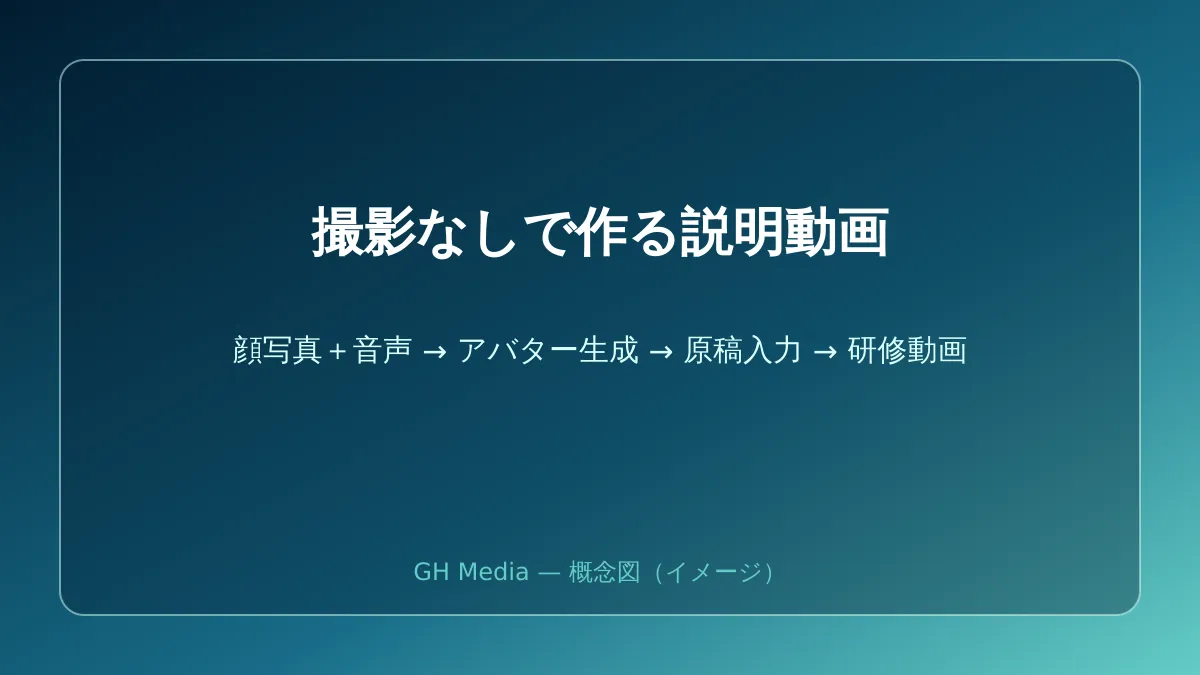
The first is filming itself. With the new feature, registering a selfie and a short audio sample creates a digital avatar featuring your likeness and voice. From there, you simply type what you want it to say, and a video is generated where the avatar reads the script. There is no need for multiple retakes in front of a camera. Even if there is a mistake in the script, you fix the text rather than having to reshoot.
The second is editing. The built-in Gemini Omni generates and edits video based on text instructions and reference images, allowing you to request adjustments like "replace the background" or "fix the brightness" in plain, everyday language rather than specialized technical terms. Furthermore, you can make gradual refinements without starting over from scratch. Even staff unfamiliar with editing software can produce finished videos simply by giving instructions.
The third is that both workflows are contained entirely within Google Workspace. There is no need to subscribe to a separate service or manage additional accounts just for video production. Being able to build on tools you already use every day quietly makes a big difference for long-term operations. For previous coverage of Google Vids' Japanese language support and basic creation workflows, see our guide to Google Vids Japanese support.
Where It Works Best for SMBs: Repeating the Same Explanation
It is not suited for every type of video. This system delivers the greatest impact when the content is fixed, used repeatedly, and frequently updated.
| Ideal applications | Less suitable use cases |
|---|---|
| Converting onboarding training and operational manuals into video | Content where live-action footage of on-site work is essential |
| Product and service explainer videos | Advertising footage defining brand identity and worldviews |
| Regular internal company announcements | Executive messages conveying emotion and atmosphere |
For example, with expense reimbursement procedures or everyday tool walkthroughs, creating them once with an avatar allows you to keep them up to date simply by editing the script and regenerating whenever rules change. When assuming live-action reshoots, filming logistics resurface with every update, often leaving videos neglected and outdated. Being able to keep content updated continuously is the true advantage of avatar videos. On the other hand, when you need to show actual physical work on-site or convey the company's public identity and brand worldview, live-action footage or professional production remains the better fit. For a systematic approach to building training videos, see our guide on how to create internal training and manual videos.
Internal Rules to Decide Before Using It
The ability to generate lookalike avatars also means that failing to define whose face and voice can say what invites unexpected trouble. You should align internally on operational boundaries before focusing on the technology.
First, using someone's face and voice for an avatar must require their explicit consent. Document clearly whose avatar will be used and for what purpose to prevent creating employee avatars without permission or making them say things they are unaware of. Next, videos published externally must undergo mandatory human fact-checking. Avatars simply read the script as written, so if the script contains errors, inaccurate information will be broadcast as-is.
Videos generated with this feature have an imperceptible digital watermark (SynthID) embedded to indicate they were created by AI. Nevertheless, rather than relying solely on watermarks, establishing an internal approval flow specifying who approves lookalike videos for external release serves as a prudent safeguard. For Gemini feature management and permission design across Google Workspace, please also refer to our Google Workspace Gemini adoption guide.
First, Turn One Repeated Explanation into a Video
By lowering the three hurdles of filming, editing, and third-party tool subscriptions simultaneously, Google Vids' avatars and Gemini Omni turn in-house explainer video production into a realistic option. However, there is no need to aim for elaborate videos right away. The first step is to take just one explanation that is currently repeated verbally over and over—in most companies, either onboarding training or a guide to a commonly used tool—and turn it into an avatar video.
Once you make one, the ease of updates and internal feedback will clarify what should be converted into video next. From there, you can expand while establishing rules on whose avatar is used for what. Following this sequence allows companies without specialized equipment or dedicated staff to sustain the initiative smoothly.
If you are unsure which explanations to video-enable first for maximum impact, how to establish avatar usage rules, or which Google Workspace plans support these features, please consult GleamHub's free IT & Google Workspace consultation. We will work alongside you from identifying candidate tasks to formulating operational rules.





