AI Overviews allow you to ask questions in the Gmail search box and get summaries from emails. If you find that "some people can see it while others cannot within the same company," do not assume language settings are the sole cause.
According to the official announcement on September 15, 2026, availability is expanding to eligible paid plans with Gmail language set to English. We review eligible subscriptions, administrator and user settings, and release schedules in order.
First, distinguish between work accounts and personal accounts
Eligible plans listed in the announcement include Business Starter / Standard / Plus and Enterprise Starter / Standard / Plus. For individual Google AI Plus / Pro / Ultra plans, personal accounts in the EEA, the UK, Switzerland, and Japan are excluded.
Therefore, merely switching the language to English on a personal account in Japan does not satisfy the requirements. Nor can this exception for personal accounts be directly applied to corporate Workspace accounts.
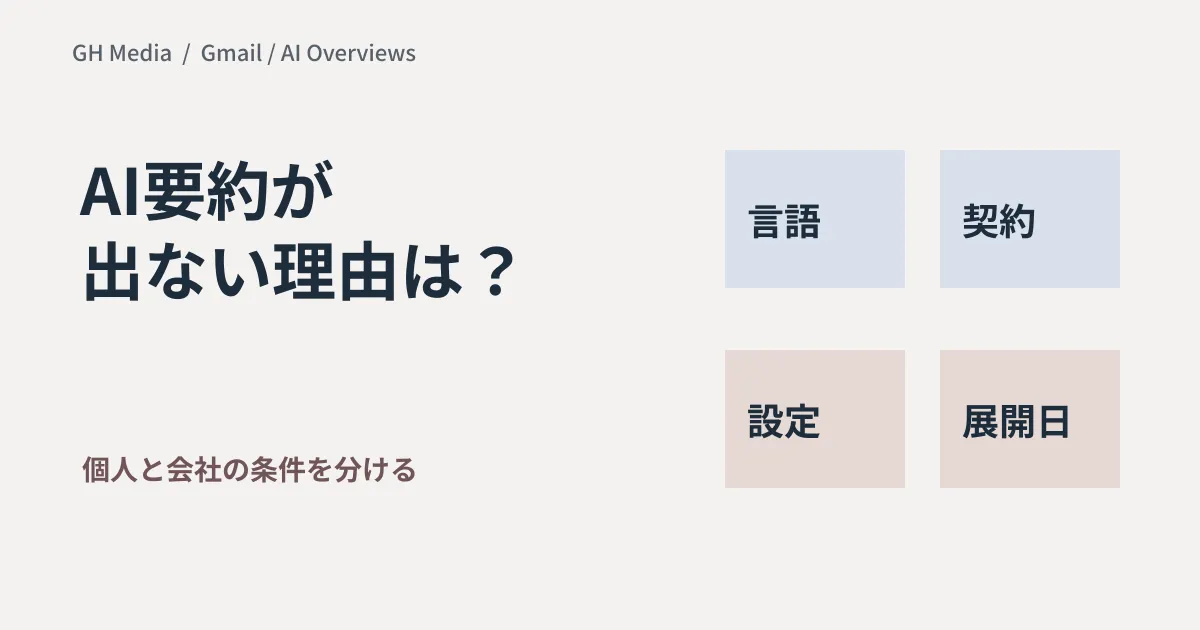
Check order when it is not displayed
| Order | Item to check | How to communicate to administrators |
|---|---|---|
| 1 | Account type and subscription | Whether it is a corporate Workspace account or a personal Google account |
| 2 | Gmail display language | Whether it is English, the currently supported language |
| 3 | Admin settings | Whether Gemini in Gmail and Gmail access for Workspace Intelligence are enabled |
| 4 | User settings | Whether the two types of smart features are enabled |
| 5 | Release track | Whether your organization's rollout schedule has been reached |
On the user side, both "Smart features in Gmail, Chat, and Meet" and "Google Workspace smart features" are required. Before changing settings, confirm what features and data usage each allows. Avoid changing settings company-wide solely to make it appear; limit the scope of verification.
September 21 is the start date for Scheduled Release
Under the official schedule, Rapid Release rolls out over up to 15 days starting September 3, while Scheduled Release rolls out over 1 to 3 days starting September 21. This does not mean "it will reach everyone by September 21." If Scheduled Release users cannot see it as of September 20, it may simply be before the scheduled date.
Perform initial evaluations using emails with known correct answers
Once available, prepare test emails that contain no confidential information and have it summarize, for example, "a meeting whose date was changed." Check whether it captures the latest announcement, avoids confusing it with the canceled date, and lets you open the source email to verify.
In the evaluation sheet, record the question, expected answer, actual answer, and referenced email. This is a suggested verification method, not measured results from this article. Do not treat summaries alone as confirmed information for schedules or contract terms; evaluate them including operational procedures for referring back to original emails.
If referencing external SaaS services from Gemini as well, confirm that this is governed separately from third-party connector settings.
This research article is based on the official announcement confirmed on September 20, 2026. Live device verification of display behavior and answers on the Gmail screen has not been conducted.
To organize the scope of Workspace AI features, please consult GleamHub.