
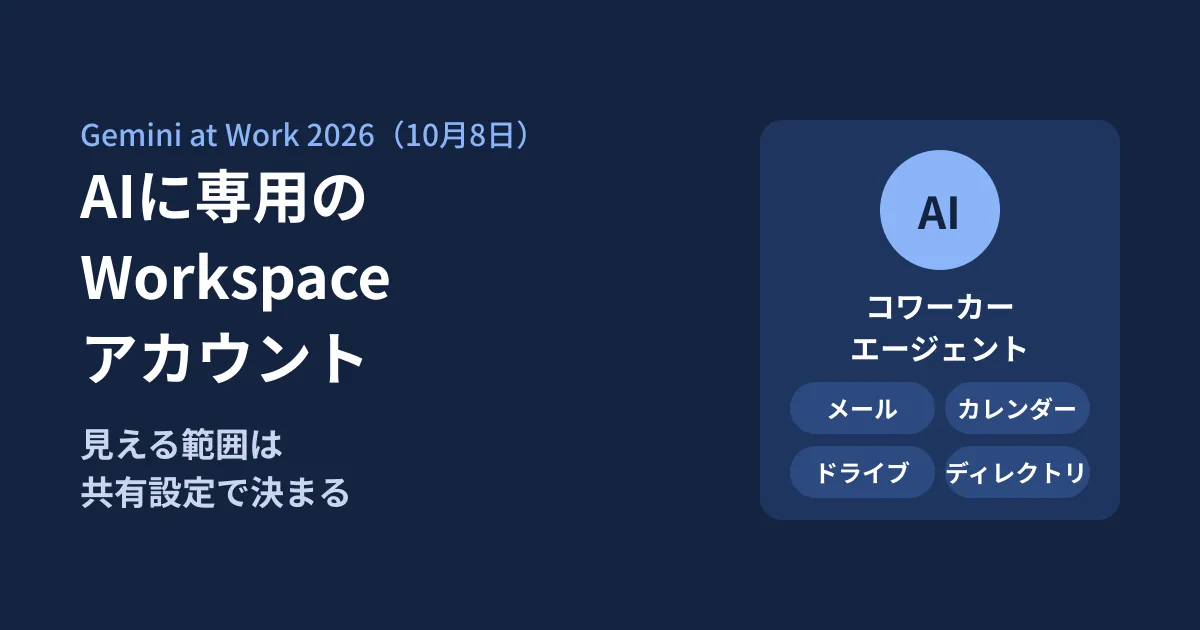
An AI named "Event coordinator" joins a chat space, gets asked to do work via @mention just like other members, and suggests edits to documents through comments. In the article on the Gemini at Work 2026 keynote that Google published on October 8, 2026 US time (the Japanese version on the 9th), it showed a way of using such "coworker agents" by giving them their own Google Workspace accounts.
For Workspace admins, this is similar to adding one more employee. Moreover, this AI is described as seeing "only content that has been shared with it." In other words, what it can see is determined not by a new settings screen but by the shared drive, group, and sharing link settings you already use in your company. We go through, in order, the mechanisms confirmed in the original announcement, what has not yet been described, and what you should decide before handing over an account.
How coworker agents work
The Google Cloud blog article (based on Thomas Kurian's keynote) lists three ways Gemini works within Workspace: as a personal assistant, by suggesting tasks that can be delegated, and as a member of the team. On the third, the Japanese version says the following.
Agents are given their own Google Workspace account, including an email address, calendar, Google Drive, and a listing in the company directory.
Picking out the points from the original text that relate to administration gives the following.
- How they are created: describe the role you need and Gemini creates it. Colleagues ask it to do work by adding it to a Chat space or @mentioning it
- Identity: it operates under its own identity, not the user's. Suggested edits to documents and replies to comments are recorded in the version history under the agent's own name (English version: "appearing under its own name in version history")
- What it can see: "It can view only content that has been shared with it. Access permissions follow the sharing settings your team already uses, and external connectors do not retain data"
- Records: every action is recorded in the audit trail and "is attributed to the agent, not to a human"
- Permissions: it is given role-based access permissions approved by the organization's security administrator. When connecting to external systems, identities are mapped using OAuth or similar methods
- Network and policies: agents run inside Agent Sandbox, and inbound and outbound traffic passes through Agent Gateway. Once you write a policy such as "Agents must not open documents classified as confidential" (an example from the English version), it applies to every agent in the company
- Costs: in the Cloud Billing console, you can set a cap on AI spending for each project, and when the cap is reached, the agents in that project stop ("Real-time spend caps" in the English version; we could not find this section in the Japanese version)
In a separate section, both the English and Japanese versions also explain that coworker agents have a dedicated email address such as @agents.company.com and a dedicated storage area (persistent storage).
How this differs from AI acting on your behalf
The "personal assistant" in the same article is a way of using Gemini that works from the user's calendar and chat history to arrange meetings and handle email exchanges for that person. A coworker agent has a separate identity and a separate scope of visibility, and handles only what the team has shared with it.
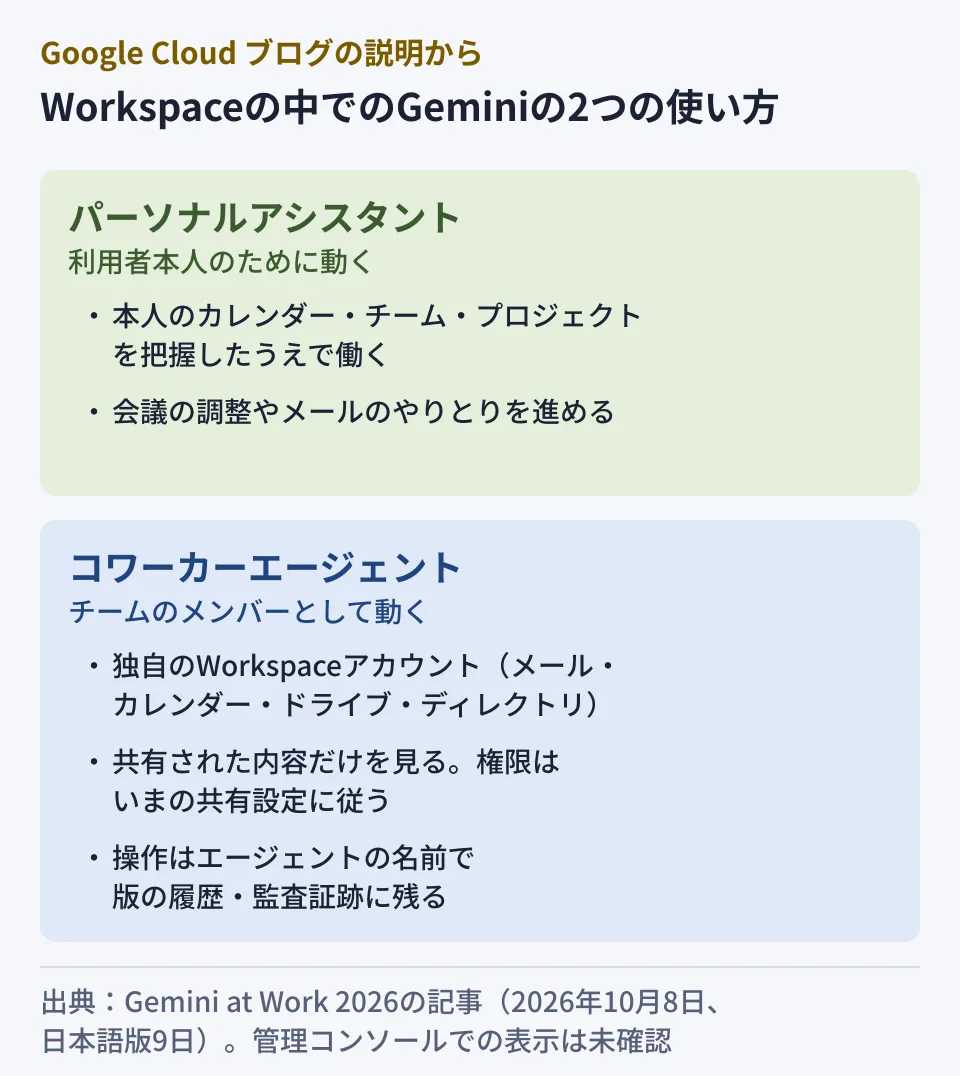
From an administration standpoint, the editorial team considers this difference significant. With a personal assistant, what the AI can touch stays within the user's own permissions. A coworker agent is an independent account whose scope expands the moment someone shares something with it or adds it to a group. If there are files shared with an "all employees" group, or via links that anyone in the organization can view, those may also fall within the agent's scope (how groups and link sharing are handled is not described in the original text and is unconfirmed).
What the announcement does not yet tell us
We could not determine the following points from the original article. On October 16, 2026, we also checked the Google Workspace Updates blog and the Gemini Enterprise release notes, but found no announcement of the availability of coworker agents. Before deciding on adoption, you need to confirm these through Google's official announcements.
- Availability timing and eligibility: which Workspace editions and plans can use it, whether it is a preview or generally available, and whether it is available in Japan
- Licensing and costs: whether agent accounts consume licenses, and the pricing structure
- How it appears in the Admin console: which organizational unit agent accounts are placed in, and how they can be suspended or deleted
- External sharing: settings for whether agent accounts are allowed to email or share with users outside the company
- Data processing location: where the agent's processing and logs take place and are stored
Some news reports describe it as a "limited preview," but the Google articles the editorial team checked did not mention the availability stage, so this article does not cover it.
What to decide before handing over an account
Even without knowing the availability terms, there are things you can decide internally in advance. The following are the editorial team's suggestions.
Location and naming
Decide on naming that distinguishes agents from human accounts, and on an organizational unit or group dedicated to agents. Because agents appear in the directory, if the name alone shows that "this is AI" and "which team it works for," people who receive its emails or chats will not be confused.
Taking stock of sharing
Because what an agent can see follows your sharing settings, check the following before handing over an account.
- Which shared drives and files groups that include all employees or entire departments have permissions on
- Whether confidential information is mixed into files that anyone in the organization can view via a link
- Whether past confidential conversations remain in the Chat spaces you plan to add the agent to
These are the same checks as when a new person joins, but an agent will read many documents in a short time when asked. It is safer to treat this as an opportunity to review overly broad sharing.
Owner and how to stop it
For each agent, designate an "owner" separate from the person who created it. Also decide the procedure for stopping it when its assigned work ends, and who will take over its deliverables (the files in the agent's Drive). The idea is to apply the same handling to AI as to the accounts of employees who leave.
How to review records and costs
Having actions recorded under the agent's name is an advantage because it makes them easier to check later. Decide who reviews the records and how often, and which actions are treated as problems. As for costs, if things work as described in the announcement, caps can be set per project, so whether to separate them by department is also worth considering.
Preparations you can make now
If you use the "AI control center" in the Admin console to get a picture of the AI features and agents already in use in your company, it becomes a baseline for comparison when new kinds of agents are added. We explain how to use it in Getting started with the Google Workspace AI control center. We cover drawing lines before no-code agents multiply in Before Workspace Studio agents proliferate, and how to think about approval when agents move files or reply to emails in Workspace Studio moves files and sends replies.
Starting by listing the groups that include all employees and the permissions on shared drives is a first step that will not be wasted, even before the availability terms are known.
Scope of verification
On October 11 and 16, 2026, we directly retrieved and reviewed the text of the Google Cloud blog posts "Welcome to Gemini at Work 2026: Introducing the Gemini agent" (English version, October 8, 2026 US time) and its Japanese version announcing the Gemini agent at Gemini at Work 2026 (October 9, 2026) (document research). On October 16, we also checked the Google Workspace Updates blog (posts through October 15) and the Gemini Enterprise release notes (entries through October 15), and confirmed that there were no items covering coworker agents. We have not checked the Workspace Admin Help. We did not actually create or operate an agent, and the Admin console display, availability timing, editions, and pricing are unconfirmed. Each item under "What to decide" is the editorial team's suggestion.
For reviewing sharing settings before bringing AI agents into your company, or taking stock of Workspace permissions, please reach out through our free IT and Google Workspace consultation.


