"Please add the temp worker joining next month to the sales department mailing list." If this request used to be handled inside each department but has recently started coming back to the IT team, your company may be feeling the effects of a change to Google Groups permission settings.
Google Groups has settings that decide who may add and remove members and who may see the member list. Plenty of companies assigned a custom role here to build an arrangement where "only these two people in sales can add members." That construction is going away. New settings have already been blocked, and from January 5, 2026, existing custom roles will be removed as well.
Only the setting is removed, but the work that ran on it remains. Unless you decide again who adds members, every member-addition request will land in one place from January.
Only two settings are affected
Groups have many permission settings, so it is worth being precise about which ones are affected. Custom roles will no longer be supported for these two settings.
- Who can manage members
- Who can view members
The setting that allows member management across the whole organization also falls out of support.
Custom roles for the following permissions, on the other hand, are unchanged. Confusing the two leads you to touch things that need no fixing.
- Who can modify custom roles
- Who can contact group owners
- Who can view member email addresses
In other words, only the permissions that touch or reveal the members themselves are affected; every other custom role continues to work.
What happens, and when
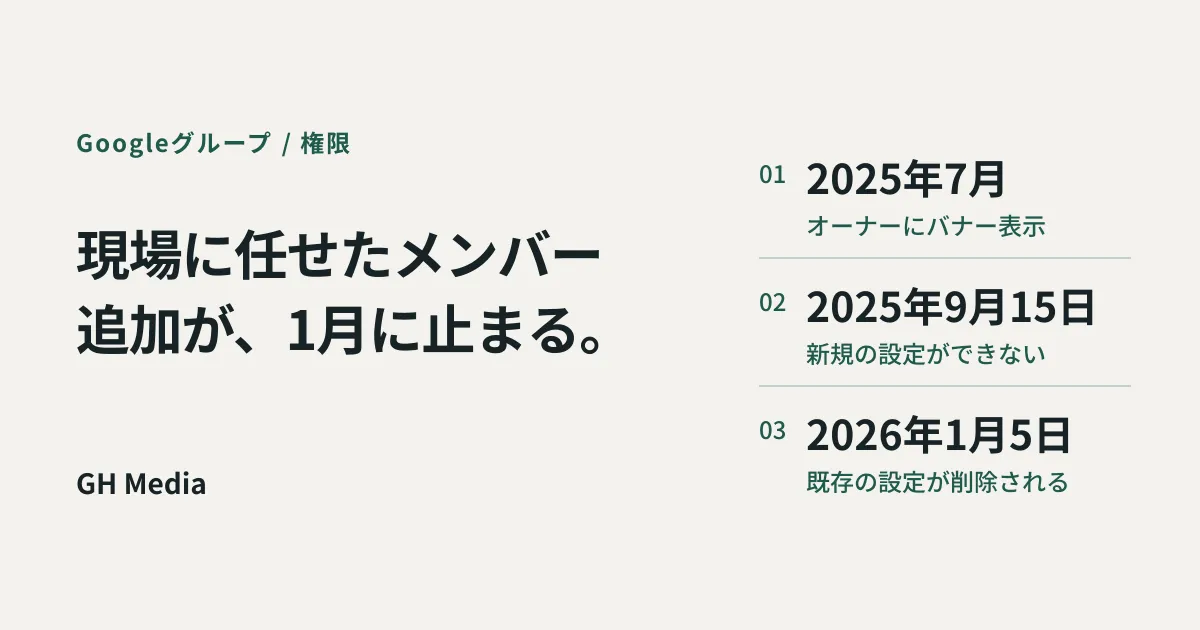
The change is phased, and the first two phases have already passed.
| Timeframe | What happens |
|---|---|
| From July 2025 | Owners and managers of affected groups see a banner announcing the change |
| From September 15, 2025 | New custom roles can no longer be added, and member management can no longer be set across the whole organization |
| From January 5, 2026 | Custom roles that have been configured are removed |
If member additions are still flowing through the field today, that is a setting made before September 15, 2025 still running. You can no longer build the same arrangement again, and what remains will disappear in January.
What is easy to miss is that the banner goes to group owners and managers, not to the IT team watching the Admin console. If the person in the field who sees the banner treats it as "some notice I do not understand," nothing reaches IT at all.
Who adds members once the role is gone
When the custom role disappears, the arrangement it supported has to be rebuilt using the standard roles of owner, manager and member. Google's help lists these two responses.
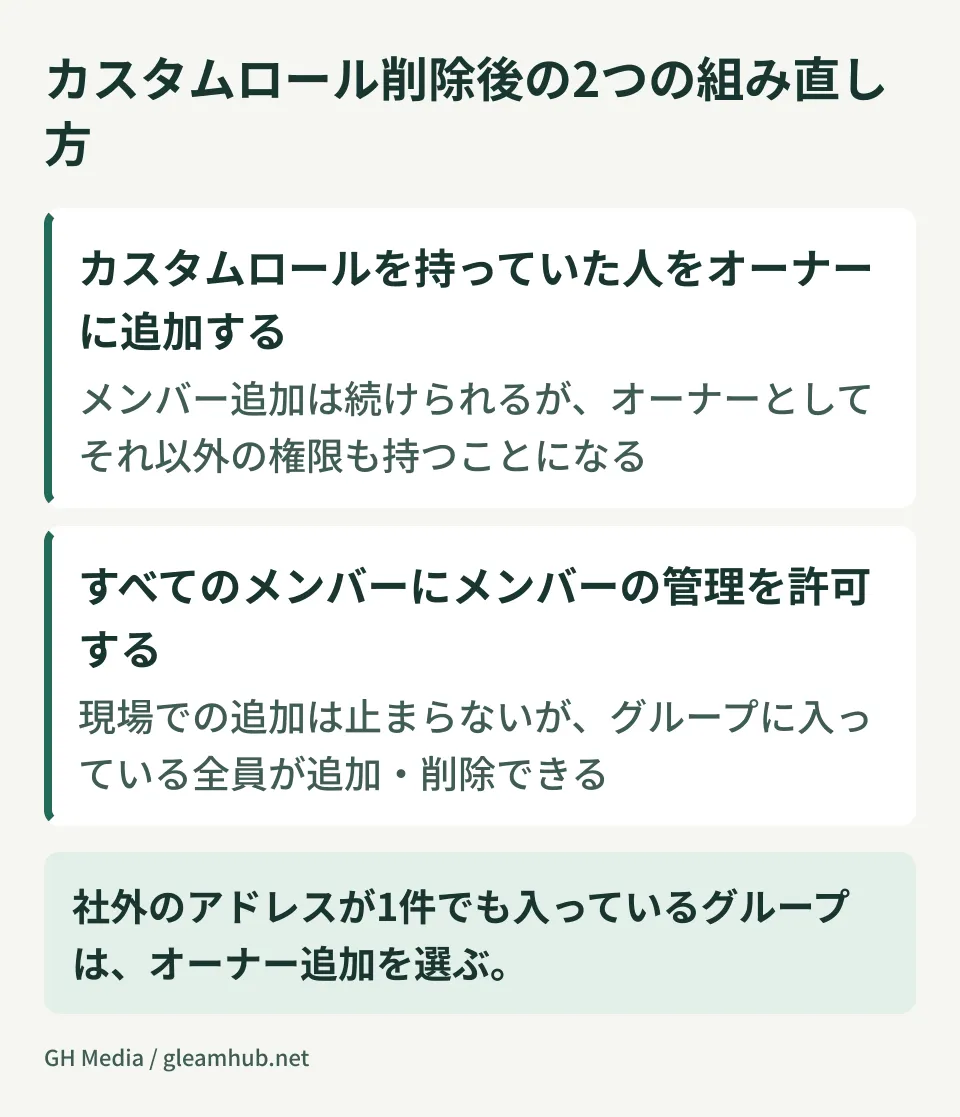
| How to rebuild | Benefit | Side effect |
|---|---|---|
| Add as an owner the person who held the custom role | That person can keep adding members as before | An owner also holds permissions beyond member management |
| Allow all members to manage members | Additions in the field keep working | Anyone in the group can add or remove members |
Neither option leaves things exactly as they were. The first widens the permissions you hand over; the second widens who you hand them to. A custom role was the tool for "only this person, only this action," so once it is gone you have to widen either the scope or the number of people.
Choose based on what the group is for
Applying one policy to every group causes trouble whichever option you pick. Sort them by what is inside.
For groups that include external people or carry confidential information, lean toward adding owners. If a mailing list that mixes in clients and contractors is set so that "all members can add," you end up in a state where an outsider can invite another outsider. Handling groups that include external parties follows the same thinking set out in collaborating through guest accounts: avoid changes that add entry points, starting where external parties are involved.
For internal-only groups with frequent turnover, allowing all members works in practice. Department contact lists, temporary project groups, invitation lists for internal study sessions. Routing these through IT only slows things down without protecting anything.
If you are unsure, open the group's member list and check whether there is even one address on an external domain. If there is, add owners; if not, allow all members. That single question sorts most groups.
The review to run before January
You need to identify the affected groups. The more groups you have, the more it pays to start early rather than scramble at year end.
- Identify the affected groups. In the group settings, pick out the ones where a custom role is set for managing or viewing members. The banner shown to owners and managers is another clue
- Check whether the group is still in use. If a group is no longer used, you can decide to retire it rather than rebuild it. Reducing the count here makes the rest of the work lighter
- Check whether the person who held the custom role is still with the company. Roles assigned to people who have left sometimes remain. This check follows the same flow as the review in tidying up accounts when someone leaves
- Decide per group whether to add owners or allow all members, and apply it
- Tell the people in the field. If you do not announce that permissions now work differently, you will get a wave of "I can no longer add people" tickets in January
If you want to revisit how groups are set up in the first place, reading how to create and use group addresses alongside this makes consolidation decisions easier.
What to do next
Start by picking one group that contains an external address and checking whether a custom role is set on the member management permission. If it is, that setting disappears on January 5.
Then look down your list of groups and count how many are ones where you cannot explain who does the adding. That number is the number of decisions you have to make before January.
GleamHub offers group design and permission reviews for Google Workspace, along with tidying up mailing lists that include external parties, through our free IT and Google Workspace consultation. The approach depends on how many groups you have and how external parties are involved, so please get in touch from our contact page.