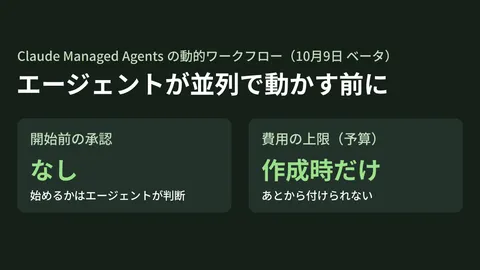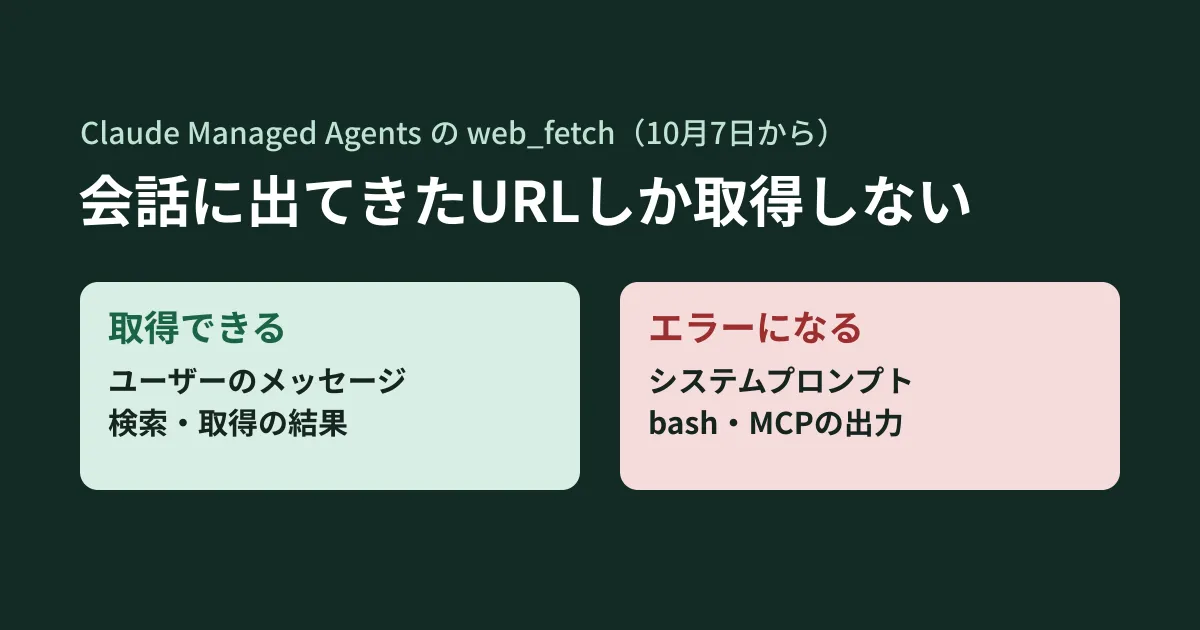
Every morning, read a competitor's news page and an industry association's announcement page, and summarize and report any changes. Receive reference URLs from an internal ticket management tool, read those materials and draft answers. If you run agents like these on Claude Managed Agents, you need to check whether web page fetches suddenly started failing after October 7.
The Claude Platform release notes for October 7, 2026 listed three changes affecting Managed Agents' web_fetch (a tool that fetches web pages) and web_search (web search). The goal is to reduce the risk of internal data being sent outside through agents (data exfiltration). On the other hand, configurations that previously worked may now produce errors. In this article, based on the release notes and the official documentation, we lay out the affected configurations and how to fix them.
Change 1: only URLs that appeared in the conversation are fetched
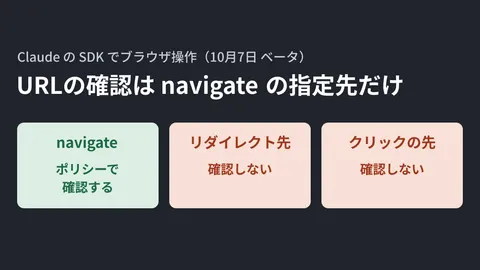
The release notes state that web_fetch now "fetches only URLs that have already appeared in the session." The URLs that can and cannot be fetched are as follows.
| Can be fetched | Cannot be fetched |
|---|---|
URLs written in the text of a user message (user.message) | URLs that appeared only in Claude's own output |
URLs that appeared in web_search results | URLs written only in the agent's system prompt |
URLs that appeared in a page previously fetched with web_fetch | URLs that appeared only in attached documents or in the output of bash, read or MCP tools |
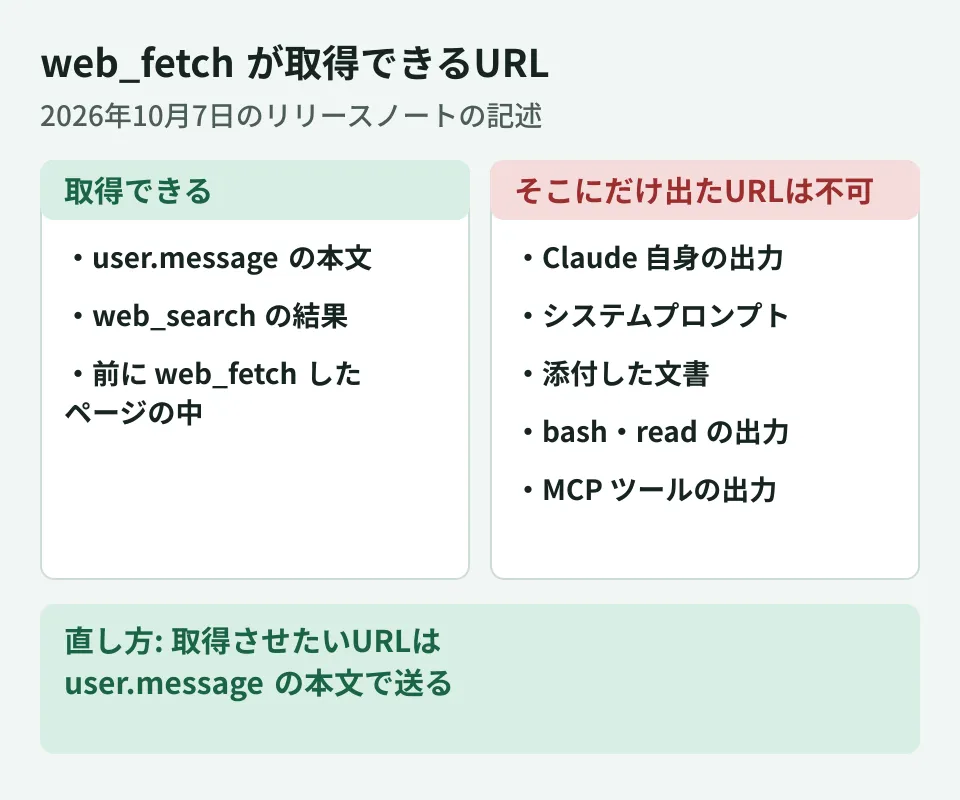
If you specify a URL that cannot be fetched, the agent receives a url_not_in_prior_context error result. The release notes give a single fix: "To let the agent fetch a URL, send it in the text of a user.message event" (send URLs you want fetched in the text of user.message).
Handled differently from web fetch in the Messages API
The web fetch tool in the Messages API (the regular API) has a check with the same intent. According to the documentation (URL validation in Web fetch tool), in the Messages API, URLs that appeared in the results of tools executed on the application side (client-side tools) can be fetched. URLs written only in the system prompt, or that appeared in the results of server-side tools such as code execution or the MCP connector, cannot be fetched.
In Managed Agents, URLs that appeared in the output of bash, read or MCP tools also fall on the cannot-be-fetched side. If you move a design that worked on the Messages API to Managed Agents, it may stop working at this point.
Examples of configurations that stop working
From the table above, the following designs appear to need review (our own analysis).
- Listing the URLs to monitor in the system prompt. An agent instructed to "check the following three pages every morning" cannot fetch them unless the URLs are in the user message
- Retrieving a list of URLs with an MCP tool. A flow that receives material URLs from tickets or a CRM and passes them directly to
web_fetchwill produce errors - Building URLs with
bash. URLs produced by reading a CSV or assembling them with dates cannot be fetched
In each case, change things so that the URLs you want fetched are included in the text of user.message when starting a session or sending the next instruction. For scheduled deployments, you configure the first event that starts each session's work (user.message or user.define_outcome) (Scheduled deployments documentation). If you want URLs fetched, use user.message and put the URLs in its text.
Change 2: the limited networking setting also applies to web search and fetch
Managed Agents environments have a setting for the sandbox's outbound traffic, networking. When set to limited, the sandbox can communicate only with hosts listed in allowed_hosts.
With the October 7 change, this allowed_hosts now also applies to web_search and web_fetch. These two tools run on Anthropic's servers rather than in the sandbox, so they were previously treated separately. The release notes and documentation (Networking in Environments) state the following.
- Fetching a URL whose host does not match
allowed_hostswithweb_fetchreturns aurl_not_allowederror result web_searchomits results from non-matching hosts- If
allowed_hostsis empty, neither tool returns any pages or search results allow_package_managersandallow_mcp_serversdo not add any hosts for these two tools- With the
unrestrictedsetting and in environments you provide yourself (self-hosted), these two tools are not restricted
If you were running an agent that does web searches with limited, after October 7 search results may come back empty or all fetches may fail. Adding the sites you want read to allowed_hosts resolves this, but the documentation cautions that "A host that you add to allowed_hosts is also open to the sandbox" (hosts you add also become reachable from the sandbox).
Change 3: sessions cannot be created if domain lists conflict
For web_search and web_fetch, you can also set allowed_domains to narrow fetch targets per tool. According to the release notes, in a limited environment, if an enabled tool's allowed_domains contains an entry outside the range of allowed_hosts, session creation and updates fail with a 400 error.
What to watch here is how matching is determined. An entry in allowed_hosts matches only a single host unless it starts with *.. In the release notes example, docs.example.com does not fall within the range of ["example.com"]. To include subdomains, write it like *.example.com or list the hosts individually. However, according to the Environments documentation, *.example.com does not match example.com itself. To allow communication with both, list example.com and *.example.com side by side.
The documentation states that if a previously accepted configuration turns out to be invalid at tool initialization, the session emits session.error and returns to waiting (idle) without retrying. To fix it, update the session's tool configuration, also fix the agent's own configuration, and then send a new message.
The order of checks
Summarizing the above as an order of checks, we arrive at the following.
- Check the environment's
networking. The documentation states that omittingnetworkingwhen creating an environment via the API results inunrestricted(the creation screen in the Claude Console defaults tolimited). First check that it has not becomeunrestrictedunintentionally - In
limitedenvironments, add the target sites for web search and fetch toallowed_hosts. Pay attention to how subdomains are written, and also confirm thatallowed_domainsfalls within that range - Check how URLs are passed. Identify every place that receives URLs from the system prompt, MCP tools or
bash, and change them to pass URLs in the text ofuser.message - Monitor errors. Count
url_not_in_prior_context,url_not_allowedandsession.errorin events and check whether they increased around October 7
Regarding unrestricted environments, the documentation points out that agents can go as far as writing to external sites and submitting forms, that under the default permission policy bash runs without approval, and that instructions written in loaded content can change behavior; it recommends using limited if you can list hosts in advance. This change moves in the direction of tighter restrictions. In our view, the approach that fits the intent of the change is to fix how URLs are passed and allowed_hosts, rather than reverting to unrestricted when fixing things.
We cover the overall picture of Managed Agents in What is Claude Managed Agents, how to think about the risk of agents sending data outside because of instructions embedded in pages in our article on indirect prompt injection, and how to divide the permissions given to agents in Permission design for AI agents.
Scope of verification
On October 15, 2026, we directly retrieved and reviewed the Claude Platform release notes (the October 7, 2026 entry) and the documentation pages Environments, Restrict web search and web fetch domains, Tools (Managed Agents) and Web fetch tool (document research). On October 16, 2026, before publication, we retrieved the same materials again and cross-checked the text. Because Managed Agents requires an API key, we did not verify by actually creating agents, environments or sessions, and the actual error display, how existing agents created before the change are affected, and behavior in scheduled runs remain unverified. The examples of configurations that stop working and the order of checks are our own analysis based on the documentation.
For designing network access and permissions when integrating AI agents into your operations, or reviewing existing agents, please contact us through consultation on development, AI, and automation.