IT teams are increasingly receiving inquiries like this: "There is an AI tool the sales department wants to use. Can we connect it to our internal Google Drive?"
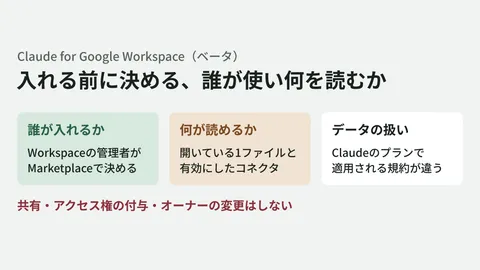
There is not enough information to make an informed decision. What the tool actually reads in Google Drive is compressed into a single line on the consent screen: "See, edit, create, and delete all of your Google Drive files." Even if the sales team only wants to access a folder of proposals, if the connecting user also has access to HR folders or payroll spreadsheets, those files can fall within scope as well. OAuth scopes alone do not grant company-wide permissions beyond what the user holds. However, outright blanket rejections leave employees motivated to use unmanaged accounts.
This limitation of only being able to grant permissions at the application level is now being fundamentally reexamined as an architectural problem.
Application-level permissions cannot stop an agent
On July 27, 2026, Google unveiled Beyond Zero as a new enterprise security framework. It serves as the successor to BeyondCorp, the zero-trust implementation Google has pursued since 2014 that distrusts internal networks and evaluates every access request based on device and user state.
The core concept is to shift access decisions from the application level to individual resources and actions. Google's primary documentation presents an approach of authorizing requests per action on specific resources, spanning UIs, APIs, and MCP. Below, we examine how to apply this thinking to Google Workspace administration.
Why has this finer granularity become necessary? While human operations also carry risks of excessive permissions, agents can execute sequential processes in seconds. If an agent proceeds while misunderstanding its goal, it can affect dozens of files before a user notices. Broader permissions also widen the blast radius when accidental operations or prompt injections occur.
Beyond Zero addresses this by combining static authorization rules with context-aware dynamic decisions. It layers on top of static rules governing who can access what, evaluating whether a given action is permissible within its immediate context.
Translating the framework into next week's operations
That said, this design philosophy is aimed at large enterprise security divisions. It is not something an IT administrator at a 50-person company can roll out overnight.
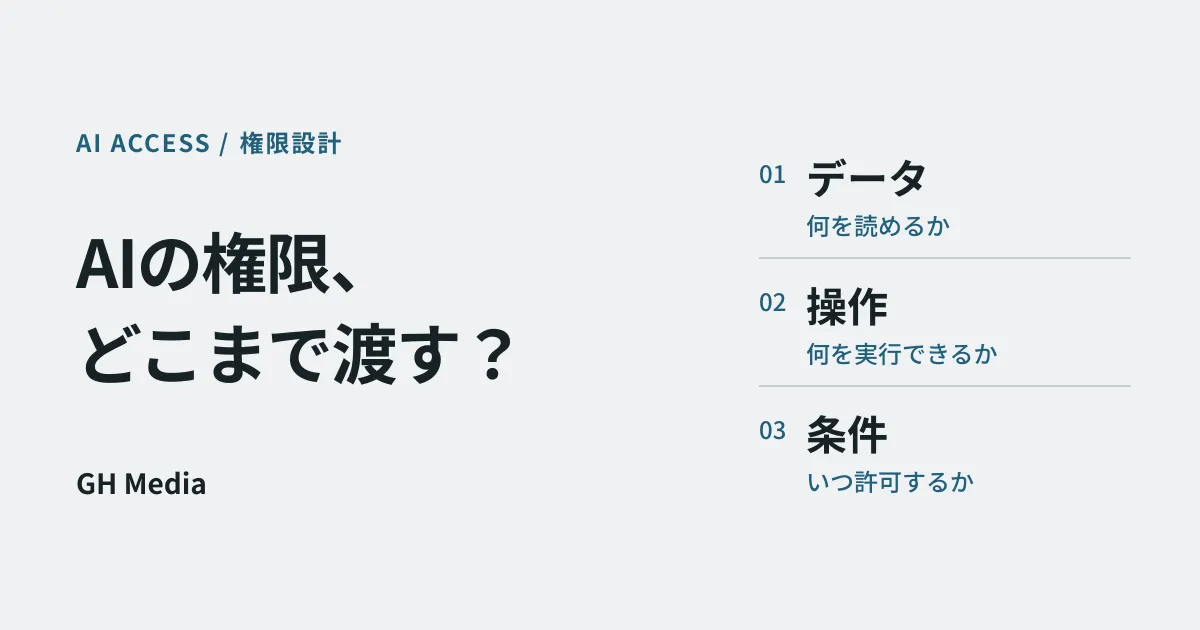
Even so, auditing data targets, actions, and usage conditions separately can be initiated today within existing Google Workspace environments. This does not mean you can implement Beyond Zero's entire continuous authorization model using admin console settings alone.
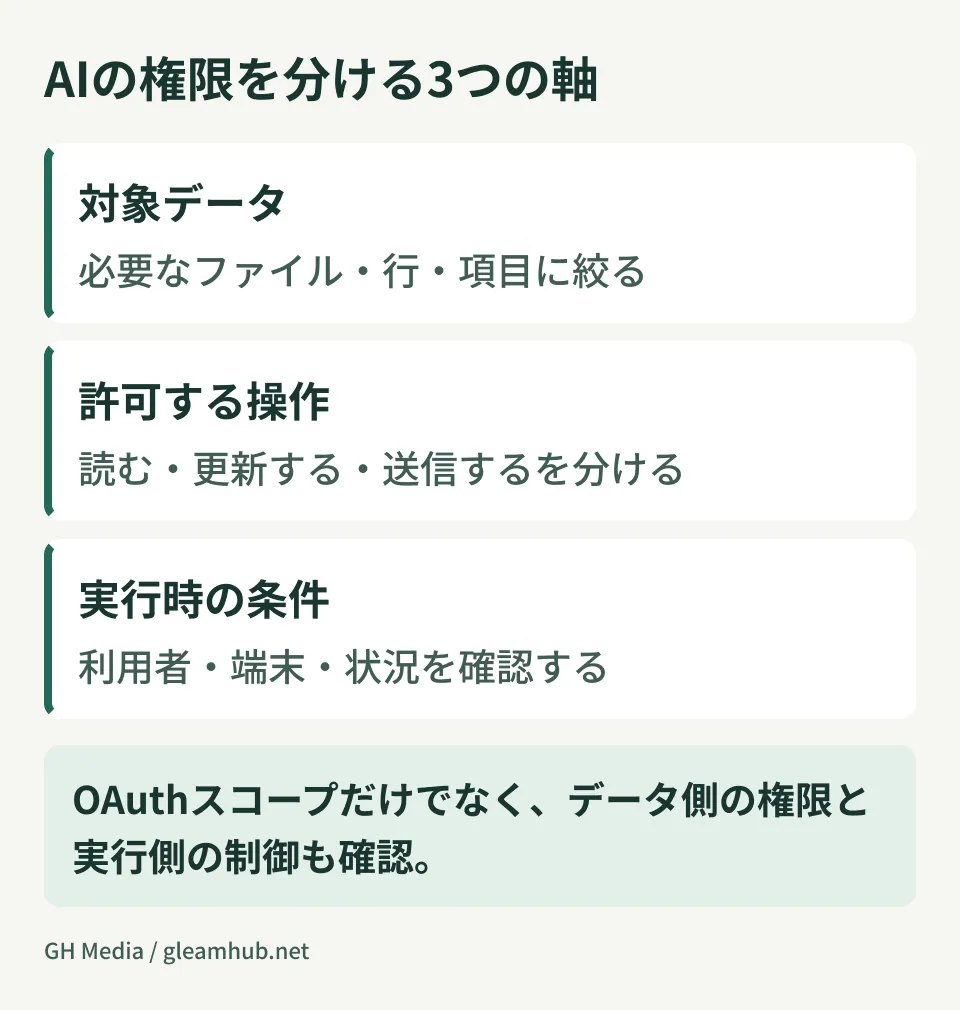
Specifically, you should define three distinct dimensions:
1. What data can it reach? (Limiting targets)
Before approving an AI tool, examine whether your organization can narrow the scope of data it reads. If shared drives are separated by department, you can configure the integration account to be a member of only that specific shared drive. If files are scattered across every employee's My Drive, this narrowing cannot function. In practice, access control granularity cannot exceed the granularity of your data storage layout.
2. What is it allowed to do? (Limiting actions)
Is it read-only, or does it also write and modify? Scopes requested on the OAuth consent screen distinguish between read-only access and editing access. This is an item to be evaluated by the approver, not left to the discretion of the requester. As discussed in our article covering optional scopes and behaviors upon rejection, a tool requesting more scopes than necessary provides immediate grounds to question its design quality.
3. Under what conditions should access be permitted? (Limiting conditions)
Using Context-Aware Access in the Google Workspace Admin Console, you can gate access based on conditions such as device state, IP address, and geography. However, there are limitations regarding supported editions, target apps, and device attribute collection methods. It may not universally govern third-party AI tools or background API calls. Review coverage across connection paths and combine it with resource-level data permissions.
The step-by-step process to answer "Can we connect this?"
Returning to the initial question: when making an actual assessment, verifying items in this order prevents roadblocks.
- Which Google account does the tool use to access company data? (Does it borrow an individual user's credentials, or use a dedicated service account?)
- Is the scope of borrowed permissions identical to what that employee normally views, or is it broader?
- Does it request edit permissions for a use case where read-only access suffices?
- Can usage history be audited after the fact?
Approving a tool without item 4 leaves you unable to answer six months later when someone asks, "What did that tool access?" Checking in advance what can be inspected in Workspace audit and investigation tools can change the approval decision entirely. If a tool can only connect without leaving audit trails, that in itself is decisive criteria.
For architectures where AI tools directly access internal system records, our article on permission design in CRM systems is also a helpful reference. The mindset is identical: begin by clarifying whose permissions are being borrowed.
Fix the storage structure before fine-tuning permissions
While the direction shown by Beyond Zero is sound, small and medium-sized businesses attempting to build resource-level authorization immediately almost always stall before getting there. The fundamental reason is that data is simply not organized in a way that allows permissions to be separated.
Having only a single "Company-wide" shared drive, leaving critical files in former employees' My Drives, or having cross-departmental spreadsheets owned by individual accounts—under these conditions, refining access controls accomplishes little in practice.
The correct sequence is to first organize data storage by department and sensitivity level. Once that is done, evaluating an AI tool connection becomes as straightforward as saying, "Access is limited to this shared drive alone." As agent adoption spreads, this foundational information architecture pays off.
What to do next
Pick one AI tool currently in use or pending review within your company, and evaluate it against the four criteria above. Any criterion you cannot fill in represents a gap that must be addressed before granting approval.
Rather than trying to overhaul everything at once, a pragmatic approach is to thoroughly address a single tool first and use that framework as the standard template for future requests.
GleamHub offers free consultations for IT and Google Workspace, covering internal AI permission design, shared drive reorganization, and Google Workspace administrative settings. Because viable setups vary depending on your subscription edition and data storage layout, please contact us individually via Contact Us.