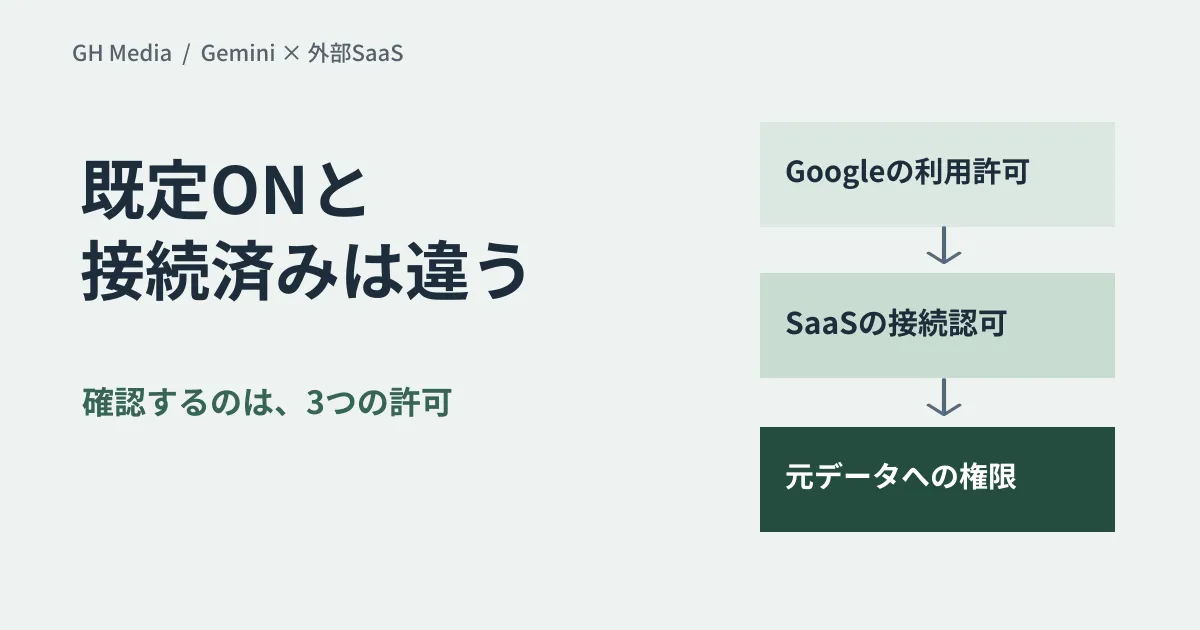
"Enabled by default" is not the same as "already reading external data." When reviewing Gemini third-party connectors, begin with this distinction.
On September 15, 2026, Google announced integrations to utilize services like Asana, HubSpot, and Salesforce directly from Gemini for Workspace. They stated that this is enabled by default for eligible users. Users must still authenticate and authorize within the destination service; this does not mean unconnected SaaS is automatically accessed simply by being enabled. Official Announcement
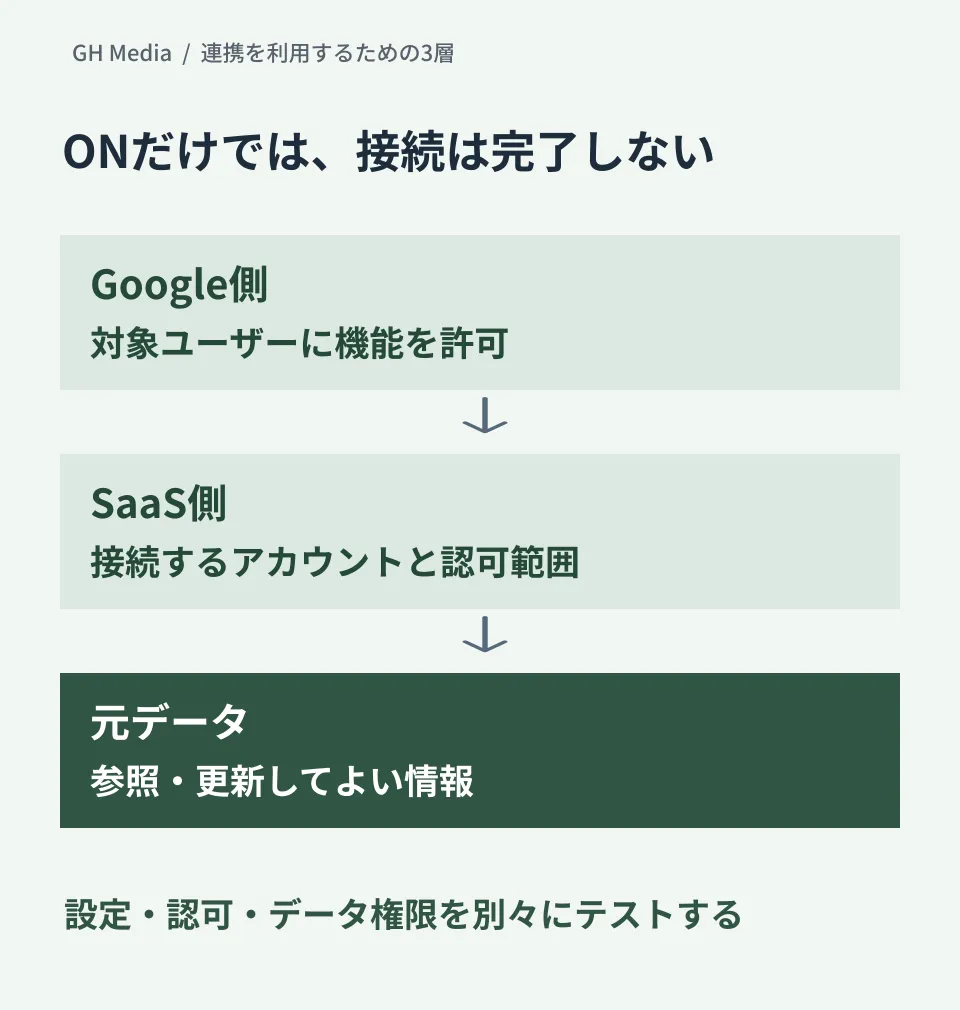
Mapping out the three permissions on a single sheet
For example, if you are considering a use case where sales representatives reference deal information, you can organize it using the following three tiers. This serves as an example checklist during rollout.
| Review tier | Decision Item | Records to maintain |
|---|---|---|
| Google-side usage permission | Which departments and users are allowed to use integration features | Target services, organizational units/groups, effective date |
| SaaS-side connection authorization | Which account and permissions are used to connect | Connected app, authorization scopes, approver |
| Permissions for source data | What information is permitted to be viewed or updated | Test records, expected allow/deny outcome, verification results |
Rather than treating a successful connection as the sole success criterion, use test accounts to verify both data that should be visible and data that must remain hidden. Because permission inheritance and propagation times depend on the specific combination of products, documentary research alone cannot guarantee the efficacy of access controls.
Checking admin consoles alongside target features
In the September 15 announcement, Google directed admins to "Apps → Google Workspace → Gemini for Workspace → Third-Party Connectors" in the Admin console. Meanwhile, admin help documentation regarding integrations explains managing Gemini Apps and Workspace Studio integrations via Google Workspace Marketplace.
Official documentation covers different products and control planes. Do not assume that changing settings in one place will shut down all Gemini integrations. Identify the interface being used, the connecting app, and the target users before verifying the corresponding settings. The help documentation also notes that simply changing an app from Trusted to Blocked in API controls does not restrict the relevant integrations.
Defining a small initial scope before company-wide rollout
By limiting your initial validation scope—such as "referencing only test deals using verification accounts in the sales team"—you can clearly compare expected outcomes against actual results.
- Is read-only access sufficient? If update operations are required, who approves them?
- If an erroneous answer is generated, can you trace back to the source record that served as the basis?
- Upon disconnection, transfer, or offboarding, which permissions must be revoked on both the Google side and SaaS side?
- What happens to existing connections and workflows after deactivation?
If expanding to automated processing, separately verify Workspace Studio webhooks and approval settings. The impact of potential failures differs between conversational data retrieval features and workflows that push data to external services.
This is an exploratory article based on official documentation reviewed on September 20, 2026. Setting changes in the Admin console, connections to SaaS platforms, and permission propagation tests were not executed.
If you would like to build a verification plan starting with an inventory of integration targets and permissions, please contact GleamHub.