

AI adoption111 articles
From understanding mechanisms to designing the right environment for your company and safely adopting AI into daily operations.

OpenAI Privacy Filter & Trusted Access for Cyber — Enterprise AI Governance Custom Design Guidelines (2026)

Enterprise Adoption Guide for ChatGPT Workspace Agents — Production-Grade SaaS and Agent Automation Patterns for Clients (2026)

Building 70-language voice customer experiences with Gemini 3.1 Flash TTS — A new model for inbound and call center client development

Summary of key Google Cloud Next 2026 announcements — five new AI features small and medium businesses should leverage right away

Building enterprise RAG with Hugging Face's multimodal embeddings and rerankers

Lessons from Lyft on AI × HITL Translation Operations: Architectural Techniques for SMB Multilingual Site Quality

OpenAI's 20 official ChatGPT role-based guides — department-by-department rollout roadmap

How to integrate OpenAI Academy into employee training — designing a free AI talent development program from scratch

Why AI Agent Adoption Is Polarizing Enterprises: Latest 2026 Surveys and Roadmap

Learning from CyberAgent's playbook: A 90-day roadmap for adopting ChatGPT Enterprise

A pragmatic answer for building internal LLMs — Creating Japanese private AI infrastructure with NII's LLM-jp-4

What is Claude Managed Agents? The end of building agents from scratch and its impact on Japanese enterprises

Thorough breakdown of new Gemini API tiers "Flex" and "Priority" — the new standard for AI inference cost optimization

Claude Mythos Preview In-Depth Analysis — Anthropic's Next-Generation Strategy Revealed by the System Card and Project Glasswing

The "intelligence industry phase" entered by OpenAI — deciphering the Codex price revision, TBPN acquisition, and Altman's industrial policy vision

AI benchmarks are broken: MIT Technology Review questions measurement limits and 2026 model selection strategies

Gemma 4 vs. Qwen 3.5 vs. Granite 4.0: comparison [spring 2026 for SMBs]

Google Vids opens to everyone: Complete guide to launching AI video creation with Veo 3.1 × Lyria 3

What is Sakana AI's "Namazu"? Benchmarking Japan-Specific LLM Capabilities Against Claude and GPT

Summary of Claude Code's latest 2026 features

What is Google's "Care Record Assist"? Explaining the new feature that auto-generates nursing care records with Gemini Gems

Complete Guide to Running Gemma 4 Locally: From Mac/Linux Environment Setup to Japanese Inference

Google Assistant fully transitions to Gemini — a comprehensive breakdown of 2026 changes, timeline, and impact

NotebookLM evolves dramatically — infographics, video generation, and slide editing added, making business adoption practical overnight

Complete guide to Google "Stitch" — a free AI design tool that automatically generates professional-quality UI from text

Cursor announces coding-specialized model "Composer 2" — outperforming Opus 4.6 with 86% lower cost via self-summarizing RL

OpenAI Codex "Subagents" officially released — streamlining large-scale development by running multiple agents in parallel

OpenAI Releases Most Powerful Small Models "GPT-5.4 mini" and "GPT-5.4 nano": What Changes with Over 2x the Speed of Prior Models?

Google Announces New Features for Gemini-Powered Google Maps: Conversational Search "Ask Maps" and "Immersive Navigation"

Claude 3.5 Sonnet Released
Showing 81–111 of 111 articles
Turning concepts into design.
Development Environment↔AI Models
Access Permissions · Data · Logs
Building an environment
to use AI internally
Internal data, development environments, and access permissions. Advancing adoption concepts into concrete technical reviews.
Compare approachesOrganize implementation requirementsTest on a small scale
Read feature 
Google Workspace
administration basics
Resolving administrator uncertainties from rollout to sharing and permissions.
Pricing & rolloutSharing rulesPermissions & security
Read feature 
Getting started with AI
at work
Selecting tasks to delegate, experimenting on a small scale, and operating safely.
How AI worksTesting in workflowsSafe usage
Read feature 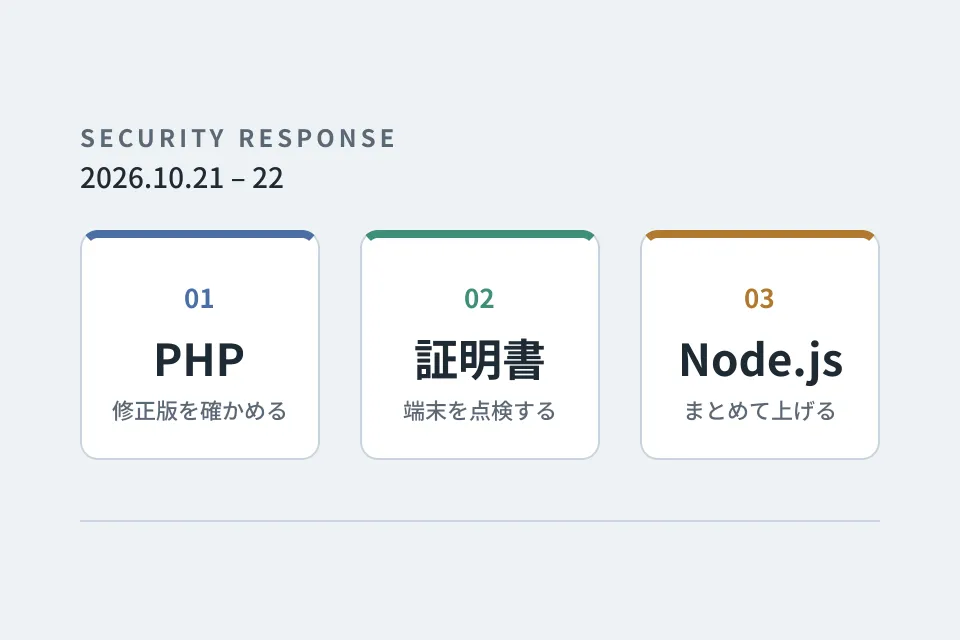
Looking back at
emergency vulnerability responses
PHP, certificates and Node.js. A record of the responses that overlapped on October 21–22, 2026, down to the steps we verified and the pitfalls we hit.
Checking providers' responsesInspecting certificates on devicesUpgrading multiple repositories at once
Read feature 
Improvement notebook for
growing your website
Forms, usability, and updates: tackling post-launch improvements one step at a time.
Form optimizationUI refinementsUpdates & operations
Read series