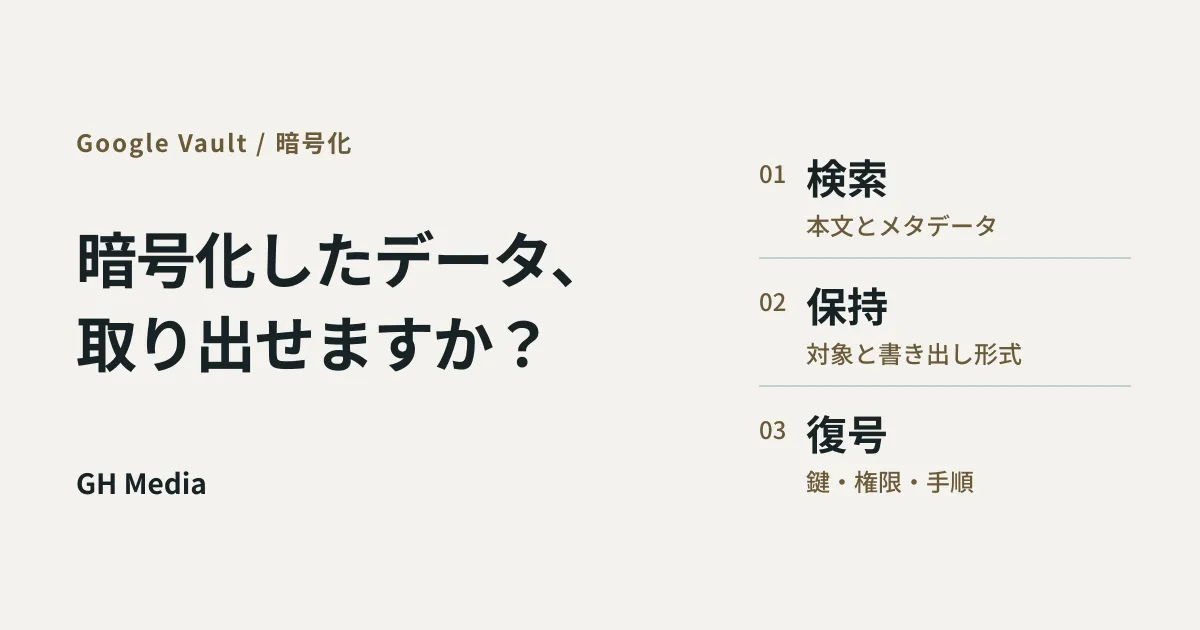
The day will eventually come when a client audit demands, "Produce all communications related to this project." Or suspicions of internal misconduct arise, requiring you to look back and review a specific individual's files. In those moments, those conducting the search rely on queries: searching for files by project name and exporting whatever surfaces.
However, in environments where client-side encryption (CSE) is deployed, you cannot search using project names written only in the document body. Project names located in unencrypted metadata, such as titles or email subject lines, serve as search clues. Because CSE keeps contents unreadable to Google, search mechanisms cannot read the body either. Retention, holds, and exports work without issue, yet the retrieval step differs completely from standard workflows. If you implement CSE without knowing this upfront, you will find yourself stuck on the day data is required.
The evaluation of whether you should implement CSE in the first place is detailed in Is CSE Necessary or Overkill for SMBs?, so this article exclusively addresses how to architect the exit strategy once the decision to adopt it has been made.
Clarify what works and what does not
First, let us dispel a common misconception. You do not need to worry that "encrypting files will exclude them from Vault."
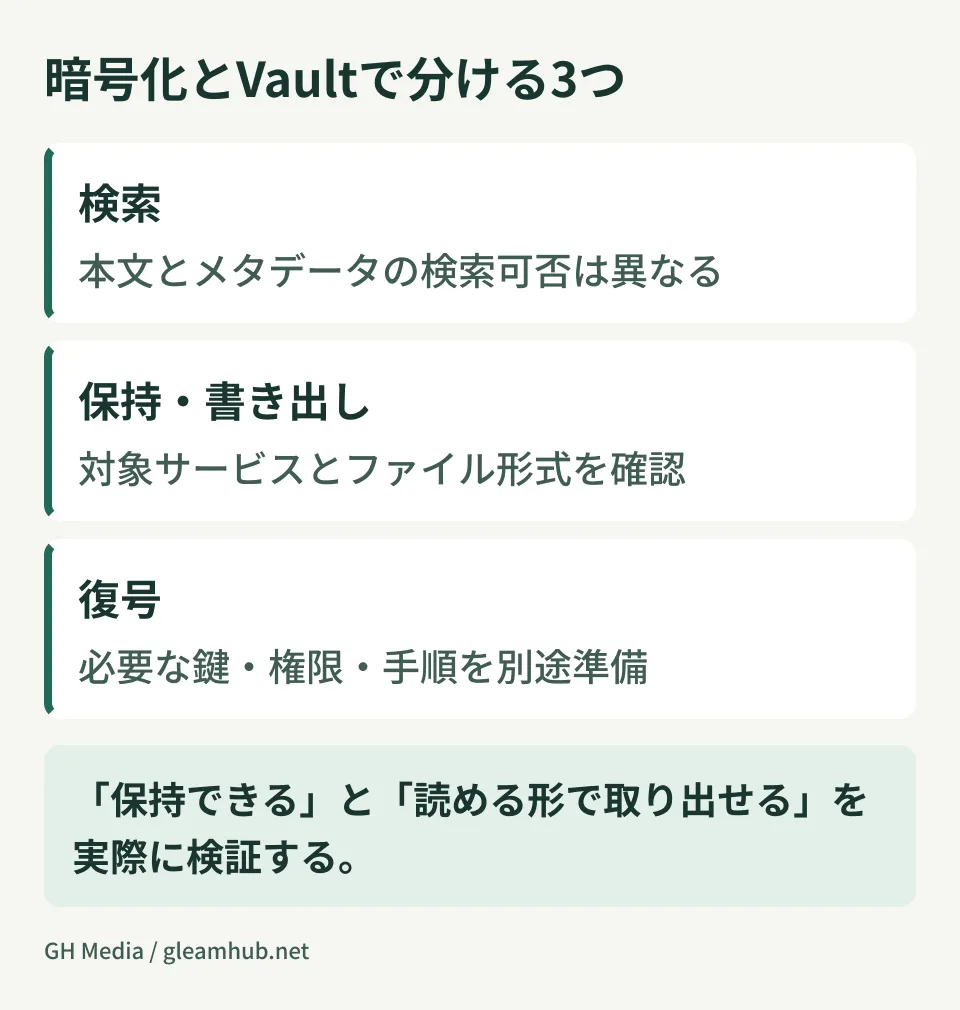
Vault can retain, place legal holds on, and export CSE-encrypted Drive files and Gmail messages just like any other data. Your retention policy design will not be broken.
What does not work is content search. Searching within Vault is restricted to metadata such as titles and owners. Queries will not match words written in the body text or values inside spreadsheet cells.
| Scope | Feature availability in CSE environments | Notes |
|---|---|---|
| Applying retention policies | Supported | Treated the same as other files |
| Legal holds | Supported | Target users and date ranges specified as usual |
| Searching by metadata | Supported | Titles, owners, etc. |
| Searching within body text and cell contents | Not possible | Unavailable (due to encryption) |
| Export | Supported | Exported in encrypted form |
The final row is also critical. Drive CSE files are exported in .gcse format. Gmail behaves differently: encrypted content is handled as S/MIME attachments, requiring separate verification procedures for mbox and PST formats. Handing them directly to lawyers or audit firms will not allow them to be opened. A separate decryption workflow is necessary.
Compensate for the lack of searchability using naming and storage locations
If you cannot search by content, your only option is to ensure files can be retrieved using externally visible information. This is not a technical configuration; it is a matter of establishing operational rules beforehand.
The following three practices are practically effective:
- Include project identifiers in filenames. A file named "Estimate_latest.xlsx" cannot be gathered on a per-project basis later. Establish rules to include project codes or client names in file names, and bake them into templates from the outset.
- Maintain a ledger mapping projects to storage locations. Manage project codes, owners, shared drives, and target file identifiers. While folder-level storage rules help organize records, they cannot always be applied directly as Vault search criteria. Verify which conditions are usable.
- Narrow down the scope of encryption. You do not need to apply CSE to everything. If you restrict it only to files whose content genuinely must be concealed even from Google, the rest can be full-text searched as before.
The third practice is the most powerful. The broader your CSE scope, the more your searchable domain shrinks. Because the scope of what you must protect is identical to the scope of what you can no longer search, decide these two together as a package. Saying "Let's just enable it company-wide for now" is the worst possible choice.
Designate who can decrypt data in advance
Exported .gcse files are opened using the client-side decrypter utility provided by Google. It is a command-line tool where flags specify identity provider (IdP) authentication credentials, the location of the encrypted files, and the output destination at runtime. Emails encrypted with S/MIME certificates are also covered.
The issue here is not how to use the tool. It is who is authorized to run it.
Because CSE relies on maintaining keys on the customer side (via an external key management service and an IdP), whether someone can decrypt files is determined not by Google Workspace administrator privileges, but by whether they have access to the keys. In other words:
- The person with authority to export via Vault
- The person with access to keys who can execute decryption
can be entirely different individuals. Arriving on the day of an audit only to discover that "files were exported but cannot be opened" routinely happens unless both roles are designed separately. Maintain separation of duties while establishing deputies and approval workflows for each role. There is no need to grant both privileges to everyone.
Offboarding employee data presents the same dilemma. When deciding how to handle offboarded accounts in a CSE environment, you must verify whether someone capable of decrypting those files remains after the account is deleted.
Verify once a year that data can actually be exported
Even with this level of design, you will not know whether it truly works until you test it. Run the end-to-end workflow using verification test data first, and then conduct regular checks aligned with your company's audit schedule.
The procedure is straightforward: select one test project, perform a metadata search in Vault, export the files, and carry the process through to decrypting and confirming the contents are readable. Record the elapsed time as well. This record becomes the objective basis when answering "We can produce it within N days" during audits or litigation.
Running the process almost always reveals discrepancies from your expectations—such as project code naming conventions changing midway so older records cannot be picked up, or the person authorized to decrypt having already left the company. As long as these issues are discovered before they cause trouble during an actual event, every single one can be fixed.
For pathways to export data out of Google Workspace in general, reviewing Organizing Export and Exit Strategies alongside this allows you to inspect whether you are in an export-ready state regardless of encryption.
What to do next
If you have already implemented CSE, first verify its scope of application. Check target users and applications, as well as the files and emails actually encrypted with CSE. Organizational units (OUs) where the feature is enabled do not necessarily match the scope of encrypted data.
If you are planning to implement it, reverse the order: first determine what must be produced and how when requested, and then encrypt the minimal scope necessary to satisfy those requirements. Following this sequence ensures you will not panic on the day of an audit.
At GleamHub, our complimentary IT and Google Workspace consultations assist with Google Workspace encryption and retention policy design, as well as assigning permissions and roles in anticipation of audit compliance. Available options depend on your current tier and key management setup, so please contact us via Contact Us.