Have you configured DLP rules to prevent data leaks, only to find in the admin console reports that the number of blocked events remains almost zero?
Zero incidents alone does not prove the rules are malfunctioning; there might simply be no violations. If the rules are conditioned on labels, verify whether target files actually have labels applied. DLP can also detect issues via body text patterns and other methods, so not all rules require labels.
Even if you establish a policy to apply labels like "Confidential" or "Internal Only," the person actually applying them is the author. Nobody consistently labels daily quotes and meeting minutes by hand. As a result, label-conditioned rules never fire. Drive data classification by Gemini serves to assist with this labeling process.
Without labels, downstream processes grind to a halt
Drive labels are not merely a feature for adding headings. Three downstream mechanisms rely on them:
| Use case | What happens without labels |
|---|---|
| DLP conditions | Rules like "prohibit external sharing for files labeled Confidential" will not fire |
| Retention rules | Distinctions like "retain contracts for 7 years" cannot be made |
| Audits and investigations | In an incident, files cannot be narrowed down by classification to see "what leaked" |
When conditioning on labels, in addition to classification, each rule, target scope, and license must also be configured. Simply having labels applied does not automatically complete your DLP or retention rules.
Automated classification mechanisms existed previously. However, because they required collecting labeled samples to train models, they were realistically out of reach for small and medium-sized businesses. Very few IT teams can produce 200 confidential quotes on demand.
What changed: "no longer needing to collect samples"
What arrived in this open beta is an approach where Gemini classifies files based on natural-language instructions written by administrators. The step of collecting training samples has been replaced by written classification descriptions provided by the administrator.
All you do is write the classification definition in plain text. For example, write it in your company's own terms, such as "Quotes and invoices containing client company names and monetary amounts are 'Internal Only'." This feels less like model training and more like codifying internal policies into writing.
This model changes the nature of the workload on IT teams. Previously, operations centered on "chasing down missing labels"; going forward, they will focus on "reviewing whether classification definitions match operational reality." Review cadence should be determined based on initial misclassification rates and document changes.
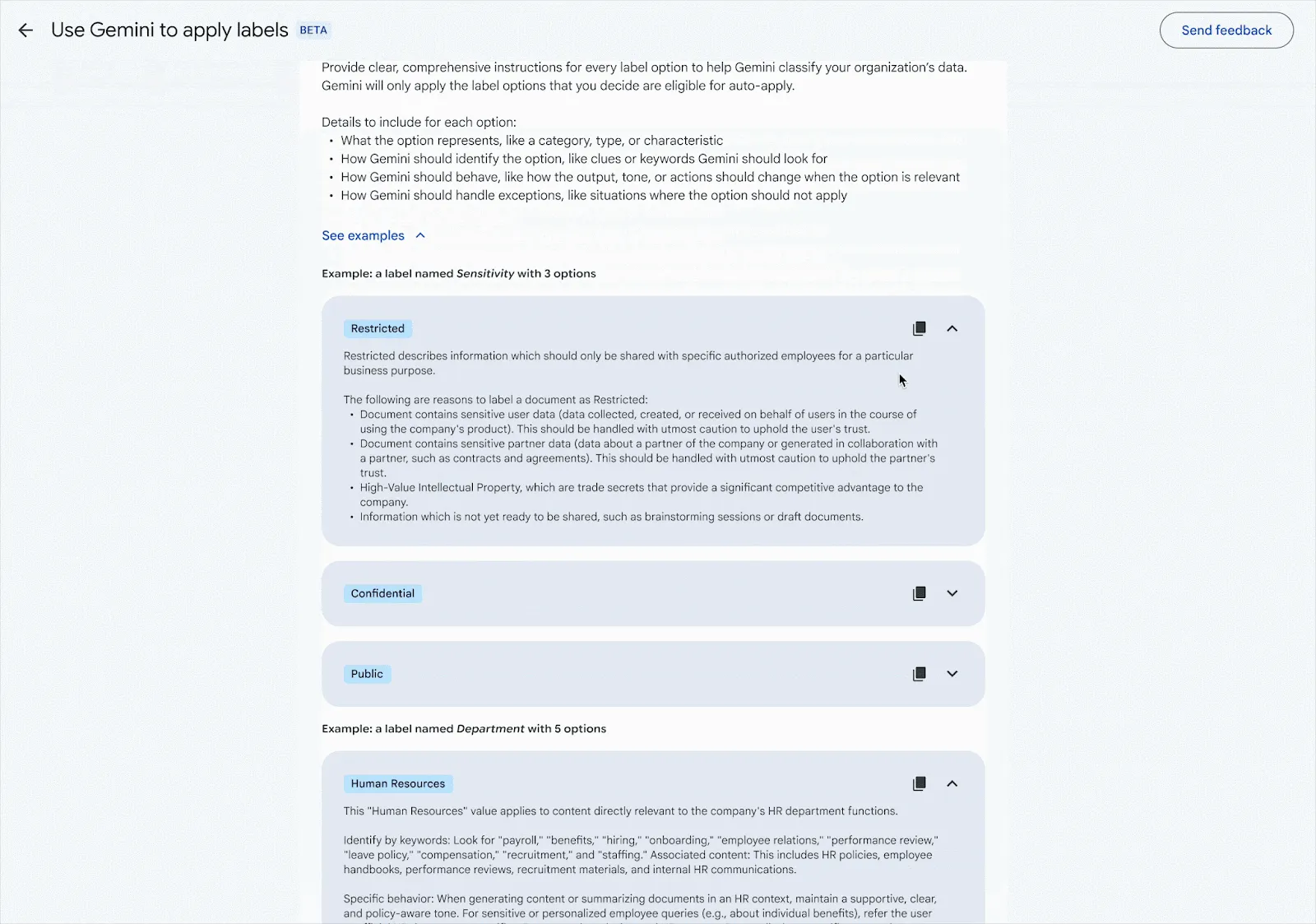
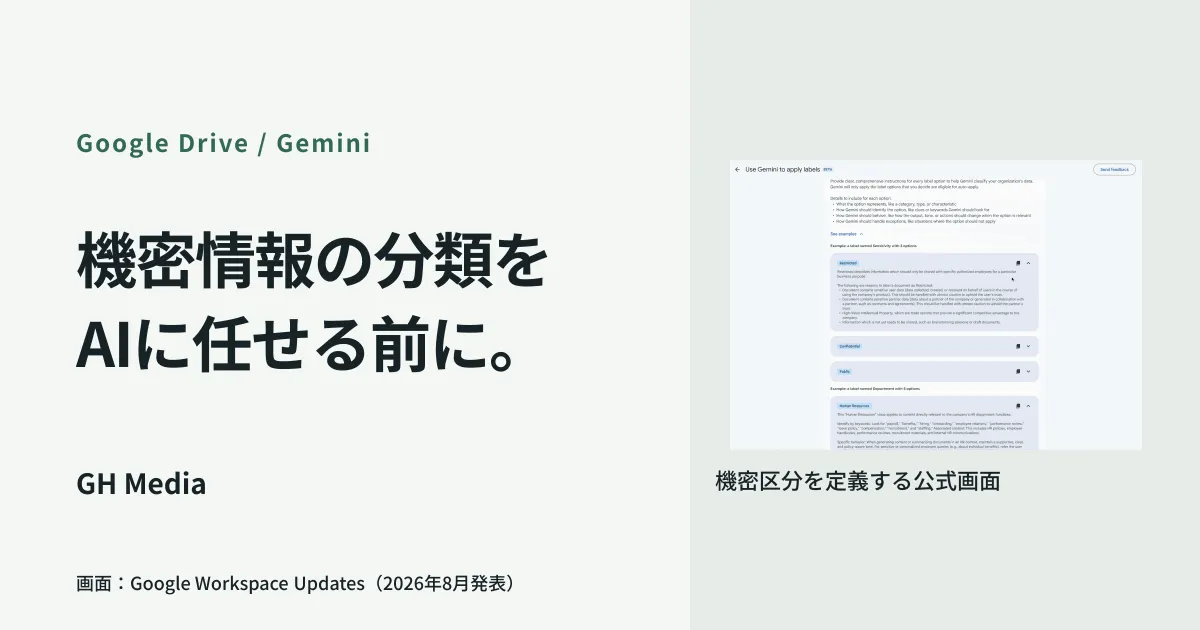
In the official demo, criteria are defined in text for each classification tier. The screen shows a scene from the demo video. Source: Google Workspace official documentation.
Rollout timeline and checks before starting
According to official announcements, both release tracks will see a phased open beta rollout, targeting completion by September 30, 2026. The target tiers are Enterprise Plus, Frontline Plus, and Google AI Pro for Education. Just because DLP is available does not guarantee access to this classification feature.
Before enabling it, verify the following three points:
- Does your edition support DLP? Even if labels are applied, downstream processes will not trigger if your DLP cannot use them as conditions. Limitations on Business plans and workarounds are summarized in Google Workspace DLP Is Unavailable on Business Plans. Start here.
- Where will you begin classifying? Making all company files the target at once leaves no one capable of verifying the initial results. Select a single department, evaluate definition accuracy there, and then expand.
- How many label schemas currently exist? Starting automated classification with more than 10 unused labels lined up will lead to disputes over which to consolidate into. Clean them up beforehand.
Operationalize assuming misclassifications "will happen"
When introducing automatic classification, a question always asked is: What happens if the wrong label is applied? This will happen. Design your operations under that assumption.
What works in practice is thinking separately about overly strict errors versus overly lenient errors.
When an internal label is mistakenly applied to a non-confidential file, the inconvenience falls on daily operations. An employee gets blocked from sharing, but it does not cause a security breach. Having a procedure to remove the label is sufficient.
Conversely, if a genuinely confidential file receives no label at all, security controls are completely bypassed. That is the real risk. That is why, even with automatic classification, you must not design systems where "unlabeled files can be shared externally." You need layered defenses through storage locations and sharing scopes, not just labels. Addressing the root issue of confidential files remaining in individual My Drive folders was covered in Are Company Files Left Up to Individuals?
Along with this, you need processes to avoid leaving rules unattended. Classification definitions become obsolete as business shifts. The mindset of not treating DLP as "set and forget" applies equally to classification definitions.
The order of expansion does not start with "old files"
Another decision point in practice is how to expand the scope. It is tempting to classify all historical files, but do not begin there.
The reason is simple: prioritizing old files purely by volume pushes high-risk documents to the back burner. Existing files may also see sharing permissions change if they become subject to DLP after classification. Volume alone balloons, and the stamina to verify initial results runs out.
In terms of sequence, it is practical to target newly created files for classification first, then apply it retroactively only to past files that are shared externally. Neglecting the former continuously compounds the problem, whereas the latter involves a finite number of files that can be prioritized. The exact procedure for listing external shares is a separate topic, so if you start there, complete that inventory first.
What to do next
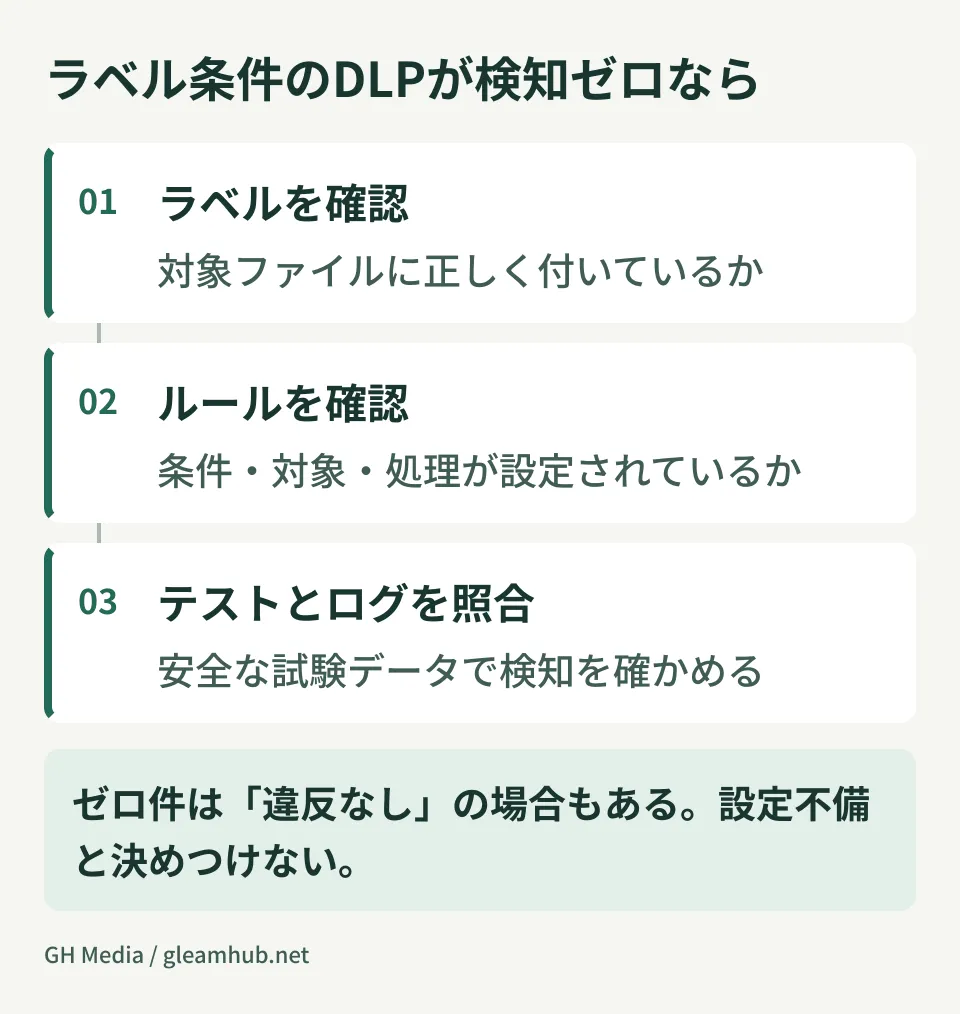
First, look at how many times your DLP rules fire per month. If it is close to zero, check in sequence: whether violations exist, the rule's target scope, audit-only settings, and whether label criteria are met. Verify using test files to see if detections occur as expected.
Next, designate who will write the classification definitions. The IT team cannot write these alone. The people who know which documents are confidential are the staff in sales and accounting. Who writes that definition sentence influences the outcome far more than operating the admin console.
At GleamHub, we assist with Google Workspace label design, DLP rule audits, and phased rollout of data classification beta features through our free IT and Google Workspace consultations. Because approaches vary based on your edition and current labeling practices, please consult with us individually. Reach out via Contact Us.