"We want employees to use AI, but we cannot have them accessing tools that read internal company data from personal laptops." Stalled by this single hesitation, an astonishing number of companies keep Gemini toggled completely off across the entire organization.
Progress stalls not from a lack of decision-making criteria, but because teams assume the only available options are binary: completely on or completely off. IT team administrators need justifiable rationale should an incident occur following enablement. When the console provides only "Allow" or "Block," choosing the safest, most restrictive path is the only logical choice.
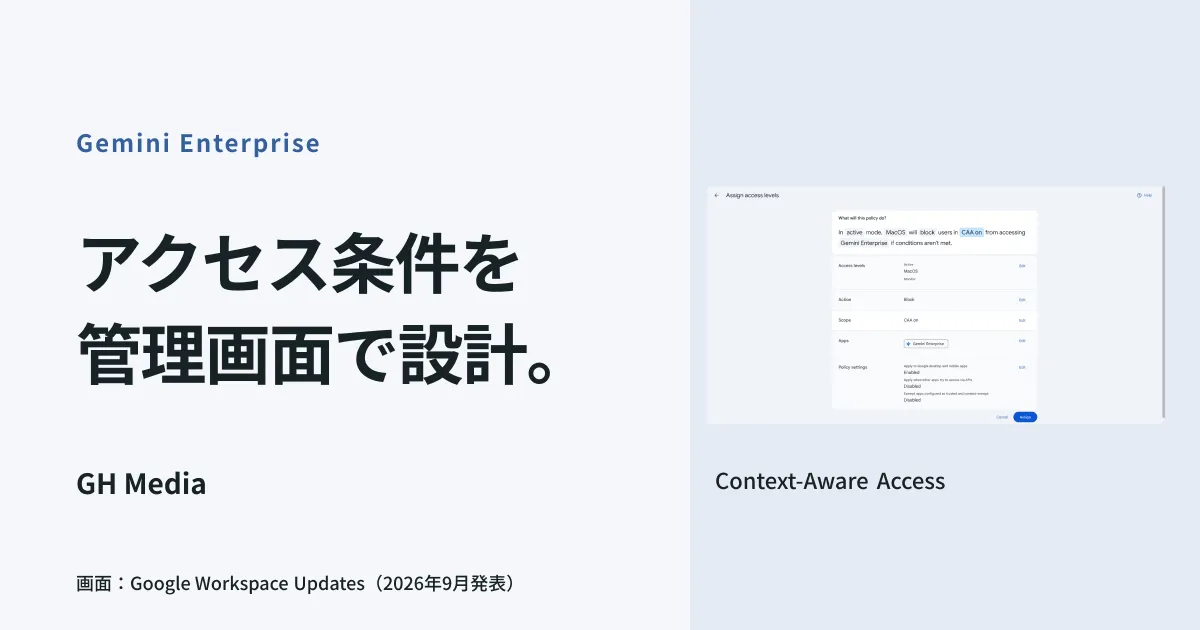
Beginning September 8, 2026, Context-Aware Access (CAA) policies can be assigned to Gemini Enterprise directly from the Admin Console. This configuration allows administrators to define "under what conditions access is permitted" rather than simply "who is permitted."
What does CAA evaluate?
Context-Aware Access has long been an established mechanism within Google Workspace, evaluating whether to allow application access based not only on user credentials, but on contextual telemetry at connection time.
Evaluation attributes include whether devices are company-managed, whether screen locks or disk encryption are active, and the geographic origin of the network connection. This release incorporates Gemini Enterprise as a supported target application under this framework.
Critically, attributes can be enforced on personally owned devices as well as company-managed devices. For organizations that do not enforce a blanket ban on BYOD, this forms the practical foundation for policy enforcement.
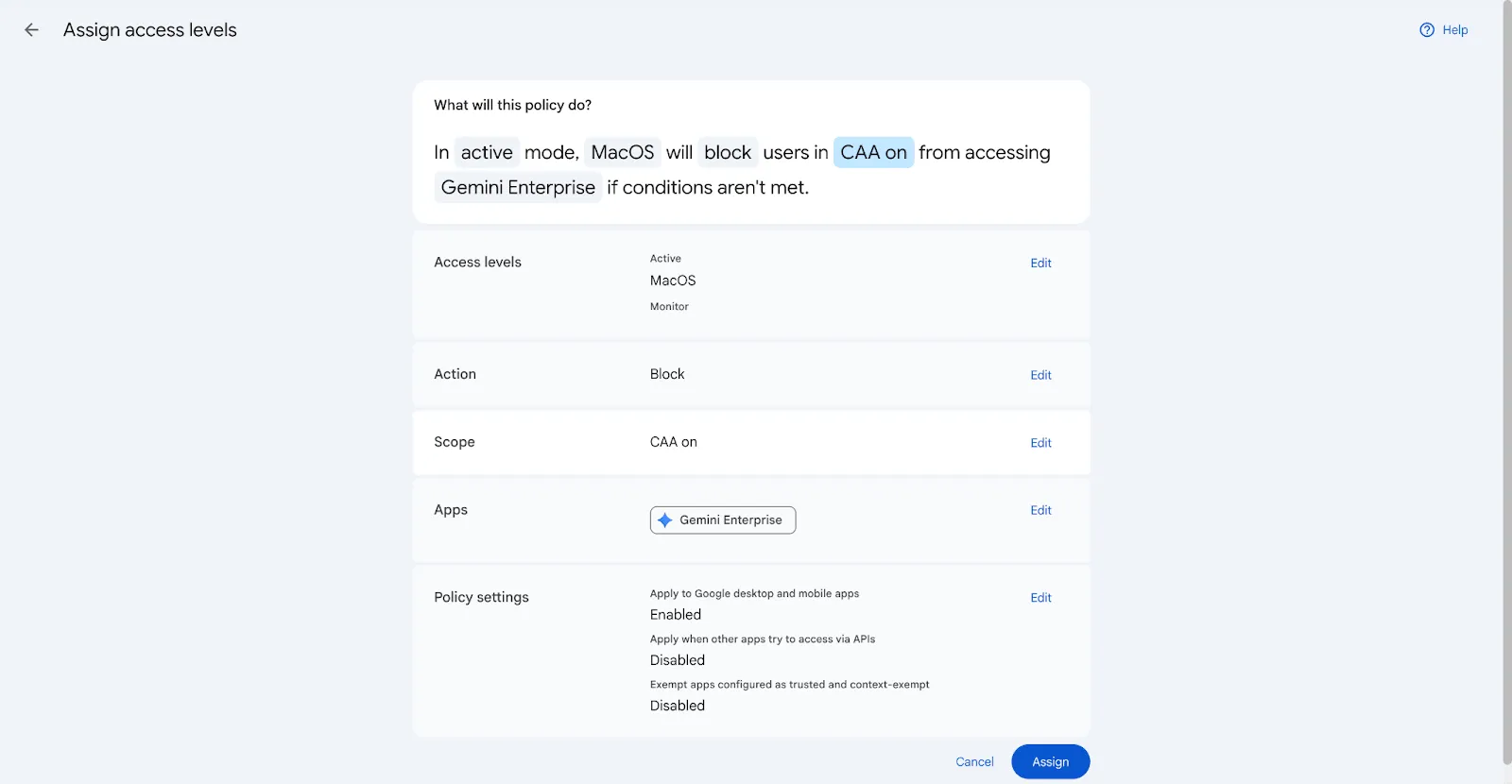
In official Google examples, administrators verify the access level, target application, and policy behavior before binding the rule. Source: Google Workspace official documentation.
Reusing existing access policies
Organizations already operating CAA policies for Gmail or Google Drive can begin by rebinding those identical policies to Gemini Enterprise. However, you should still verify whether those existing criteria suit the user base and access patterns specific to Gemini Enterprise.
Assignments can be scoped by Organizational Unit (OU) or Google Group, allowing granular, differentiated conditions across departments rather than a blunt company-wide rule.
Conditions you can specify instead of "leaving it off"
How you structure policies depends directly on the specific risks your organization fears. Mapping configurations to three common concerns yields the following setups:
Concerned about employees summarizing confidential files from personal laptops outside the office: Restrict access strictly to company-managed devices. Because access to Gemini Enterprise is blocked on personal hardware, pathways to pull company data through AI are severed at the perimeter.
No expected business access from overseas: Define geographical geofencing conditions restricting logins to specific countries. For organizations with traveling staff, exemptions can be granted selectively to frequent-travel business units.
Wary of devices accessing AI with unknown security posture: Require active screen locks and disk encryption as prerequisites. This condition provides concrete documentation if leadership asks what happens in the event of hardware loss or theft.
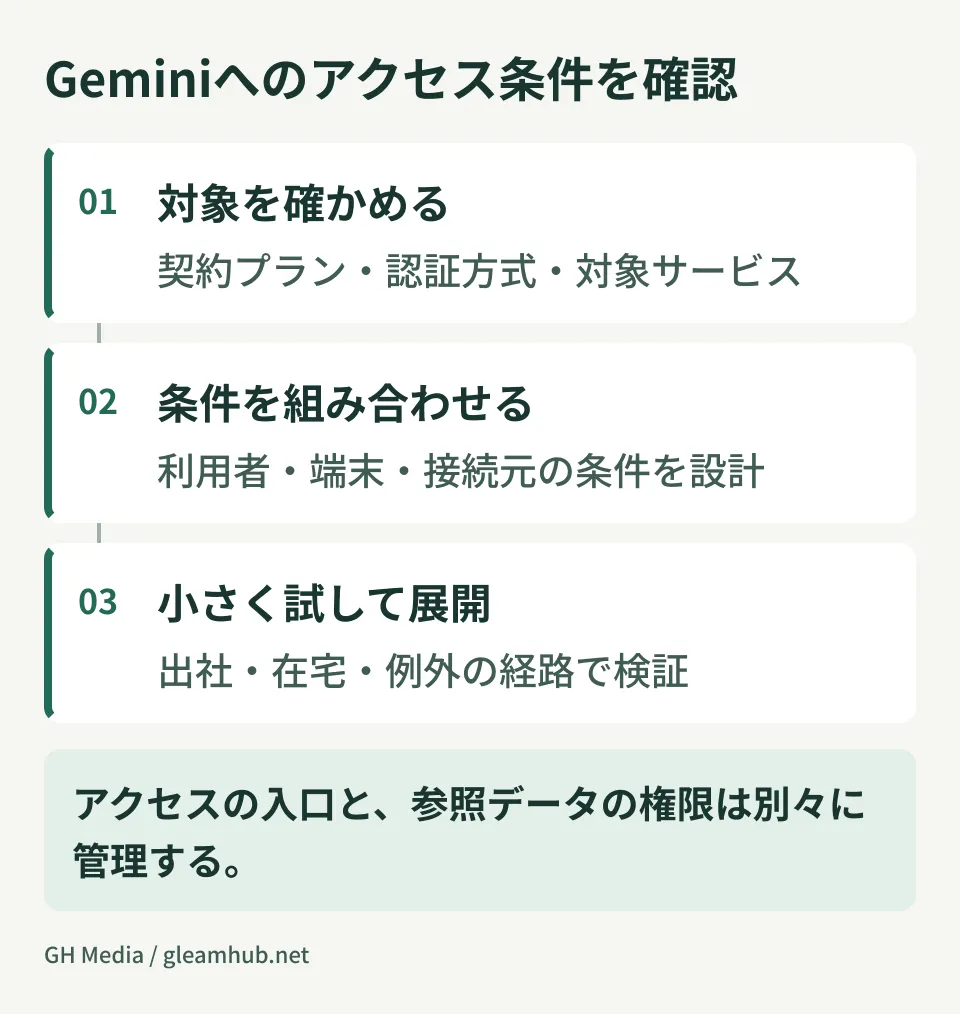
Prerequisites to verify before implementation
Both a Gemini Enterprise purchase and a qualifying Google Workspace edition are required. Supported base editions include Enterprise Standard / Plus, Education Standard / Plus, Frontline Standard / Plus, Enterprise Essentials Plus, and Cloud Identity Premium. Having access to standard Workspace Gemini features alone does not qualify. This announcement controls authentication to Gemini Enterprise via Google Sign-In.
The rollout is phased. Deployment commenced on September 8, 2026, taking up to 15 days for settings to appear within the Admin Console. If the options do not display in your dashboard, they may still be propagating rather than misconfigured.
Overly strict policies will disrupt normal business operations. Enforcing company-managed hardware requirements across the entire company at once can instantly lock out users relying on personal devices. Whether traveling employees on corporate hardware get locked out depends on combinations with IP restrictions or other parameters. The cardinal rule of security configuration is to apply changes in order of least disruption. Pilot within a single organizational unit, confirm there are no support tickets, and then expand.
Areas where access control alone is insufficient
CAA controls the "front door." What data users can read once authenticated is governed by distinct systems.
Data accessible by Gemini Enterprise depends on permissions, ACL synchronization, and connector settings on connected repositories. Consequently, tightening entrance controls while leaving internal file sharing wide open still allows authorized devices to query broad internal scopes. When evaluating Workspace protections, review supported apps and coverage under DLP and Drive labels that restrict AI ingestion. Do not assume the same controls apply universally across every Gemini Enterprise connector.
Auditing what prompts were entered after the fact also falls outside CAA. Because the administrative audit log coverage for Gemini usage continues to expand, separating your architecture into three distinct layers—perimeter entry, data access boundaries, and audit logging—simplifies overall governance design.
What to do next
If your company currently keeps Gemini disabled globally, write down the reason in a single sentence. It should be specific, such as "we fear personal laptops" or "we cannot govern connections from international branch offices."
If your stated reason maps to any of the context attributes above, it is a problem that can be handled through conditional access rather than a blanket ban. Banning tools completely without providing sanctioned alternatives preserves incentives for staff to turn to unmanaged shadow AI, which yields even less visibility for IT administrators.
GleamHub assists with designing contextual access rules per organizational unit, auditing existing CAA policies, and structuring data boundaries for AI through our free IT and Google Workspace consultations. Because deployment roadmaps depend on organizational size and device management state, project scopes are quoted individually. Please contact us via our inquiry form to schedule a discussion.