You booked a meeting room, yet half the attendees are waiting on another floor. At companies where people cannot tell the location without opening the body of the invitation email, mix-ups like this tend to happen on office days.
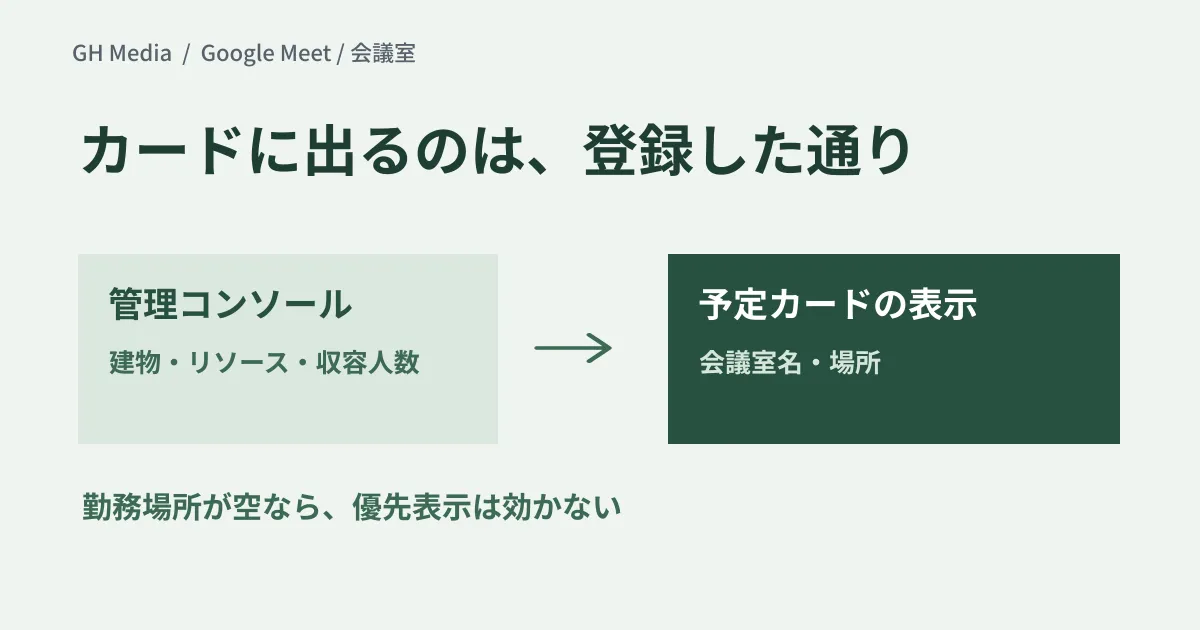
Meeting cards on the Google Meet homepage will show conference rooms and meeting locations. The feature rolls out gradually from September 14 for Rapid Release domains and from September 28 for Scheduled Release domains (up to 15 days for feature visibility), and it is available to all Google Workspace customers. There is no on/off setting for either admins or users, and the room details shown are filled in automatically from the buildings and resources already registered in the Admin console. In other words, the sloppier a company's records, the sloppier the display everyone sees.
Where and when it appears
According to the official announcement, rooms and locations are shown prominently on the cards for meetings in progress ("Happening Now") and meetings starting in less than 10 minutes ("Starting Soon"); for meetings further ahead, they appear when you hover over the card.
For meetings with rooms booked across several buildings or campuses, Google explains that the room metadata is compared with the user's working location in Google Calendar, and the room in that user's building is moved to the top and highlighted. Conversely, in an organization where nobody enters a working location, this prioritization does not work.
What to fix first is the registration data, not the room names
A common situation is that only internal shorthand such as "2F-A" or "No. 3" is registered. People from other departments, or who join from other sites, cannot make sense of it. Check the following in this order.
| Order | Registration item | What you often find |
|---|---|---|
| 1 | Buildings (name, address, floors) | No buildings registered; just a list of rooms |
| 2 | Resource naming rules | Site names missing, so rooms cannot be told apart from those at other sites |
| 3 | Category, capacity and features | Rooms and equipment mixed in the same list |
| 4 | Unused resources | Rooms from before an office move can still be booked |
| 5 | Users' working locations | Nobody has entered one, so prioritization does not work |
Fixing just items 1 and 2 makes the homepage display far more readable. It is practical to order names so that a first-time visitor will not get lost, for example "site + floor + room name + capacity."
Note that equipment such as projectors and company cars goes into the same resource list. If equipment is listed with the same naming as rooms, you cannot tell them apart on the booking screen or in the display. If you separate the categories so that only rooms read as places, new display features like this one are less likely to cause rework.
A better display does not fix the bookings themselves
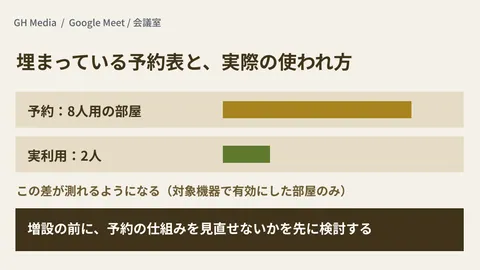
Showing the room does not guarantee that the booking reflects reality. Bookings left over after a recurring meeting was discontinued, and rooms held with no attendees, still appear as "today's events." The easier the display is to read, the more the gap with reality stands out. We cover cleaning up unused bookings in ghost bookings on resource calendars.
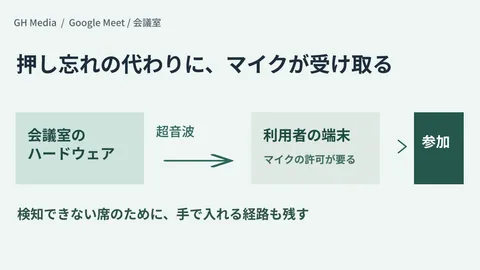
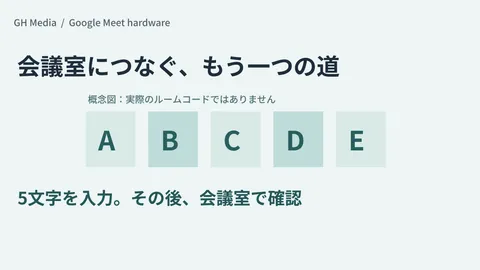
Connecting to the equipment after you reach the room is a separate matter from this display. We cover how to connect when nearby devices cannot be detected by ultrasound in 5-character room codes, and how to run the in-room devices in meeting room display mode.
Checks to prepare before the rollout
You cannot tell whether fixing the records worked until you see the actual cards. If you check in the following way, people outside the IT team can also take part in judging the results.
- Create a test event for the same time slot the next day that books two rooms at different sites
- Open the homepage as a user who has set a working location and as one who has not
- Record separately what is shown once the start is less than 10 minutes away and what is shown for events further ahead
- Read the room name aloud and check whether a first-time visitor could find the room from the name alone
This is a proposed check procedure, not the result of measurements carried out for this article. Fixing the records itself affects meetings that are already booked, so decide first on the time window for the changes and how you will notify people.
We checked the official announcement and the Admin Help Center through web searches on September 24, 2026, and organized this research article based on them. Changes to the records in the Admin console and checks of the display on the Meet homepage have not been carried out.
For an inventory of your meeting room resources or help designing how meetings work across sites, please consult GleamHub.