
Google Workspace253 articles
Deployment, sharing, permissions, and daily operations. A collection of articles related to Workspace.
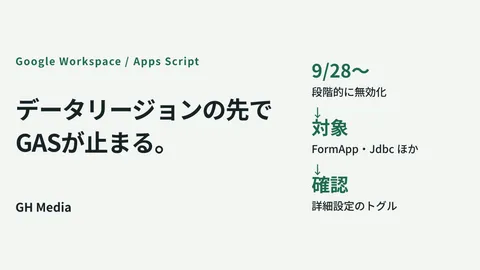
If you narrowed your data regions, Apps Scripts stop at the end of September

Sharing expirations end the era of "that file is still open to them"

Member additions you delegated to the field stop in January

Turning off Google Calendar response emails makes external RSVPs disappear
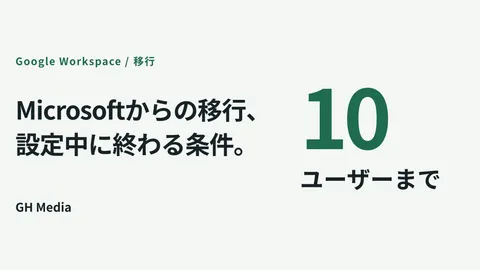
Google Workspace migration: which companies finish during setup

The Gemini Windows app: three things to decide before it lands on company PCs
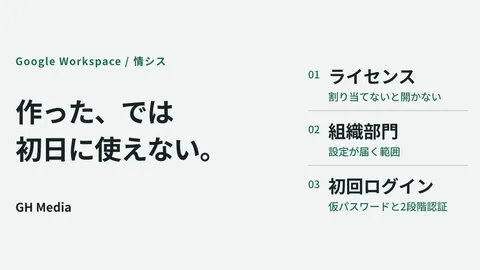
Preparing Google Workspace accounts so nothing is unusable on day one
What to do when asked to "produce everything" in an encrypted Workspace
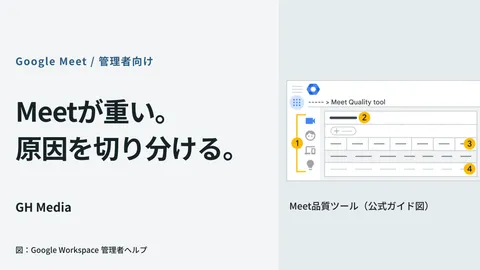
The first place administrators should look when Google Meet runs slowly
Now that the cell limit has doubled, define the line where you stop using spreadsheets
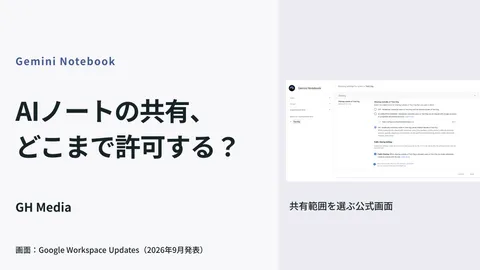
Four stages for administrators to answer: "Can we show our AI notes to external parties?"
Gemini is starting to build cross-functional materials: deciding where to store them first
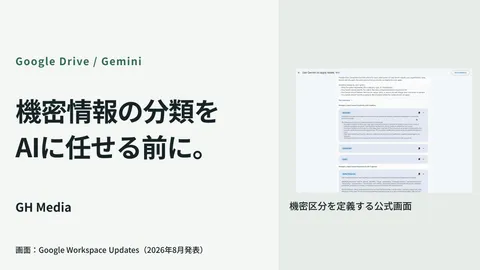
What to check when label-based DLP is not working
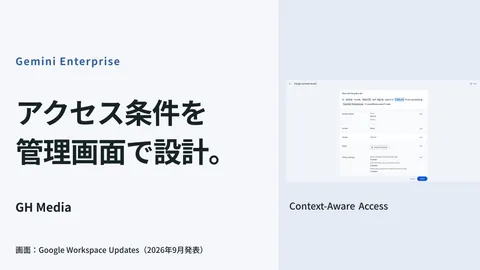
CAA configuration to restrict Gemini Enterprise access by device and location
Data volume and operational design that impact Google Workspace migration costs
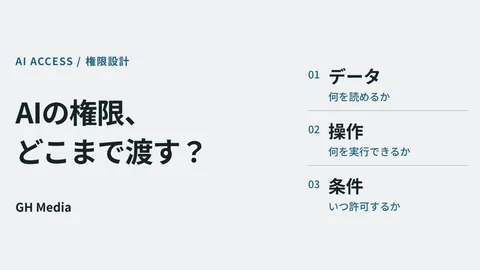
Permission design for AI agents: Separating files, operations, and execution conditions

Managing Google Workspace as a solo IT admin: What to outsource and what to keep in-house

Talking to your inbox: What administrators should decide first when using Gemini by voice

Why internal training video updates stalled 3 years ago

Stop repeating yourself every time with Gemini custom instructions

You don't need to replace dedicated meeting room Meet hardware just yet

A mass email saying "Please update" won't upgrade Chrome

Ensuring you can explain later what you fed into that AI notebook

Meet and Teams interoperability: Companies that benefit and those that don't

A sentence no one uttered remains in the meeting minutes: standard boilerplate created by automatic transcription during silence
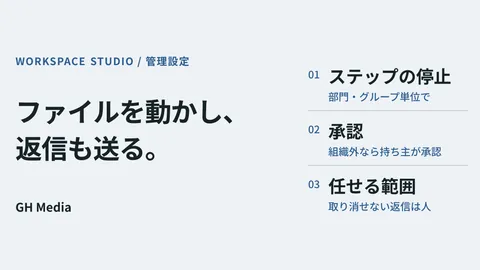
Workspace Studio moves files and sends replies — two admin settings and what to delegate

Google Pics is on by default: what to decide before employees start generating images

Migrate three years of Teams conversations to Google Chat or leave them behind?

Migrating OneDrive files is handled entirely in the Admin Console: leaving only the design work

The Option of Office Software Free of AI: Reassessing Selection Through LibreOffice 26.8

Gemini's answers became "interactive diagrams" — What to decide before using them for internal explanations

Preventing files from becoming unopenable once encrypted: Drive CSE preview support

Hiding Google Chat Member Lists — Designing Spaces with External Participants

"I read it" isn't proof: Generating automated quizzes with Forms

Blocking someone on Google Calendar stops their Gmail messages too

When Google Calendar invites make Teams meetings awkward to join

Identical requests generating different wording depending on who handles them

You have permission, but there are files you don't want AI to read

On the day you cancel your contract, can you take 10 years of email with you?
Showing 41–80 of 253 articles
Turning concepts into design.
Development Environment↔AI Models
Access Permissions · Data · Logs
Building an environment
to use AI internally
Internal data, development environments, and access permissions. Advancing adoption concepts into concrete technical reviews.
Compare approachesOrganize implementation requirementsTest on a small scale
Read feature 
Google Workspace
administration basics
Resolving administrator uncertainties from rollout to sharing and permissions.
Pricing & rolloutSharing rulesPermissions & security
Read feature 
Getting started with AI
at work
Selecting tasks to delegate, experimenting on a small scale, and operating safely.
How AI worksTesting in workflowsSafe usage
Read feature 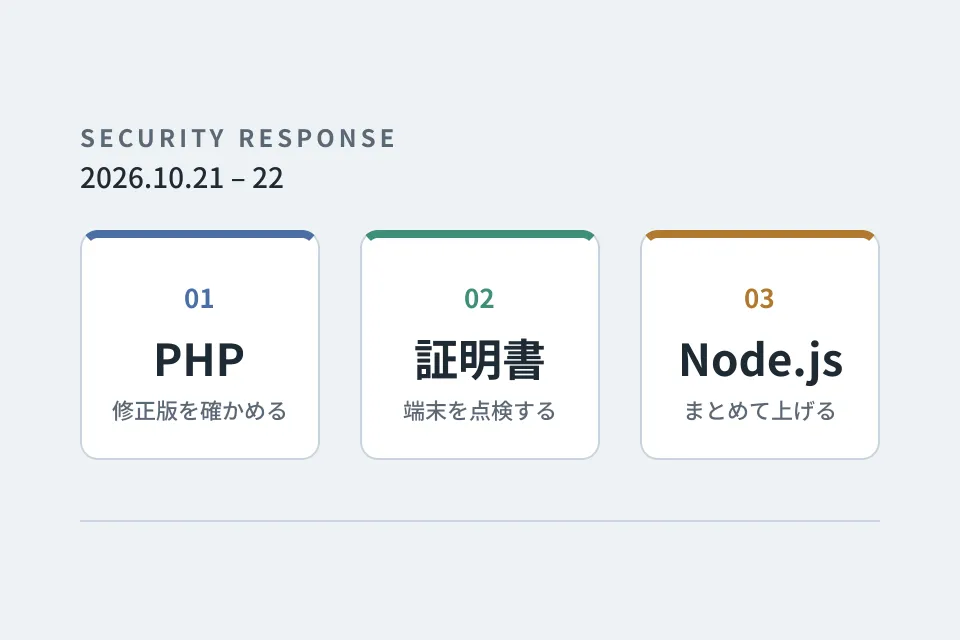
Looking back at
emergency vulnerability responses
PHP, certificates and Node.js. A record of the responses that overlapped on October 21–22, 2026, down to the steps we verified and the pitfalls we hit.
Checking providers' responsesInspecting certificates on devicesUpgrading multiple repositories at once
Read feature 
Improvement notebook for
growing your website
Forms, usability, and updates: tackling post-launch improvements one step at a time.
Form optimizationUI refinementsUpdates & operations
Read series