
Google Workspace93 articles
Deployment, sharing, permissions, and daily operations. A collection of articles related to Workspace.
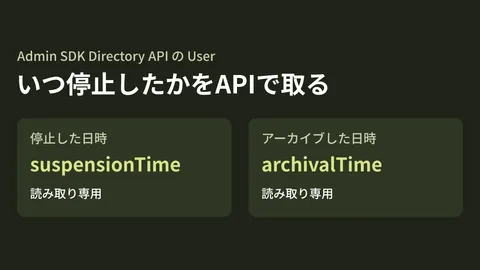
Getting departed employees' account suspension dates via API: a new Admin SDK field

Dedicated Workspace accounts for AI: what admins should decide first

Taking inventory of shadow AI with the Chrome Management API

Google Groups: checking who can add external members via the API

Chat API can now return sender email addresses: conditions and caveats
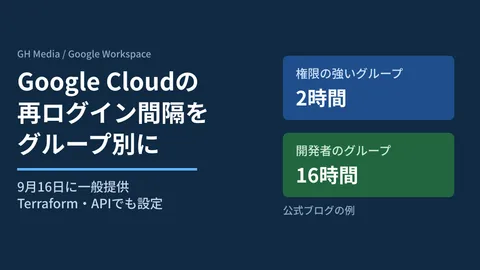
Setting Google Cloud reauthentication intervals by group

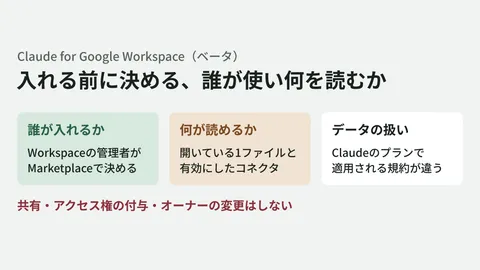
Claude's Gmail and Drive connectors: approving sends and shares
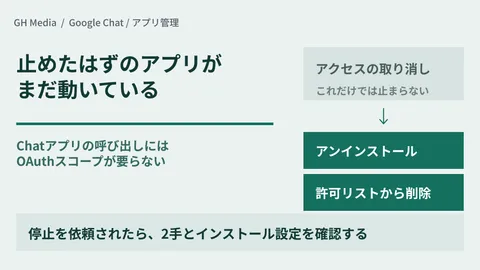
"Revoke access" doesn't stop Chat apps — the two steps you need

Importing PowerPoint while keeping it encrypted — conversion to Slides is now in beta
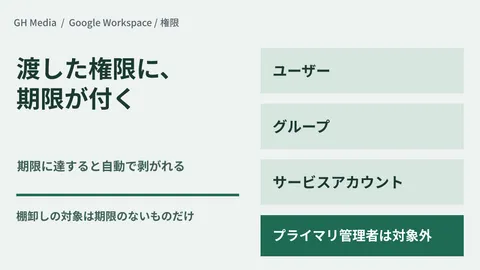
The admin privileges you lent out don't come back — temporary roles are the answer

Conversations at client sites turn straight into material for internal notebooks
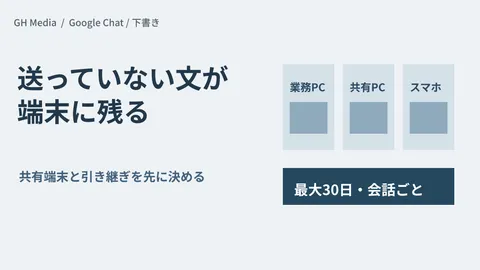
Google Chat drafts remain on every device — what to check for shared devices
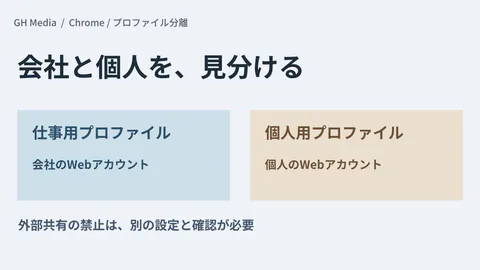
Separating Work and Personal Profiles in Chrome — Reducing Operational Mistakes Through Profile Separation

When AI Summaries Don't Appear in Gmail Search — Checking Language, Subscription, and Admin Settings
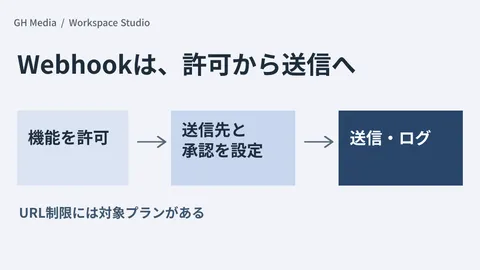
Before Permitting Workspace Studio Webhooks — Determining Destinations, Approvals, and Logs

Gemini Third-Party Connectors Enabled by Default — Reviewing Usage Permissions and Connection Authorizations Separately
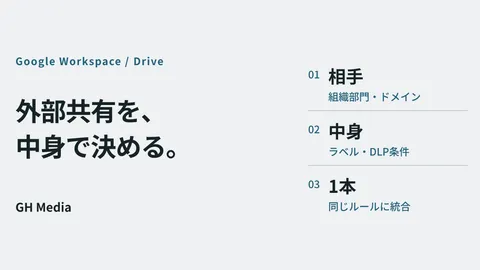
External sharing in Drive: deciding “who” and “what” in a single rule
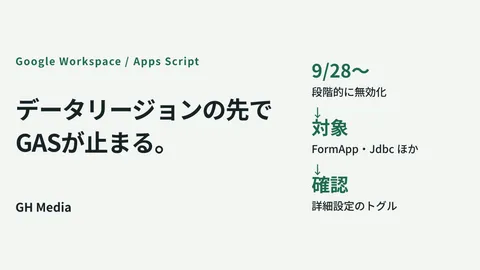
If you narrowed your data regions, Apps Scripts stop at the end of September
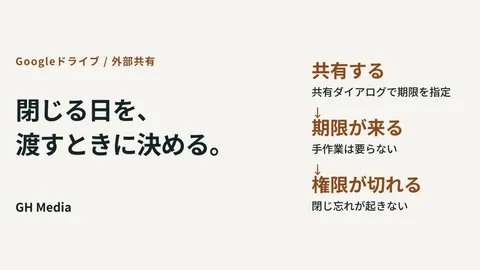
Sharing expirations end the era of "that file is still open to them"

The Gemini Windows app: three things to decide before it lands on company PCs
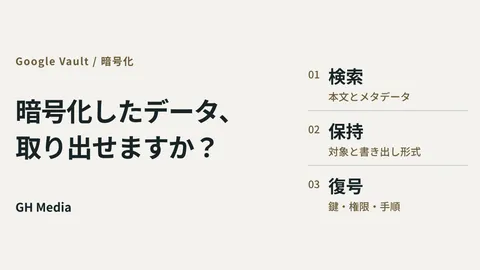
What to do when asked to "produce everything" in an encrypted Workspace
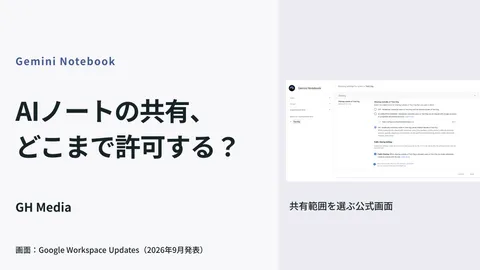
Four stages for administrators to answer: "Can we show our AI notes to external parties?"
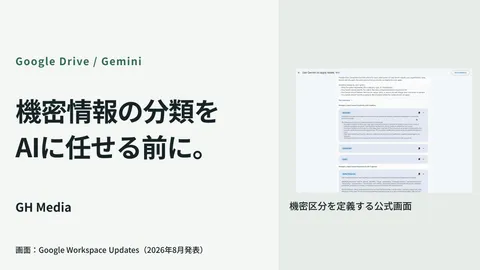
What to check when label-based DLP is not working
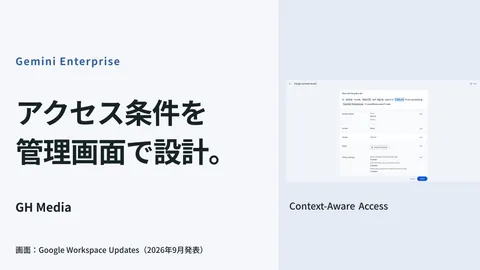
CAA configuration to restrict Gemini Enterprise access by device and location
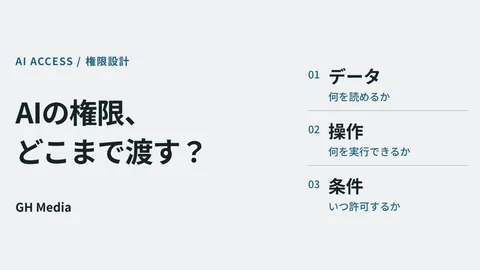
Permission design for AI agents: Separating files, operations, and execution conditions

Talking to your inbox: What administrators should decide first when using Gemini by voice

A mass email saying "Please update" won't upgrade Chrome

Ensuring you can explain later what you fed into that AI notebook

Google Pics is on by default: what to decide before employees start generating images

The Option of Office Software Free of AI: Reassessing Selection Through LibreOffice 26.8

Preventing files from becoming unopenable once encrypted: Drive CSE preview support

Hiding Google Chat Member Lists — Designing Spaces with External Participants

You have permission, but there are files you don't want AI to read

How Many Files Are Exposed Externally? — Auditing External Drive Sharing

Do Your Allowed Domains Still Include Companies You No Longer Do Business With?

Audit log actors will no longer be limited to humans: Stripping permissions per flow

Workspace Studio's new management settings: Halting only external-bound actions

Meet turns in-person sales talks into minutes: Before the desk smartphone becomes a recording device

Meet minutes capture shared presentation slides as images: Who you can share with changes
Showing 1–40 of 93 articles
Turning concepts into design.
Development Environment↔AI Models
Access Permissions · Data · Logs
Building an environment
to use AI internally
Internal data, development environments, and access permissions. Advancing adoption concepts into concrete technical reviews.
Compare approachesOrganize implementation requirementsTest on a small scale
Read feature 
Google Workspace
administration basics
Resolving administrator uncertainties from rollout to sharing and permissions.
Pricing & rolloutSharing rulesPermissions & security
Read feature 
Getting started with AI
at work
Selecting tasks to delegate, experimenting on a small scale, and operating safely.
How AI worksTesting in workflowsSafe usage
Read feature 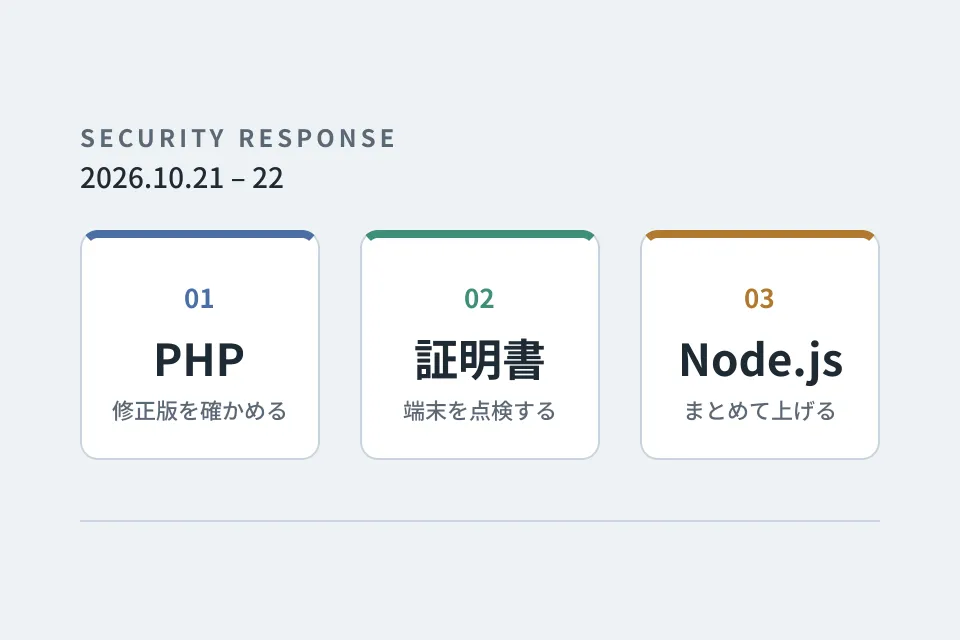
Looking back at
emergency vulnerability responses
PHP, certificates and Node.js. A record of the responses that overlapped on October 21–22, 2026, down to the steps we verified and the pitfalls we hit.
Checking providers' responsesInspecting certificates on devicesUpgrading multiple repositories at once
Read feature 
Improvement notebook for
growing your website
Forms, usability, and updates: tackling post-launch improvements one step at a time.
Form optimizationUI refinementsUpdates & operations
Read series